INITIAL SELF TEST FOR TRAILSAFE
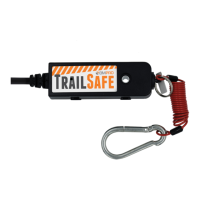
1. Before starting, ensure TrailSafe Pull Pin is in place.
2. Power up TrailSafe from 12V battery as per wiring instructions. Then the LED
will display Continuous Flashing PURPLE, indicating 1st stage of calibration is in
progress for up to 5 minutes.
3. When 1st stage is completed, the LED will display Solid PURPLE. User is required
to pull the safety pin out. Then the LED will display Continuous Flashing PURPLE
again, indicating 2nd stage of calibration is ongoing for up to 1 minute.
4. Upon completion, LED will display Solid PURPLE again. At this stage, put pull pin
back in. Then one of the Status Indicators will light up. See Indicator section for
details.
IN-CAR MONITOR
If in-car monitor is used, it should be located so that it is visible to the driver.
Refer to the Wireless monitor TrailCheck manual for more details.
10


 To Next Page