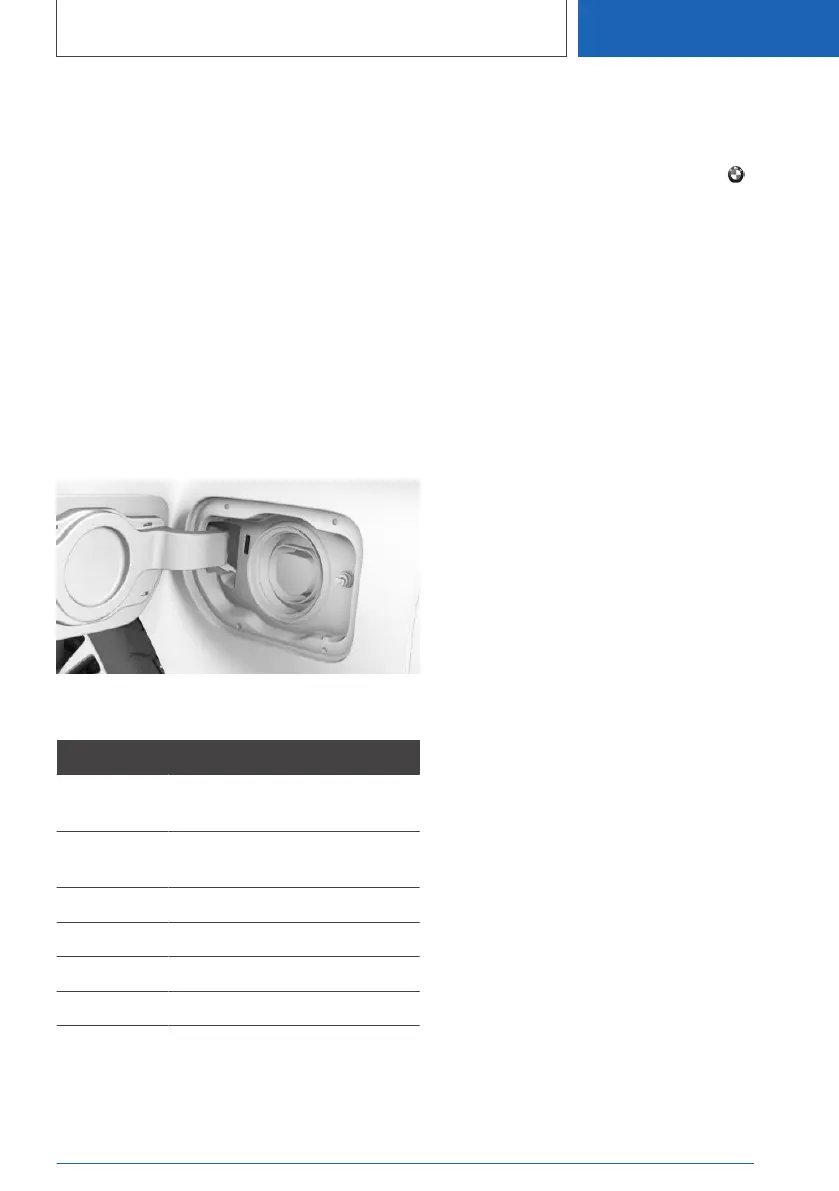
Connecting a charging cable, see page 359.
7. Lock the vehicle if necessary.
The charging cable is automatically locked if all
the general conditions are complied with, for ex‐
ample the AC charging station has authorised
the charging. Charging can only be started if the
charging cable is locked. If the charging cable is
not locked, pull off the charging cable if it is not
already disconnected, and reconnect it.
Charging status display
Indicator lamp on the charge point
The charging status for charging with a charging
cable is indicated by the charging socket indica‐
tor lamp.
Charge state
Light Charge state
White Charging cable can be connec‐
ted or removed.
Flashes yel‐
low
Charging process is being pre‐
pared.
Blue Charging process paused.
Flashes blue Charging process active.
Flashes red Fault in charging process.
Green Charging process completed.
The indicator lamp is no longer illuminated after
some time when the vehicle is locked.
The blue indicator lamp flashes continuously
while the vehicle is unlocked. The other indicator
lamps are extinguished after some time.
To check the charge state, press the button
on the vehicle key. The charge state is shown on
the indicator lamp. The vehicle may be locked.
Additional messages about the charging status
can be displayed in the instrument cluster, on the
BMW display key or via the BMW Connec‐
ted app on a smartphone.
Planning to charge
General
Charging can be adapted to boundary condi‐
tions, for example, electricity costs, available
electricity source or low ambient temperature.
The vehicle controls the charging so that the
charging is completed if possible by a departure
time. To do so, a departure time must be set.
The following functions are available:
▷ Charge immediately.
▷ Charge in the time window.
If the drive-ready state is switched off, changes
can be made using iDrive. Settings for standing
air conditioning and loading process are accep‐
ted for planned departure times too.
1.
Switch off drive-ready state.
2. "Charge immediately once"
For further information:
Departure time, see page 363.
Setting the charging mode
1.
"CAR"
2. "Plan charg./climate"
3. "Charging mode:"
4. Select the desired settings:
▷ "Charge immediately": charging starts as
soon as the charging cable is connected.
Seite 361
Charging vehicle
MOBILITY
361
Online Edition for Part no. 01405A1EA53 - X/20



 To Next Page