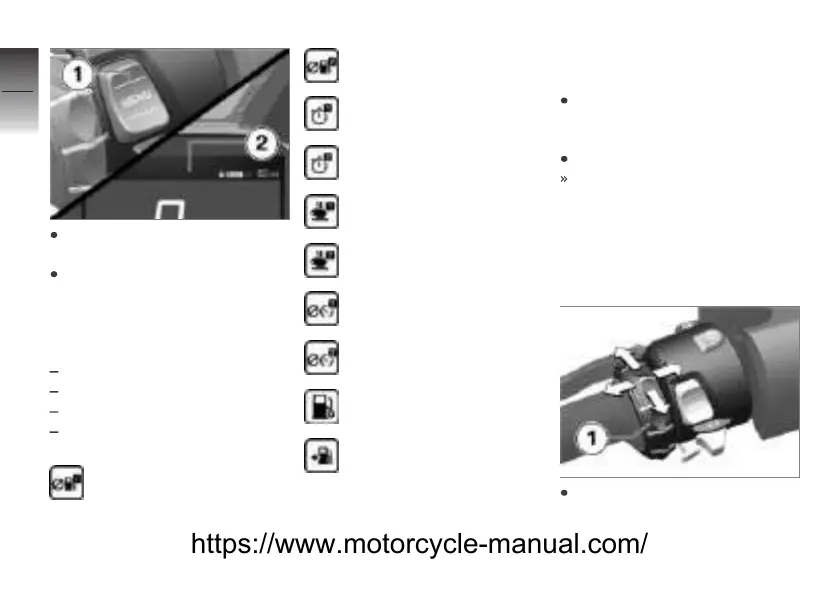
Press and hold button 1 to
display the Pure view.
Press button 1 briefly to select
the value in the upper status
line 2.
The following values can be indi-
cated:
Odometer Total
Trip distance 1 Current
Trip distance 2 Current
Current fuel consumption Con-
sumption
Average fuel consump-
tion 1
Average fuel consump-
tion 2
Riding time 1
Riding time 2
Inactive period 1
Inactive period 2
Average speed 1
Average speed 2
Fuel gage.
Range
Selecting the content of
the rider info status line
Call up menu Settings,
Display, Status line
content.
Turn on desired displays.
You can switch between the
selected displays in the rider
info status line. If there are no
displays selected, then only the
range is displayed.
Making settings
Select desired settings menu
and confirm.
5
90
z
TFT display
https://www.motorcycle-manual.com/


 To Next Page