G12�Driver�Assistance�Systems
14.�Night�Vision
64
14.2.�Operation
Night�Vision�is�automatically�switched�on�every�time�the�vehicle�sets�off�when�it�is�dark.�The�warning
functions�are�therefore�issued�irrespective�of�the�view�on�the�central�information�display.�The�driver
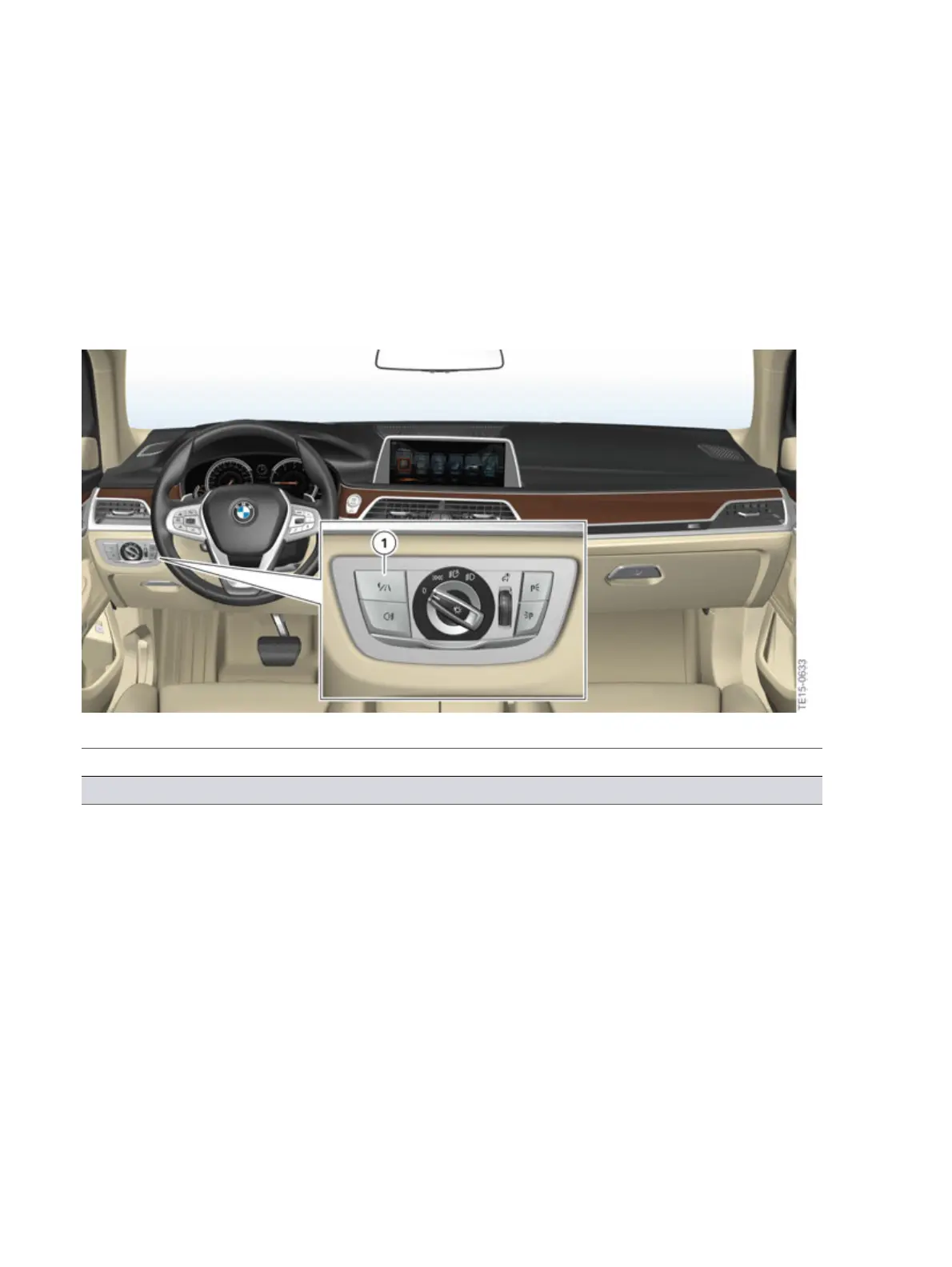
can�switch�the�Night�Vision�camera�display�on�the�central�information�display�on�and�off�by�pressing
the�Night�Vision�button�in�the�light�operating�unit.
It�is�also�possible�to�set�the�brightness�and�contrast�of�the�Night�Vision�display�via�the�iDrive.
G12�button�for�thermal�imaging�camera/Night�Vision
Index Explanation
1 Night�Vision�button



 To Next Page