G12�Driver�Assistance�Systems
15.�Cameras
69
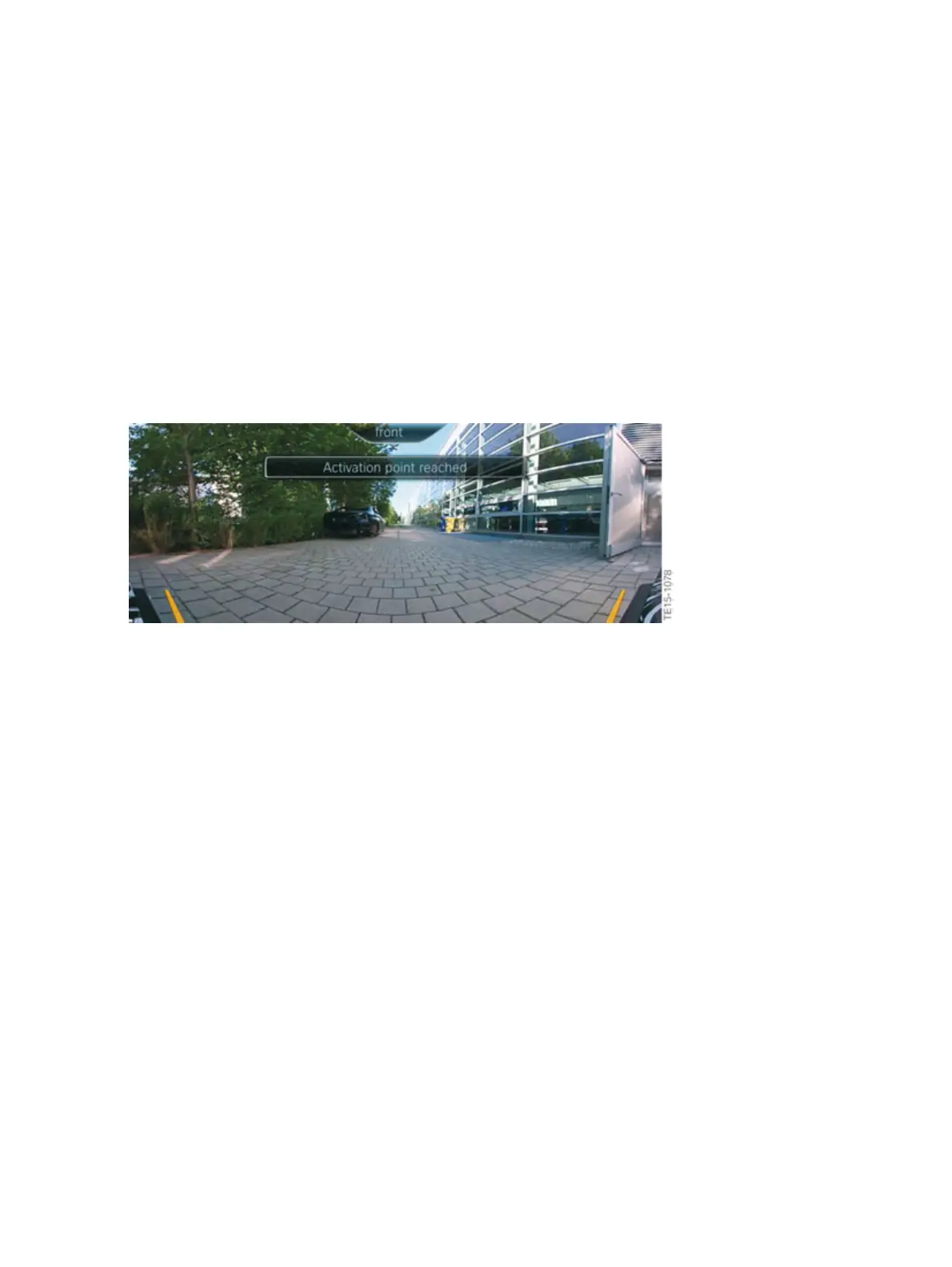
Yellow�lines�in�the�screen�display�mark�the�front�and�rear�ends�of�the�vehicle.�The�camera�image�is
badly�distorted�in�some�areas�and�is�therefore�not�suitable�for�estimating�distances.
The�function�can�be�activated�using�the�Panorama�View�button.�Press�the�button�again�to�deactivate
the�function.�The�Panorama�View�function�is�automatically�deactivated�at�speeds�above�approximately
15km/h.�Panorama�View�is�also�deactivated�after�a�drive�position�change�(from�"D"�to�"R"�or�the
opposite).
Panorama�View�(GPS-based)
The�GPS-supported,�automatic�activation�of�the�Panorama�View�function�has�been�implemented
in�the�G12.
G12�automatic�switch�on�at�a�set�activation�point
Positions,�at�which�the�Panorama�View�should�switch�itself�on�automatically,�can�be�saved�as�activation
points,�provided�that�a�GPS�signal�is�received.�A�maximum�of�ten�activation�points�can�be�saved�for�the
front�camera.
To�save�the�activation�points,�the�driver�must�proceed�as�follows:
Stop�after�reaching�the�place�where�the�Panorama�View�should�switch�itself�on�automatically.
Press�the�Panorama�View�button�and�then�tilt�the�controller�to�the�left.�Then�select�"Add�activation
point"�(the�current�position�is�displayed)�and�confirm�by�selecting�"Add�activation�point".



 To Next Page