Displays in the instrument
cluster
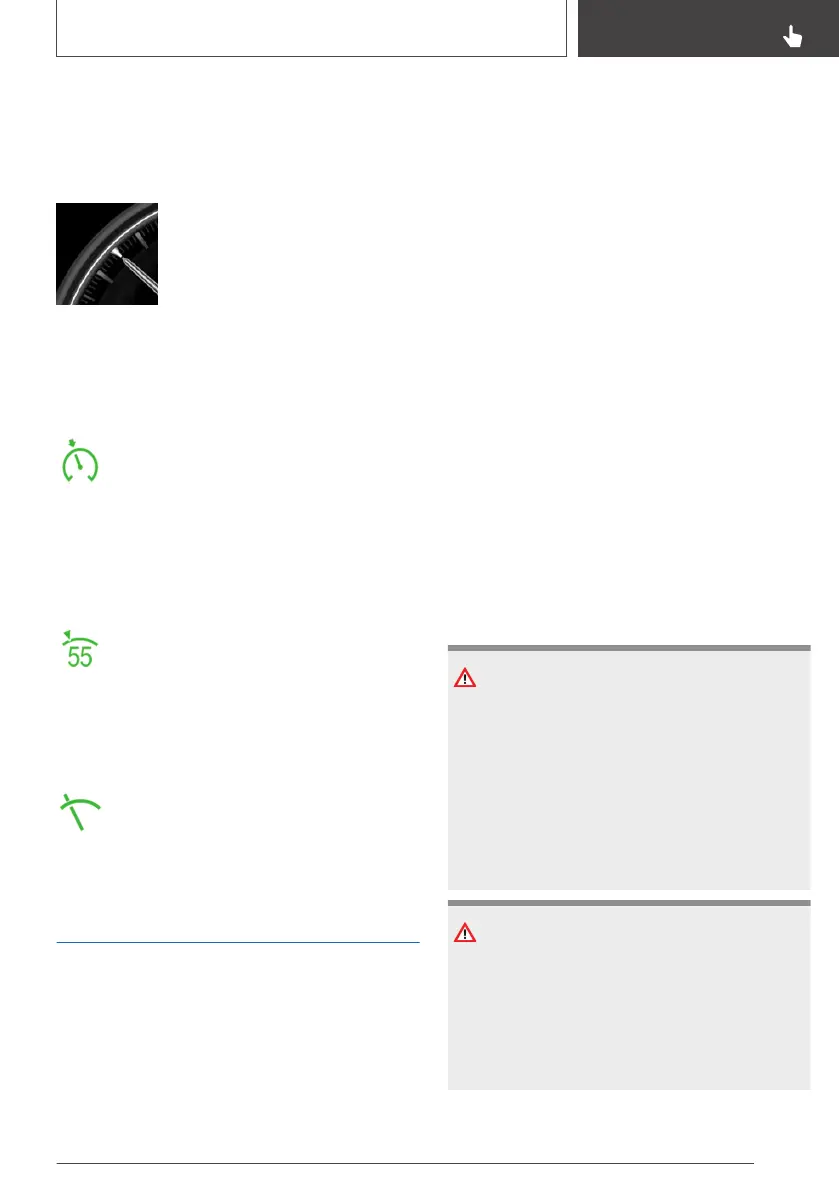
Display in the speedometer
▷ Green indicator: system is ac‐
tive, the indicator shows the
desired speed.
▷ Orange/white indicator: sys‐
tem is interrupted, the indica‐
tor shows the saved speed.
▷ No marker: system is switched off.
Indicator lamp
▷ Green indicator lamp: the system is
active.
▷ Grey indicator lamp: the system is in‐
terrupted.
▷ No indicator lamp: the system is switched off.
Status display
The selected desired speed is hidden af‐
ter a short time.
Displays in the Head-Up Display
Some information from the system can also be
shown in the Head-Up Display.
The symbol is displayed when the set
desired speed has been reached.
Active Cruise Control with
Stop & Go ACC
Principle
This system allows you to set a desired speed
and a desired distance from the vehicle in front,
using the buttons on the steering wheel.
When the road ahead is clear, the system main‐
tains the desired speed by braking or accelerat‐
ing the vehicle automatically, as required.
If there is a vehicle driving in front, the system
adapts your own vehicle's speed in order to
maintain the set distance from the vehicle ahead.
The speed is adapted as far as the given situa‐
tion allows.
General
A radar sensor is fitted in the front bumper and a
camera on the rearview mirror for detecting vehi‐
cles driving in front.
Characteristics of Cruise Control may change in
certain areas depending on vehicle setting.
The distance can be set in several stages, and is
dependent on the particular speed for reasons of
safety.
If the vehicle ahead brakes to a standstill and
sets off again shortly afterwards, the system can
comprehend this within the given context.
Safety notes
WARNING
The system does not relieve you of your per‐
sonal responsibility to assess the traffic situa‐
tion correctly. Due to system limitations, it can‐
not respond independently and appropriately in
all traffic conditions. There is a danger of acci‐
dents. Adapt your driving style to the traffic
conditions. Observe the traffic situation and in‐
tervene actively if the situation warrants it.
WARNING
An unsecured vehicle can start moving and roll‐
ing away. There is a danger of accidents. Be‐
fore leaving the vehicle, secure it to prevent it
from rolling away.
Observe the following to ensure that the vehi‐
cle is secured against rolling away:
Seite 219
Driver Assistance Systems
CONTROLS
219
Online Edition for Part no. 01402989787 - II/18



 To Next Page