▷ Apply the parking brake.
▷ Turn the front wheels towards the kerb on
upward or downward gradients.
▷ Additionally secure the vehicle on upward
or downward gradients, for example with a
chock.
WARNING
The desired speed can be inadvertently set or
called up incorrectly. There is a danger of acci‐
dents. Adjust the desired speed to the traffic
conditions. Observe the traffic situation and in‐
tervene actively if the situation warrants it.
WARNING
There is a danger of accidents if the difference
in speed relative to other vehicles is excessively
high. This may occur, for example, in the
following situations:
▷ When quickly approaching a slowly mov‐
ing vehicle.
▷ If another vehicle suddenly veers into the
vehicle's own lane.
▷ When quickly approaching stationary vehi‐
cles.
There is a danger of injury or even death. Ob‐
serve the traffic situation and intervene actively
if the situation warrants it.
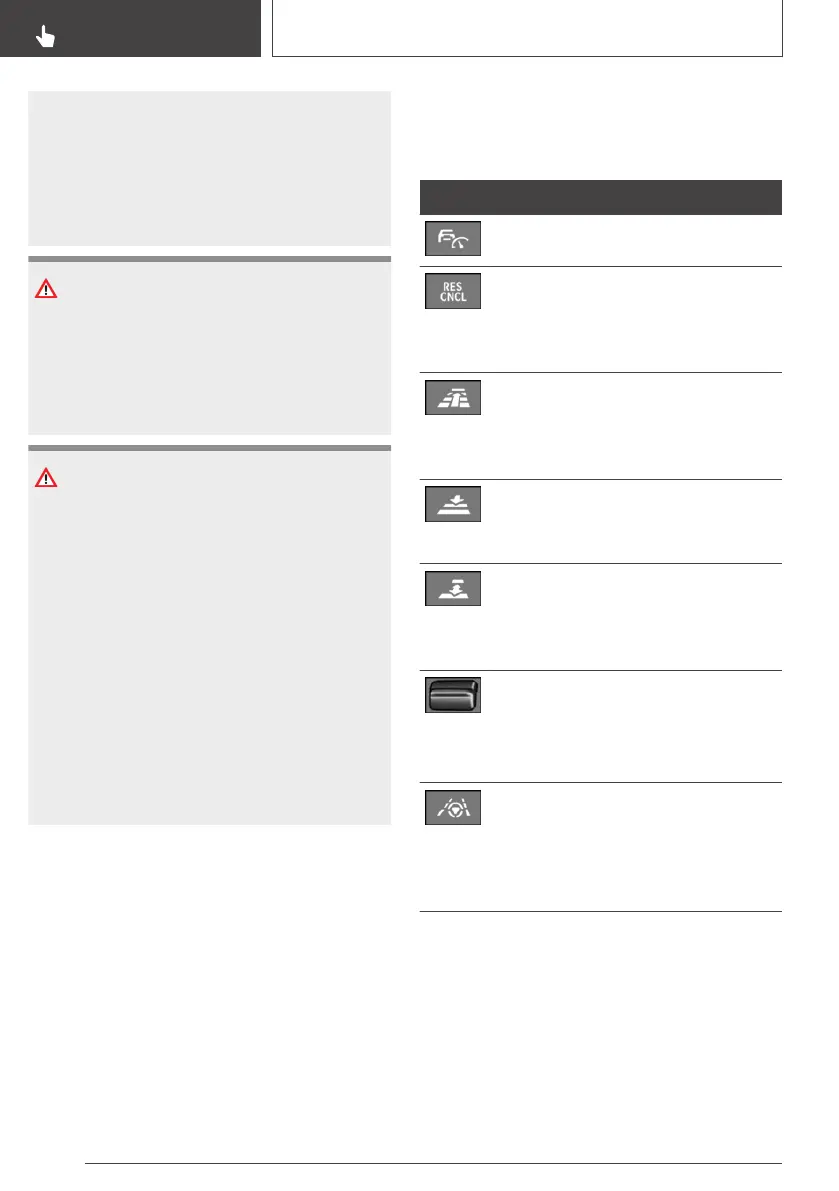
Overview
Buttons on the steering wheel
Button Function
Cruise Control on/off, see page 221.
To interrupt Cruise Control, see
page 221.
To resume Cruise Control with last
setting, see page 223.
Without steering and lane control as‐
sistant:
To increase the distance, see
page 223.
Without steering and lane control as‐
sistant:
Reduces the distance, see page 223.
With steering and lane control assis‐
tant:
Adjusting the distance, see
page 222.
Rocker switch:
To set the speed, see page 222.
Speed Limit Assist: to accept the pro‐
posed speed, see page 226.
With steering and lane control assis‐
tant:
Steering and lane control assistant in‐
cluding traffic-queue assistant on/off,
see page 228.
Seite 220
CONTROLS
Driver Assistance Systems
220
Online Edition for Part no. 01402989787 - II/18



 To Next Page