conditions. Observe the traffic situation and in‐
tervene actively if the situation warrants it.
WARNING
The desired speed can be inadvertently set or
called up incorrectly. There is a danger of acci‐
dents. Adjust the desired speed to the traffic
conditions. Observe the traffic situation and in‐
tervene actively if the situation warrants it.
Overview
Rocker switch on the steering wheel
Rocker
switch
Function
To accept the proposed speed,
see page 227.
To reject the proposed speed,
see page 227.
Switching on/off
Via iDrive:
1.
"My Vehicle"
2. "Vehicle settings"
3. "Speed Limit Assist"
4. "Speed Limit Assist"
Displays in the instrument
cluster
A message is displayed in the instrument cluster
if the system and the Cruise Control are
switched on.
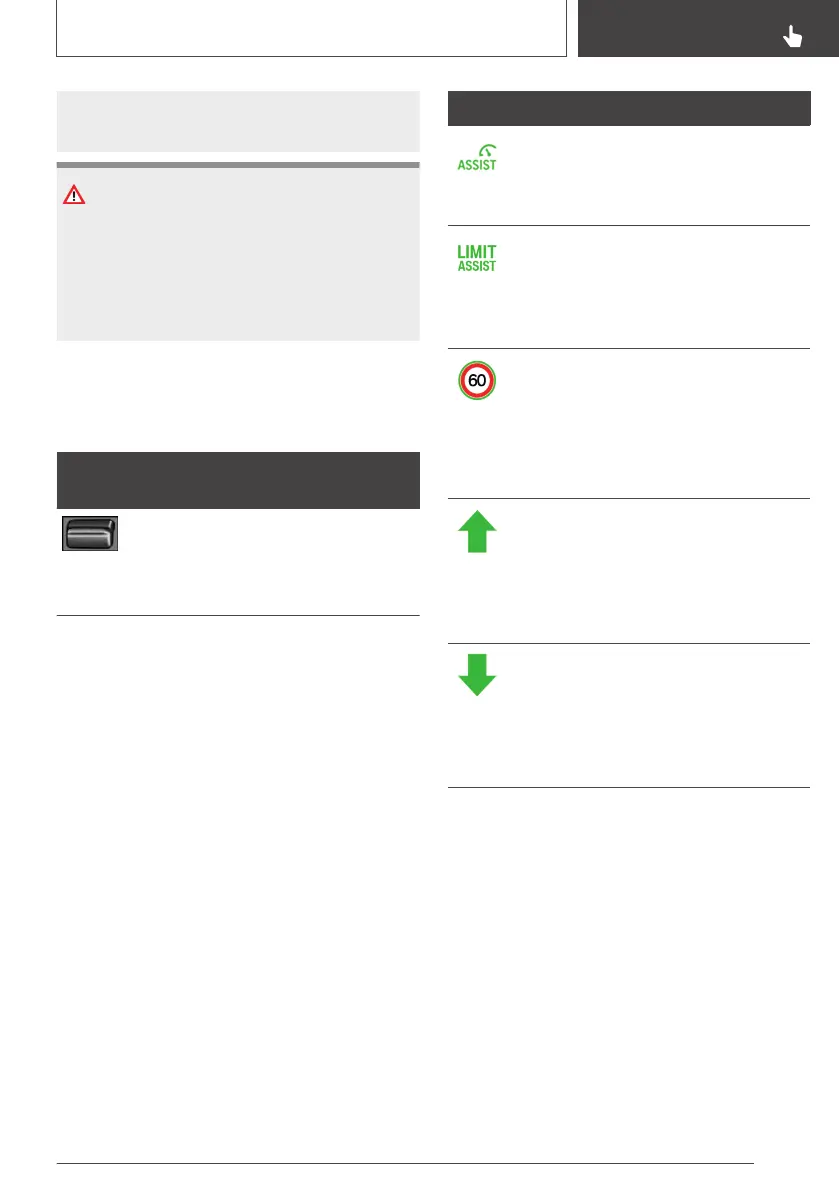
Symbol Function
Indicator lamp illuminates green:
Speed Limit Assist is active and
detected speed limits can be
adopted for Active Cruise Control.
Indicator lamp illuminates green:
Speed Limit Assist is active and
detected speed limits can be
adopted for the Manual Speed
Limiter.
Symbol is outlined in green:
change in speed limit detected
with immediate effect.
Distance data behind the symbol
indicates there might be a change
in the speed limit up ahead.
A green arrow shows that the new
speed is higher than the set de‐
sired speed. In addition, the speed‐
ometer displays the area between
the current speed and the new de‐
sired speed in green.
A green arrow shows that the new
speed is lower than the set desired
speed. In addition, the speedome‐
ter displays the area between the
current speed and the new desired
speed in green.
Accepting the proposed speed
Briefly press the left rocker switch on the steer‐
ing wheel up or down, according to the direction
of the green arrow. The new speed is accepted.
The green marker in the speedometer extin‐
guishes.
Rejecting the proposed speed
Briefly press the rocker switch in the opposite di‐
rection to the green arrow.
Seite 227
Driver Assistance Systems
CONTROLS
227
Online Edition for Part no. 01402989787 - II/18



 To Next Page