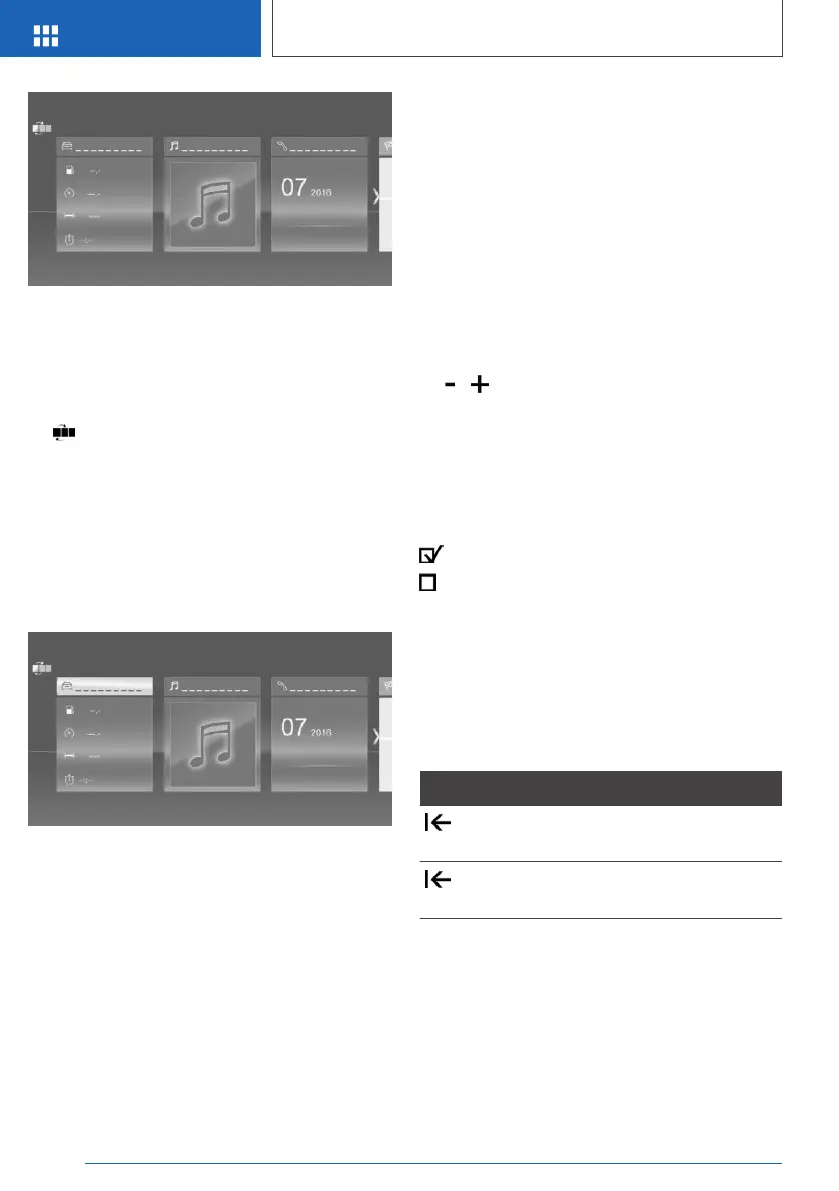
The main menu is displayed.
All iDrive functions can be called up via the main
menu.
Adapting the main menu
1.
Tap the symbol.
All menu items of the main menu are dis‐
played.
2. Drag the menu item to the desired position
on the right or left.
Selecting a menu item
Touch required menu item.
Menu items in the Owner's
Handbook
In this Owner's Handbook, the menu items that
can be selected are shown in quotation marks,
for example "iDrive settings".
Switching between screens
After a menu item has been selected, a new
screen is displayed.
A white arrow indicates that further screens can
be called up.
▷ Swipe to the left.
▷ Tap the symbol.
The new screen is opened.
To adjust the settings
Settings such as volume can be made using the
touchscreen.
▷ Move to the right or left until the required set‐
ting is displayed.
▷ Tap the symbol.
Enabling/disablingfunctions
Some menu items are preceded by a checkbox.
The box indicates whether the function is ena‐
bled or disabled. Selecting the menu item ena‐
bles or disables the function.
Function is enabled.
Function is disabled.
Entering letters and numbers
General
Letters and numbers can be entered using the
Controller or the touchscreen.
The keyboard display changes automatically.
Symbol Function
Tap the symbol: delete letter or
number.
Tap and hold the symbol: delete all
letters or numbers.
Seite 44
OVERVIEW
iDrive
44
Online Edition for Part no. 01402989787 - II/18



 To Next Page