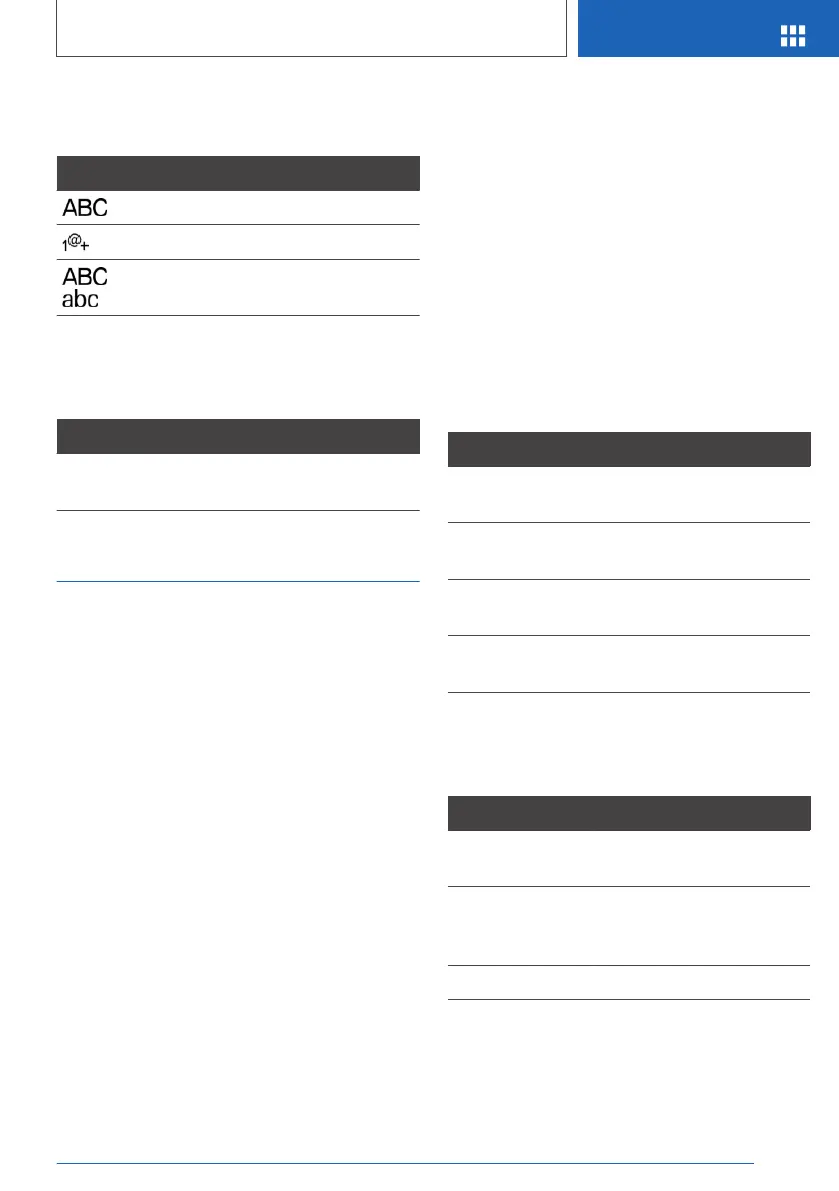
Changing between upper/lower
case, numbers and characters
Symbol Function
Enter letters.
Enter the numbers.
or
Switch between upper and
lower case.
Operation of the navigation map
The navigation map can be moved via the touch‐
screen.
Function Operation
To enlarge/reduce
map.
Pinch or open up your
fingers.
Touchpad
General
Some of the functions of the iDrive can be oper‐
ated with the touchpad of the Controller.
Selecting functions
1.
"My Vehicle"
2. "iDrive settings"
3. "Touchpad"
4. Select the desired setting:
▷ "Write": to enter letters and numbers.
▷ "Map": operating the map.
▷ "Search fields": to write letters without se‐
lecting the list field.
▷ "Audio feedback": to have the entered let‐
ters and numbers read out.
Entering letters and numbers
Entering letters requires a bit of practice to begin
with. Pay attention to the following when enter‐
ing:
▷ The system recognises upper and lower case
and numbers. It may be necessary to switch
between upper and lower case, numbers and
characters, see page 43.
▷ Enter characters as they are displayed on the
Control Display.
▷ Always enter associated characters, such as
accents or dots, so that the letter will be cor‐
rectly detected. The input option depends on
the language that has been set. You may
need to enter special characters using the
Controller.
Entering special characters
Entry Operation
To delete a char‐
acter.
Swipe on the touchpad to‐
wards the left.
To enter a space. Swipe in the middle of the
touchpad to the right.
To enter a hy‐
phen.
Swipe at the top of the
touchpad to the right.
To enter an un‐
derscore.
Swipe at the bottom of the
touchpad to the right.
Operating map
The map of the navigation system can be moved
using the touchpad.
Function Operation
To move map. Swipe in the appropriate
direction.
To enlarge/reduce
map.
Pinch together or move
apart your fingers on the
touchpad.
To display menu. Tap once.
Seite 45
iDrive
OVERVIEW
45
Online Edition for Part no. 01402989787 - II/18



 To Next Page