MOBILITY AT A GLANCECONTROLSDRIVING TIPSENTERTAINMENT
151
NAVIGATIONREFERENCE
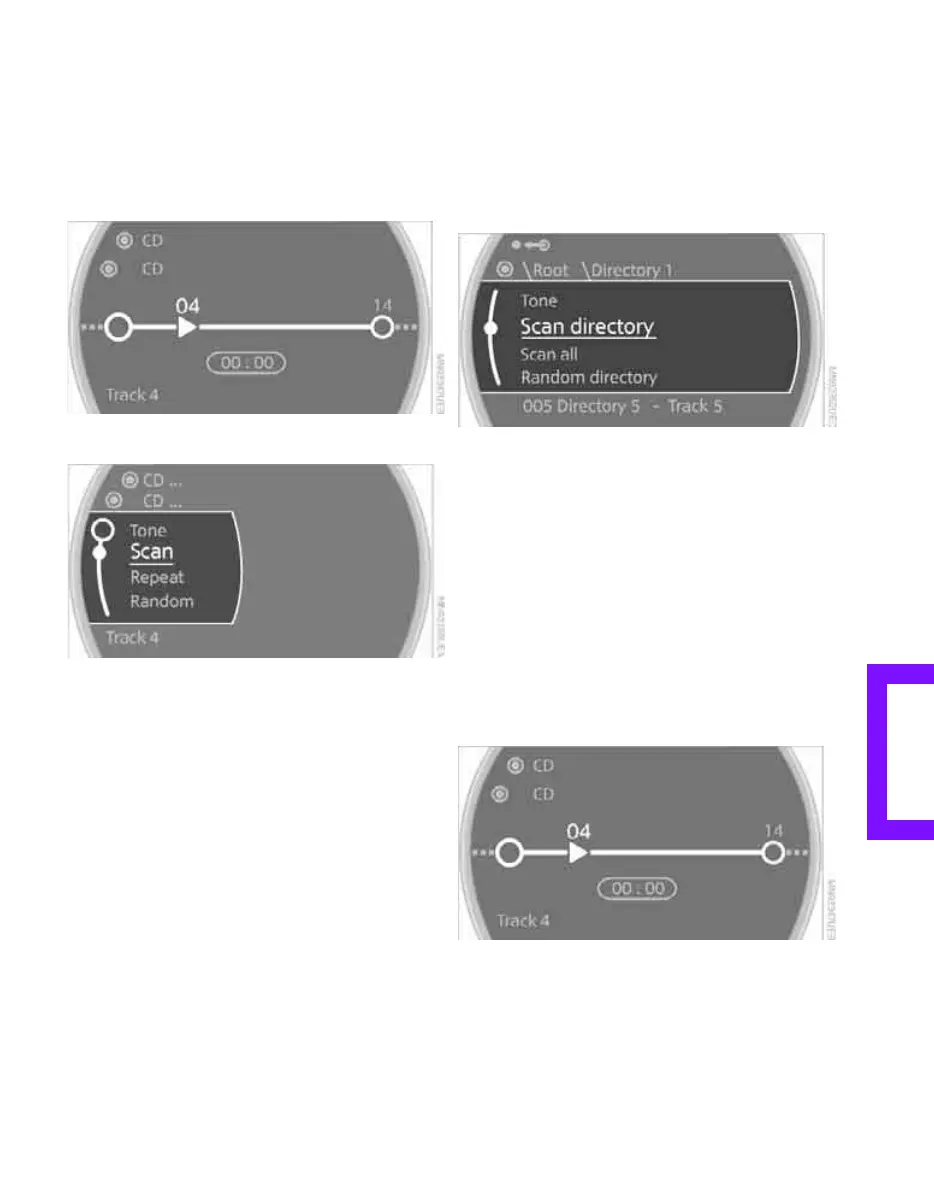
Sampling tracks, Scan
All tracks on the current CD are automatically
sampled once in succession.
1. Select a track.
2. Press the MINI joystick.
Other menu items are displayed.
3. Select "Scan".
Stop sampling:
1. Press the MINI joystick.
2. Select "Scan".
Track sampling is interrupted and the selected
track is played on.
Compressed audio files*
1. Select the current track.
2. Select the desired menu item:
> To scan all tracks in the current directory:
Select "Scan directory".
> To scan all tracks on the CD: Select
"Scan all".
Stop sampling
1. Press the MINI joystick.
2. Select "Scan directory" or "Scan all".
Sampling is interrupted and the selected track is
retained.
Repeating tracks
1. Select a track.
2. Press the MINI joystick.
Other menu items are displayed.
Online Edition for Part no. 01 41 2 602 955 - © 08/09 BMW AGOnline Edition for Part no. 01 41 2 602 955 - © 08/09 BMW AG



 To Next Page