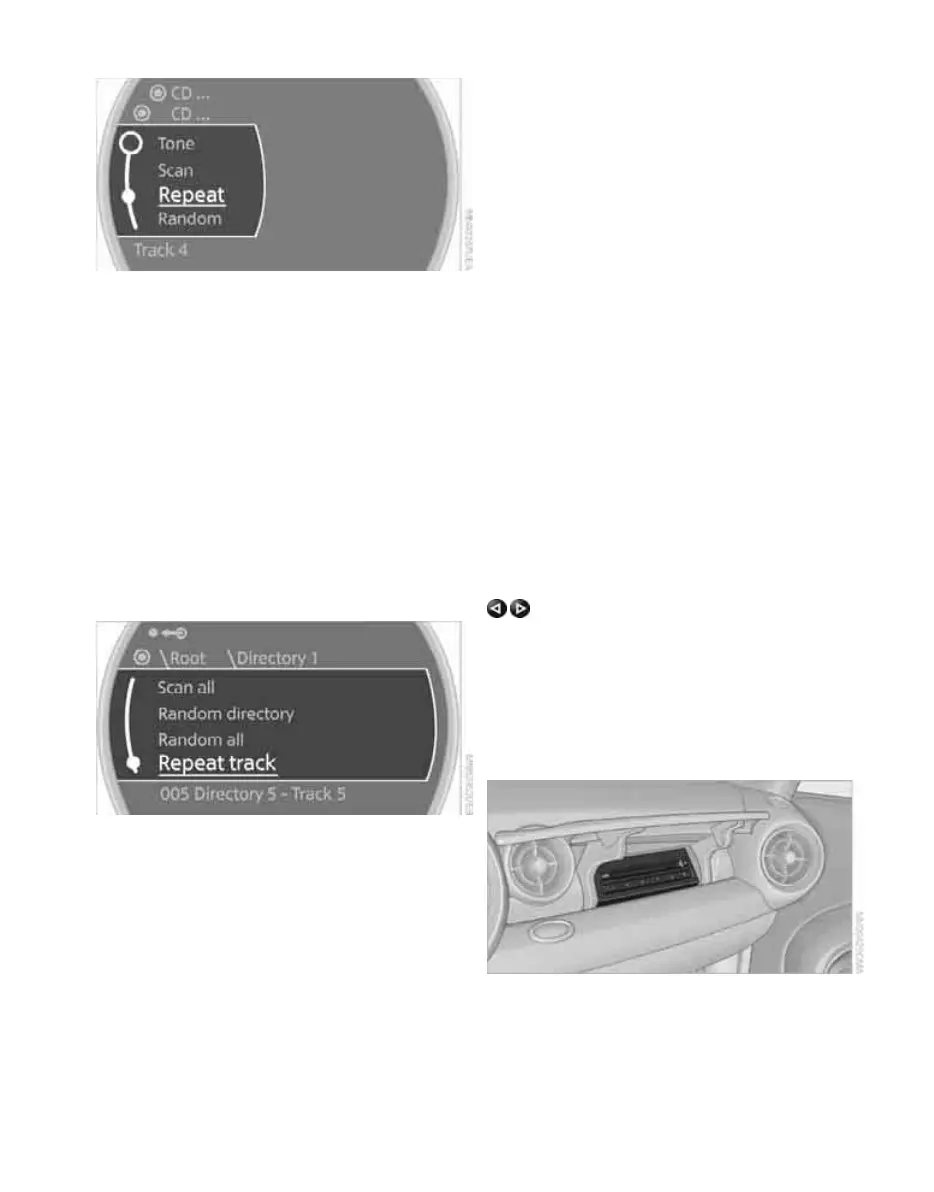
CD player and CD changer
152
3. Select "Repeat".
The current track on the CD is repeated.
Stop repeating
1. Press the MINI joystick again.
2. Select "Repeat".
Compressed audio files*
1. Select the current track.
2. Select the desired menu item:
> To repeat the selected track: Select
"Repeat track".
> To repeat all tracks in the current direc-
tory: Select "Repeat directory".
Stop repeating
1. Press the MINI joystick.
2. Select "Repeat track" or "Repeat directory".
Random play sequence
The tracks on the current CD are played once
each in random order.
1. Select a track.
2. Press the MINI joystick.
Other menu items are displayed.
3. Select "Random".
Stop random function
1. Press the MINI joystick.
2. Select "Random".
Compressed audio files*
1. Select the current track.
2. Select the desired menu item:
> To play back the tracks in the current
directory in random order: Select "Ran-
dom directory".
> To play back all tracks on the CD in ran-
dom order: Select "Random all".
Stop random function
1. Press the MINI joystick.
2. Select "Random directory" or "Random all".
Fast forward/reverse
Buttons on the CD player:
Press and hold the button for the corre-
sponding direction.
The tracks can be heard, but reproduction is dis-
torted.
CD changer
The MINI CD changer for 6 CDs is installed in the
dashboard.
Online Edition for Part no. 01 41 2 602 955 - © 08/09 BMW AGOnline Edition for Part no. 01 41 2 602 955 - © 08/09 BMW AG



 To Next Page