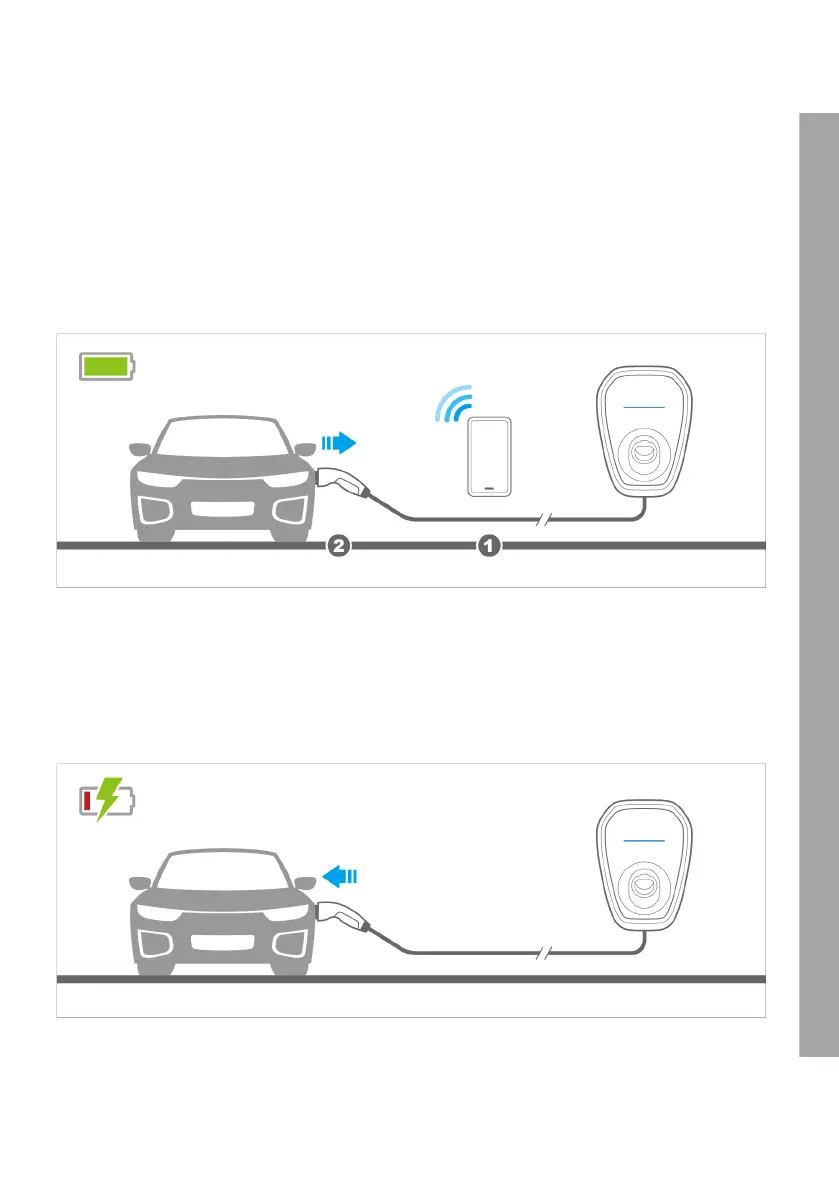
9.2 Stopping the charging cycle with access control enabled
1. Stop the charging cycle on the vehicle or using the app.
2. Disconnect the vehicle connection plug from the vehicle charging socket.
3. Place the vehicle connection plug back into the cable holder on the BMW Wallbox.
Note: Further information about ending the charging cycle is available in your vehicle owner’s manual.
9.3 Starting the charging cycle with access control disabled
1. Connect the vehicle connection plug to the vehicle charging socket.
2. The vehicle will start the charging cycle automatically.
EN
27












 To Next Page