9 Operation
The BMW Wallbox is supplied as standard with its access control by app enabled. Please change the
DIP switch setting if you do not wish to use access control by app. Further information is available in
section “5.3 Authorisation settings”.
Note: On the date of the sales launch, the app will only be available in China. Its launch in other
countries is currently being planned.
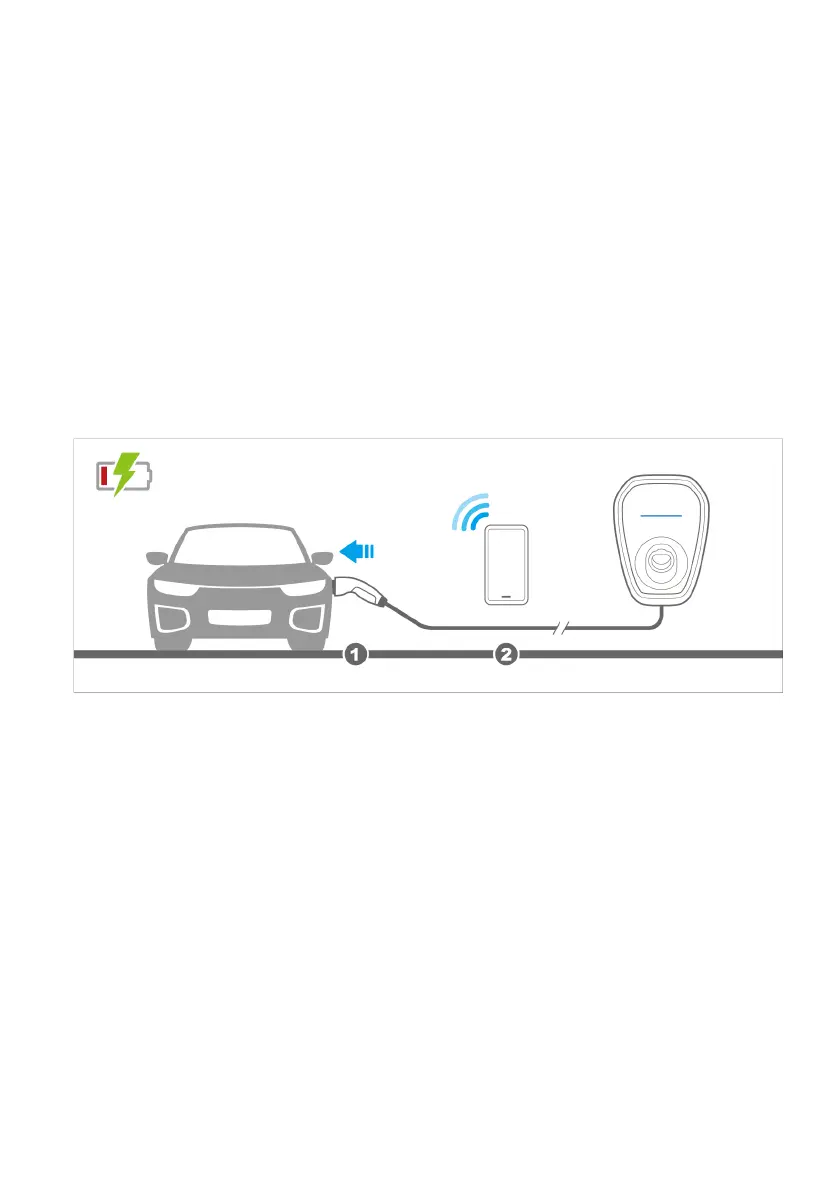
9.1 Starting the charging cycle with access control enabled
1. Connect the vehicle connection plug to the vehicle charging socket.
2. Use the app to authorise and start the charging cycle.
26












 To Next Page