Functional requirements
▷ Active ConnectedDrive contract, equipment
with intelligent emergency call or BMW
ConnectedDrive services.
▷ Cellular network reception.
▷ Standby state is switched on.
Starting BMW Accident Assistance
If an accident is detected automatically
A text message relating to BMW Accident As-
sistance appears on the control display.
The connection can be established directly:
"Contact accident assistance"
The Check Control message for BMW Accident
Assistance can also be called up from the
stored Check Control messages for a certain
length of time.
Additional information:
Check Control, refer to page 131.
Starting BMW Accident Assistance
manually
BMW Accident Assistance can also be con-
tacted independently of the automatic accident
detection function.
1.
Go through the menu as follows via iDrive:
Apps menu / "All" / "BMW Assist"
2. "BMW Accident Assistance" or select the
desired service.
Follow the displays on the control display.
A voice connection is established.
Emergency Call
Intelligent emergency call
Principle
In case of an emergency, an emergency call
can be triggered automatically by the system
or manually.
General information
Depending on the vehicle equipment and na-
tional-market version, the vehicle is equipped
with an Assist system.
Only press the SOS button in the headliner in
an emergency.
The Intelligent Assist system establishes a
connection with the BMW Response Center.
For technical reasons, the emergency call can-
not be guaranteed under unfavorable condi-
tions.
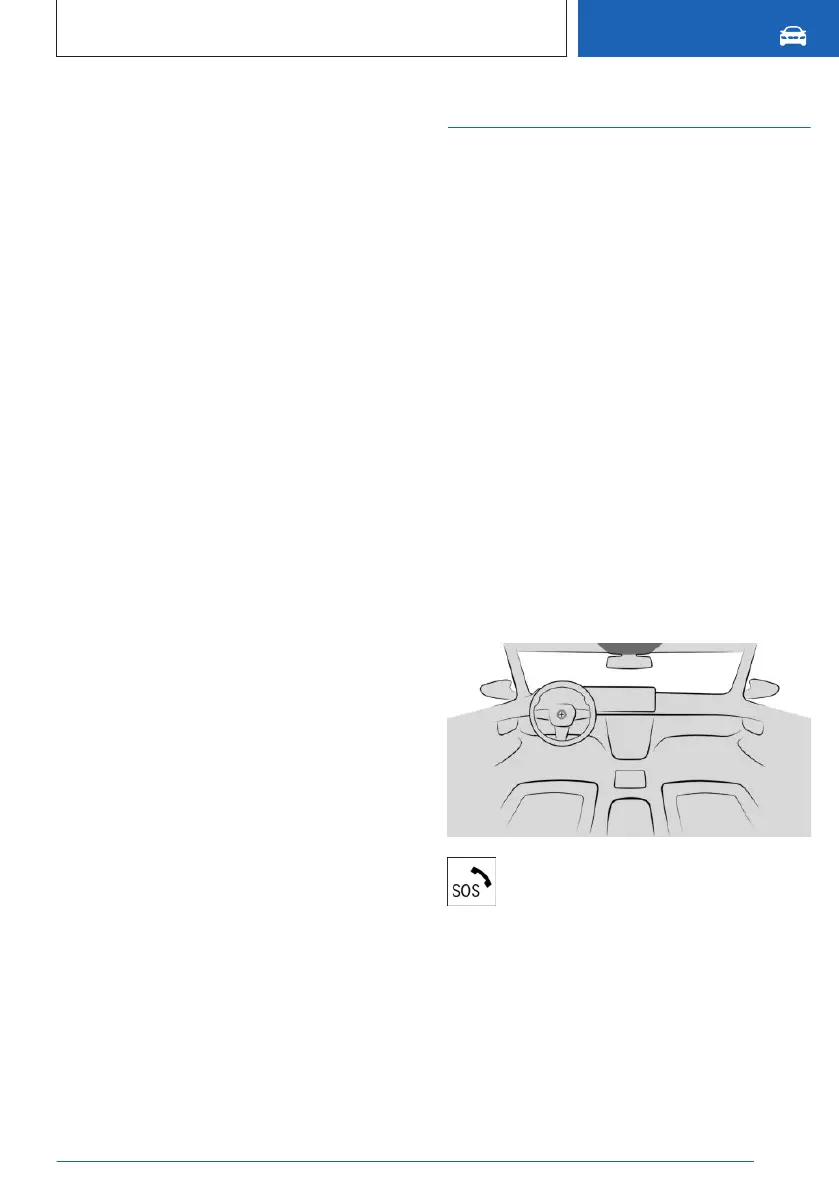
Overview
The SOS button is located in the head-
liner.
Functional requirements
▷
Standby state is switched on.
▷ The Assist system is functional.
▷ The integrated SIM card in the vehicle has
been activated.
Seite 359
Breakdown Assistance
MOBILITY
359
Online Edition for Part no. 01405A8A536 - VI/23



 To Next Page