Power On (First Time User)
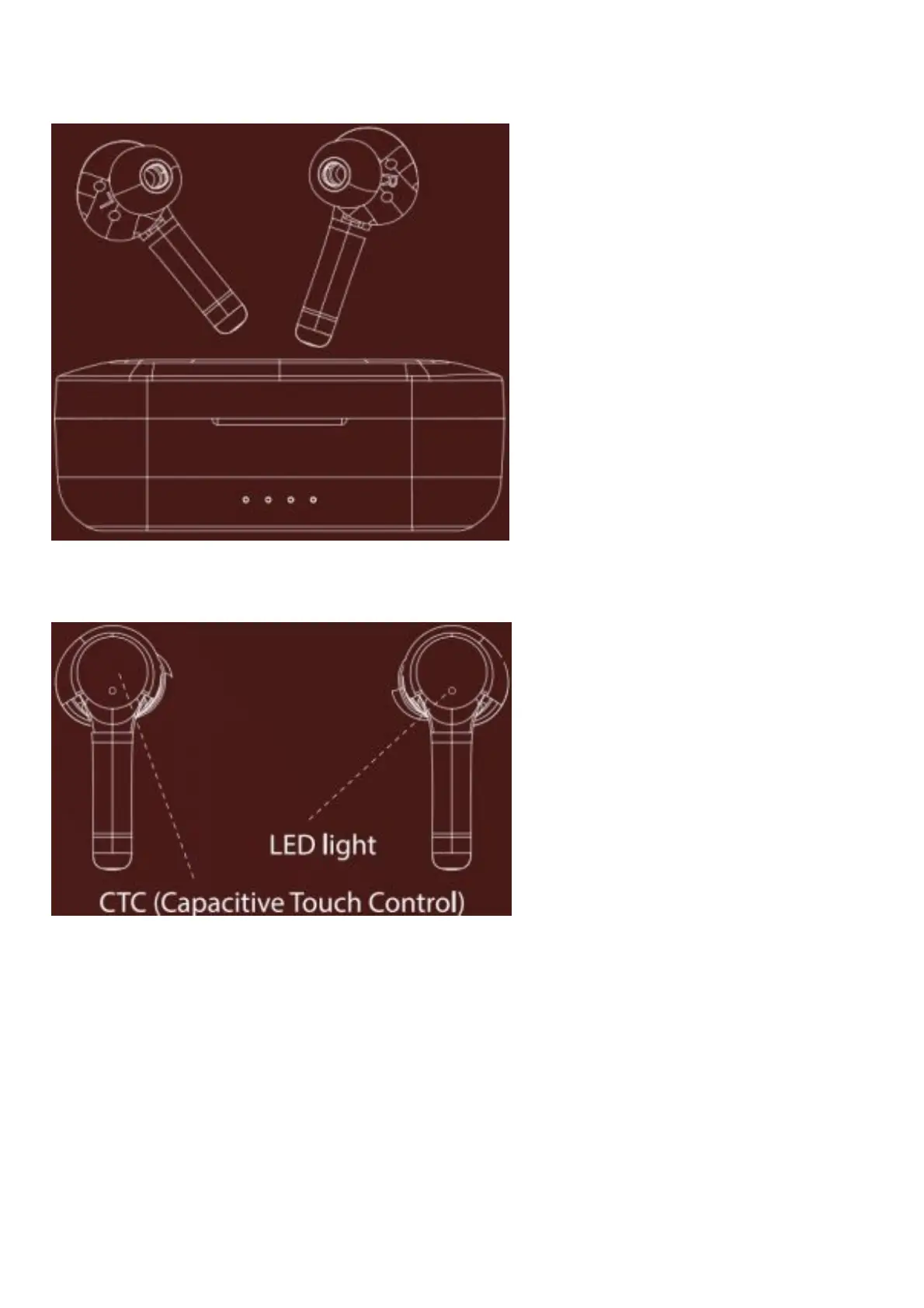
Step 1: To automatically switch the earbuds on (Smart Power On) simply take them out from the charging case
OR
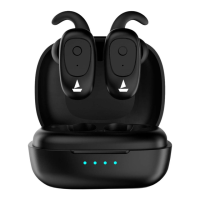
To manually switch the earbuds on (Manual Power On), long touch the Capacitive Touch Control (*CTC) for 3 seconds
on both Left and Right earbuds for switching them on until the LED light begins to flash in blue
Step 2: Both the earbuds will automatically pair with each other. The earbuds will enter into the Connection Mode,
indicated by alternating blue and red LED flashes.
Connection Mode



 To Next Page