Factory Reset
Perform the Factory Reset in case you face any difficulty while operating your Airdopes 281
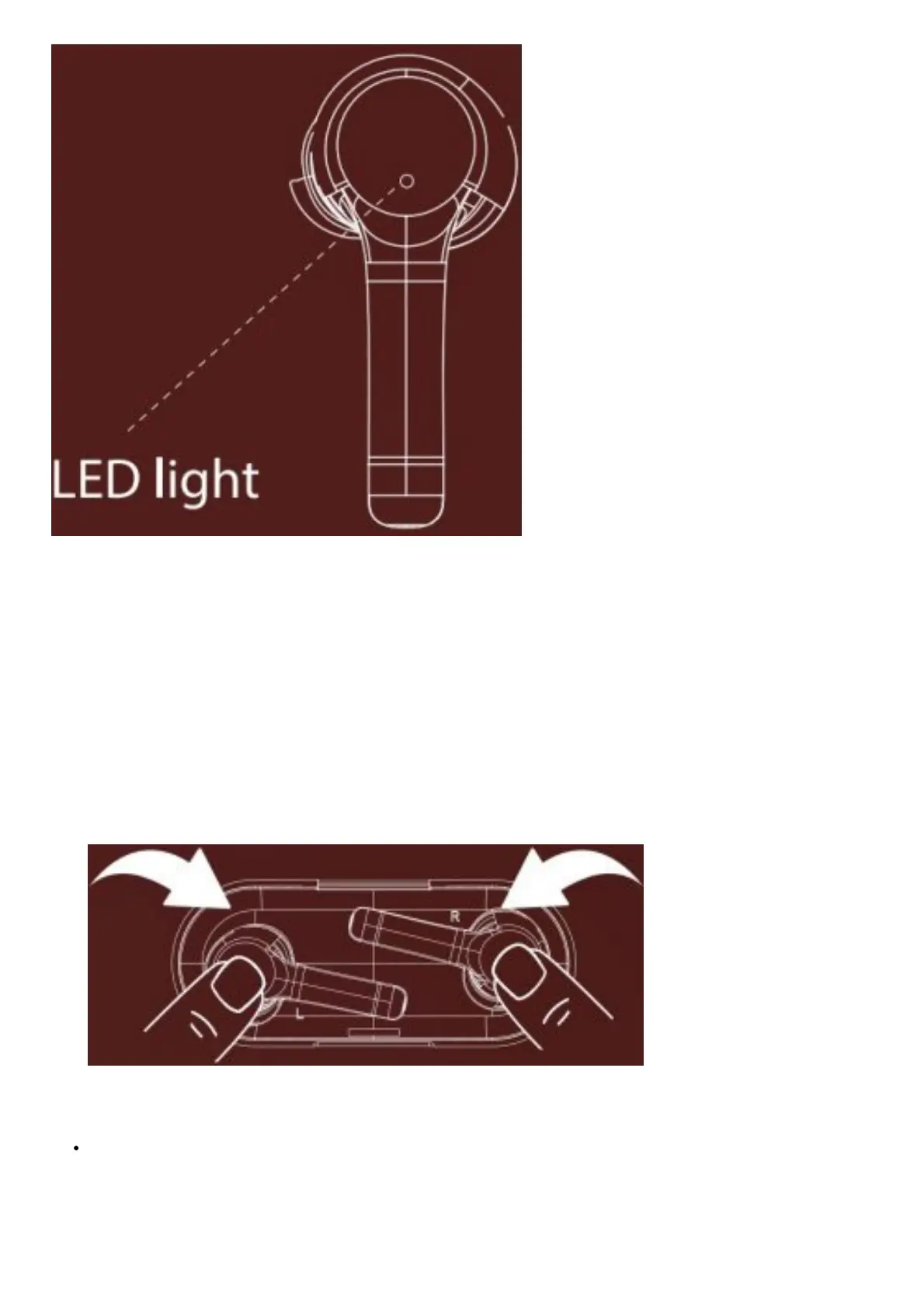
1. Put the earbuds back inside the charging case in correct orientation; the red LED gets steady indicating they are
being charged
2. Try to push the earbuds lightly inside the charging case and hold them in correct orientation to keep them steady
and in place; then keeping them in place, triple tap the CTC on both the earbuds. LED flashes red twice and then
red LED is steady.
3. Take out both the earbuds from the case, LEDs start flashing in blue until both the earbuds’ LED flash blue &
red.Then double tap the CTC on both earbuds, blue LED flashes twice then turns into steady blue. This indicates
that the left and right earbuds are ready to pair with each other
4. Once the right earbud’s LED flashes in blue & red, it indicates that both the earbuds have successfully paired with
each other 5. Congratulations! Your Airdopes 281 has successfully been reset.
Common Problem with Solution
If only one earbud is functioning: Simply insert the earbuds back into the case and take them out or perform the
Factory Reset



 To Next Page