“What id the weather?”
“Play a song”
“Where are Pyramids located?
Smart Power Off
Step 1: After usage, remove both the earbuds from your ears Step 2: Place the earbuds back into the charging case in
correct orientation
Step 3:The earbuds will automatically switch off (and enter into charging mode)
Manual Power Off
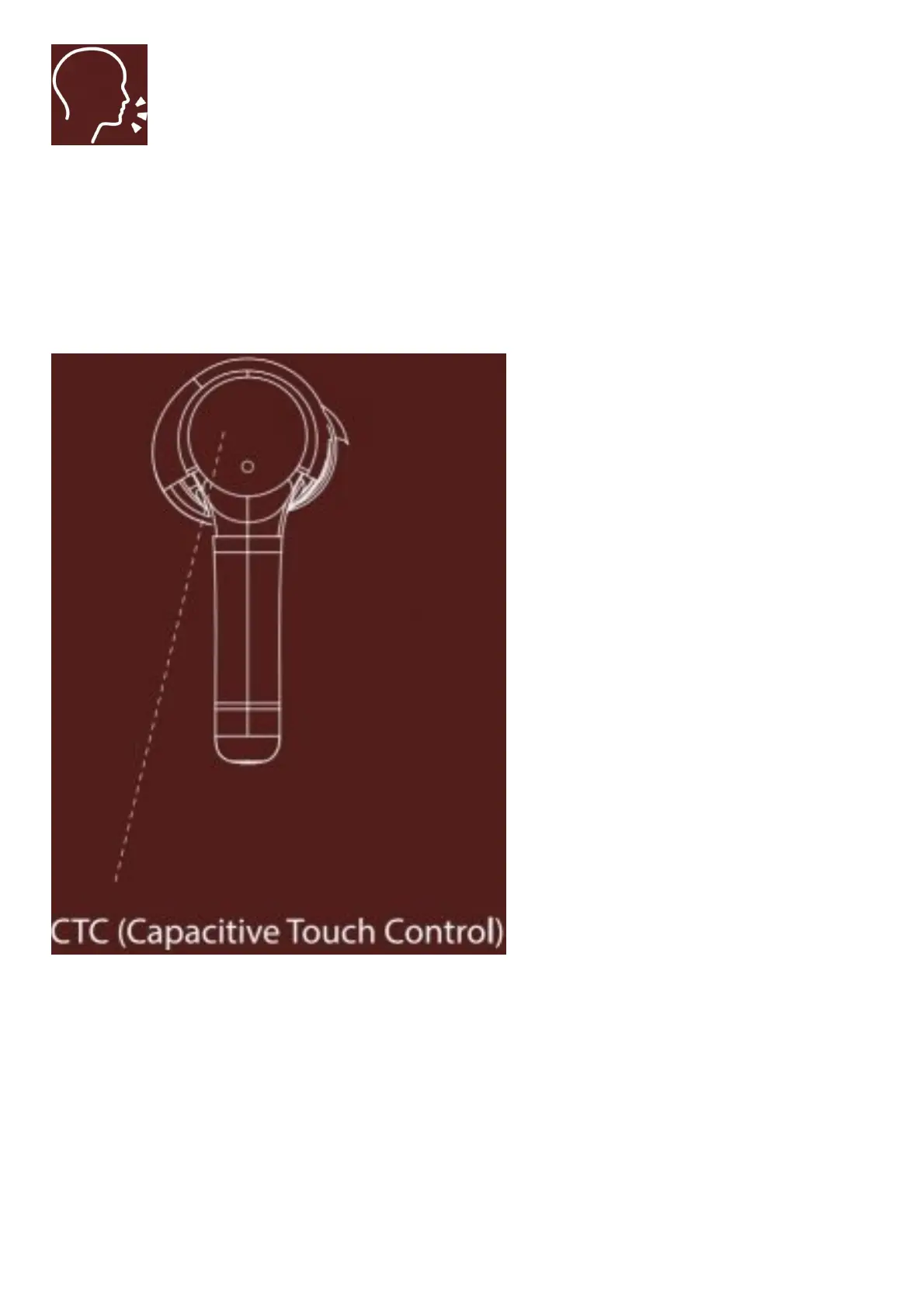
Step 1: Long touch the CTC on either earbud for 5 seconds until the red indicator light blinks before earbuds getting
turned off, in order to manually switch off the earbuds. Please note that this powers off both the earbuds
Step 2: Please keep the earbuds back into the charging case to charge the earbuds



 To Next Page