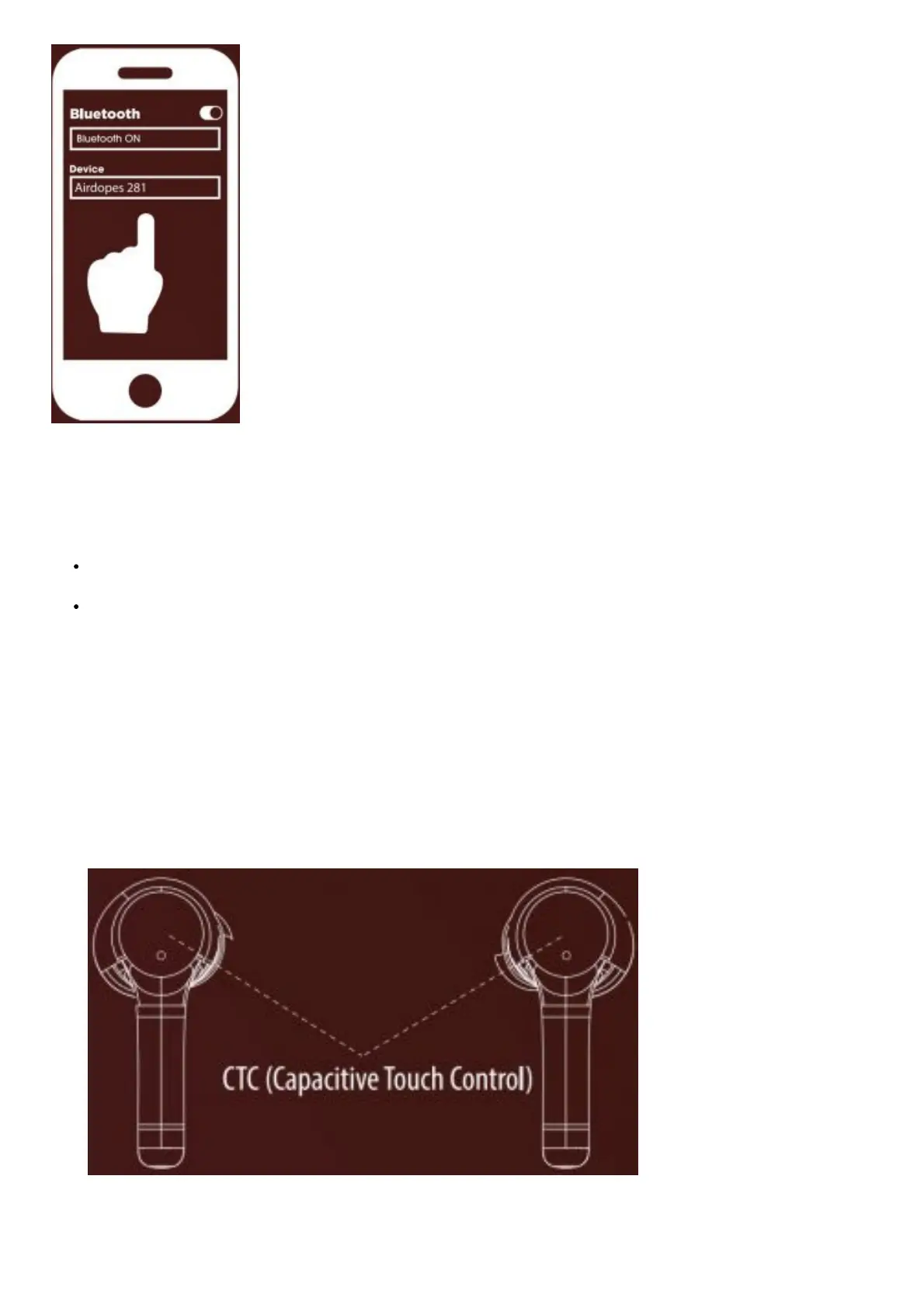
Step 3: Turn on the Bluetooth functionality on your phone/media device and scan
Step 4: Search for ‘Airdopes 281’ and pair accordingly. Enter ‘0000’as the passkey if asked.
Congratulations! Your earbuds are now connected successfully via Bluetooth
Note:
Pairing mode lasts for 180 seconds. if the pairing time is missed then you will need to reconnect the earbuds and
follow the above mentioned procedure
Airdopes 281 remembers previously connected devices; once switched on, the earbuds automatically reconnect to
the previously connected devices.
LED Indicators / Functionalities
1. 2 Seconds
Long Press CTC on either earbud for 2 Seconds to activate Voice Assistant. / Reject incoming Calls.
2. 3 Seconds
Manual Power ON: Blue/Red Lights will Blink.
3. 5 Seconds
Scan Mode: Manual Power OFF Red Lights will Blink.
4. 5 Seconds
Factory Reset: Put the earbuds inside (While Earbuds case and Long Press CTC for 5 second Inside Case)
Blue/Red Lights will Blink on both Earbuds.
NOTE: Factory Reset will remove all device profiles saved on the Airdopes 281
Single Earbud Usage



 To Next Page