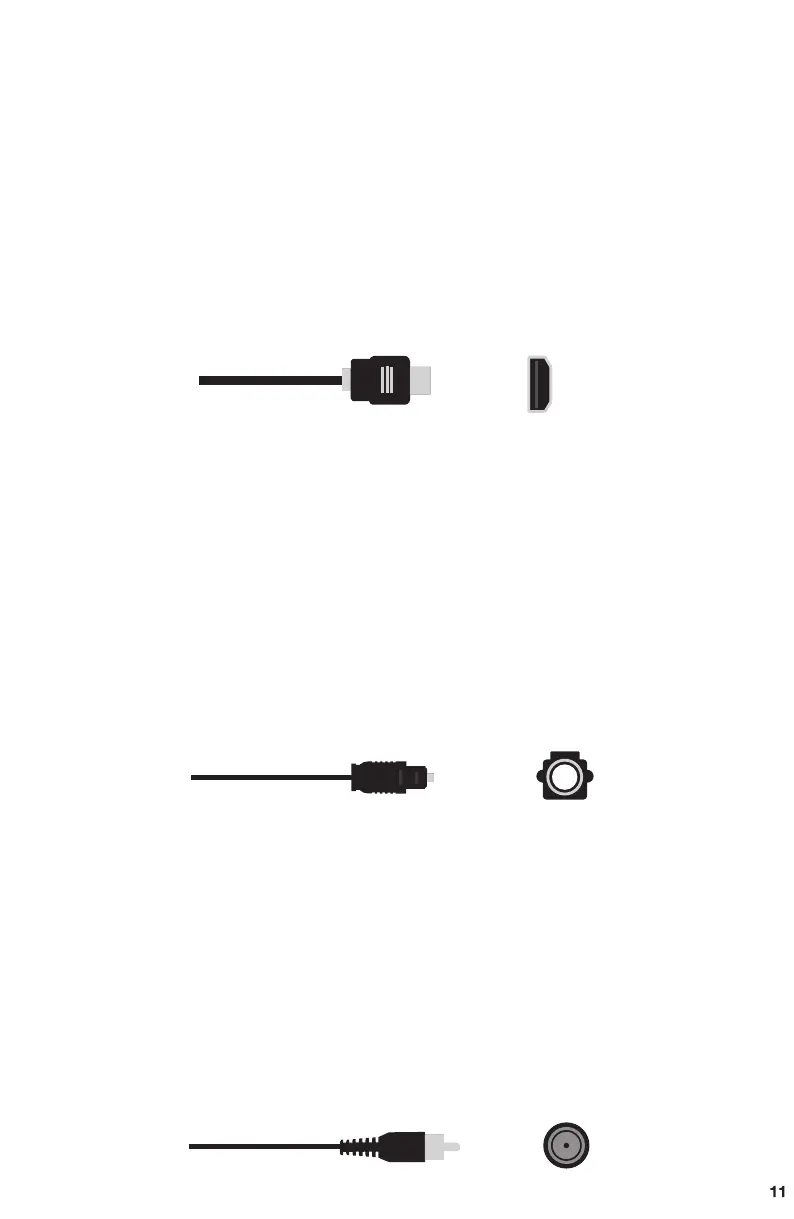
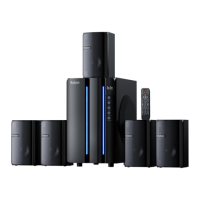
How to connect your device by TV ARC Cable
How to connect your device by Optical Cable
How to connect your device by Coaxial Cable
1. Plug the TV ARC cable into the ARC Input socket in back of the subwoofer,
another port plug into the slot of your TV.
2. Make sure the 5pcs speakers are plugged into the audio output sockets of
subwoofer and power " ON" status.
3. Press the " ST.BY " button before selecting the mode.
4. Press the "INPUT" button to switch mode to" ARC "status, showing in the
LED display of the subwoofer.
5. TV setting: Sound output --- Select " TV ARC ".
6. TV setting: Expert Setting --- Digital output audio format--Select " PCM ".
Note: B901D ARC output only supports LPCM 2.0 audio format.
1. Take off the transparent cover of Optical Cable before plugging in.
2. Plug the Optical cable into the Optical Input socket in back of the subwoofer,
another port plug into the slot of your TV.
3. Make sure the 5pcs speakers are plugged into the audio output sockets of
subwoofer and power " ON " status.
4. Press the " ST.BY " button before selecting the mode.
5. Press the "INPUT" button to switch mode to" OPT "status, showing in the
LED display of the subwoofer.
6. TV setting: Sound output --- select " Optical ".
7. TV setting: Expert Setting --- Digital output audio format--Select " PCM ".
1. Plug the Coaxial cable into the Coaxial Input socket in back of the subwoofer,
another port plug into the slot of your device.
2. Make sure the 5pcs speakers are plugged into the audio output sockets of
subwoofer and power " ON " status.
3. Press the " ST.BY " button before selecting the mode.
4. Press the "INPUT" button to switch mode to" COA "status, showing in the
LED display of the subwoofer.
5. TV setting: Sound output --- Select " Coaxial ".
6. TV setting: Expert Setting --- Digital output audio format--Select " PCM ".
OPTICAL CABLE
OPTICAL
COAXIAL
COAXIAL CABLE
TV ARC Plug
ARC


 To Next Page