BLT421 Product Manual
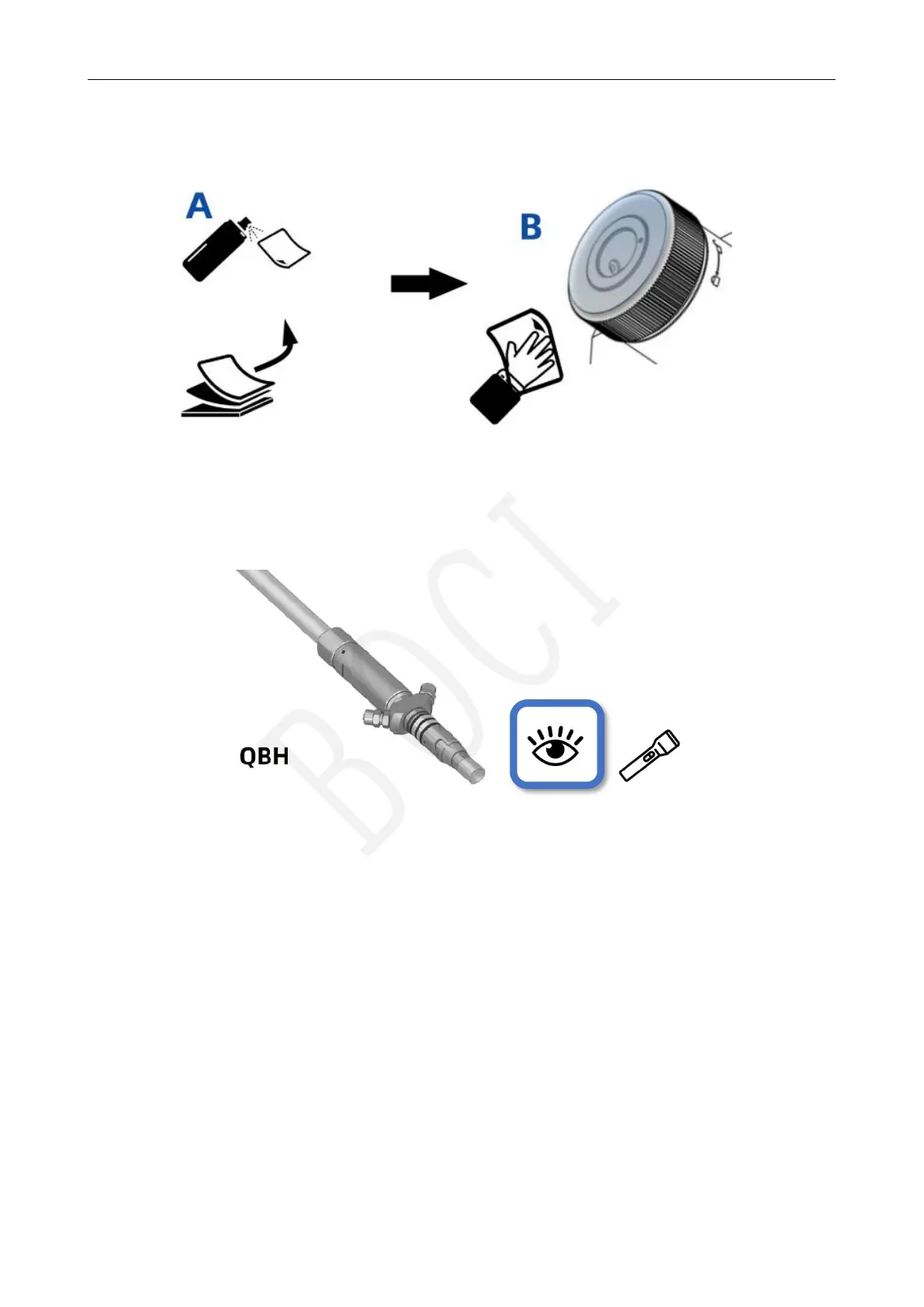
5.2.3 Clean and wipe the fiber interface of the cutting head
Wipe the fiber interface of the cutting head with a clean cloth and anhydrous ethanol.
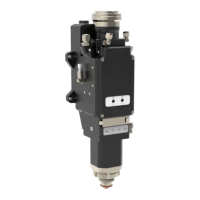
5.2.4 Check the laser fiber end face
Remove the protective cap of the laser fiber, and irradiate the end face of the fiber with a strong flashlight to
observe whether there is any pollution; if it is clean, you can directly insert the fiber;
Compatible interfaces: Trumpf LLK-Q, IPG HLC-8/LC-8
5.2.5 Tear off the protective film/remove the protective cap
Remove the special protective cap/protective plug for the optical fiber interface on the cutting head.
Check the fiber interface end face before insert



 To Next Page