35
IV - Time setting
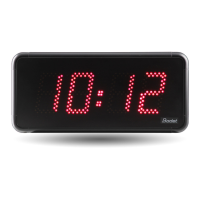
When powered up, the clock searches for a synchronisation (*) and displays a xed « : » with the
clock pictogram blinking at the rate of 1 second. As soon as the synchronisation is accomplished,
the time is displayed, the clock pictogram is turned o and the « : » ashed at the rate of 1 second.
If there is an absence of message NTP during more than 48 hours:
- In «continues to display» OFF, The clock passes to the black with both fixed points.
- In «continues to display» ON, The clock continues to work on its internal quartz.
(*) The NTP server address is set in the embedded clock web server.
V - Factory configuration
The default conguration is as follows:
■ IP conguration by DHCP.
■ Time zone : EUR.
■ Multicast synchronisation.
■ Synchronisation address: 239.192.54.1
A reminder of this conguration is printed on the back of the product.
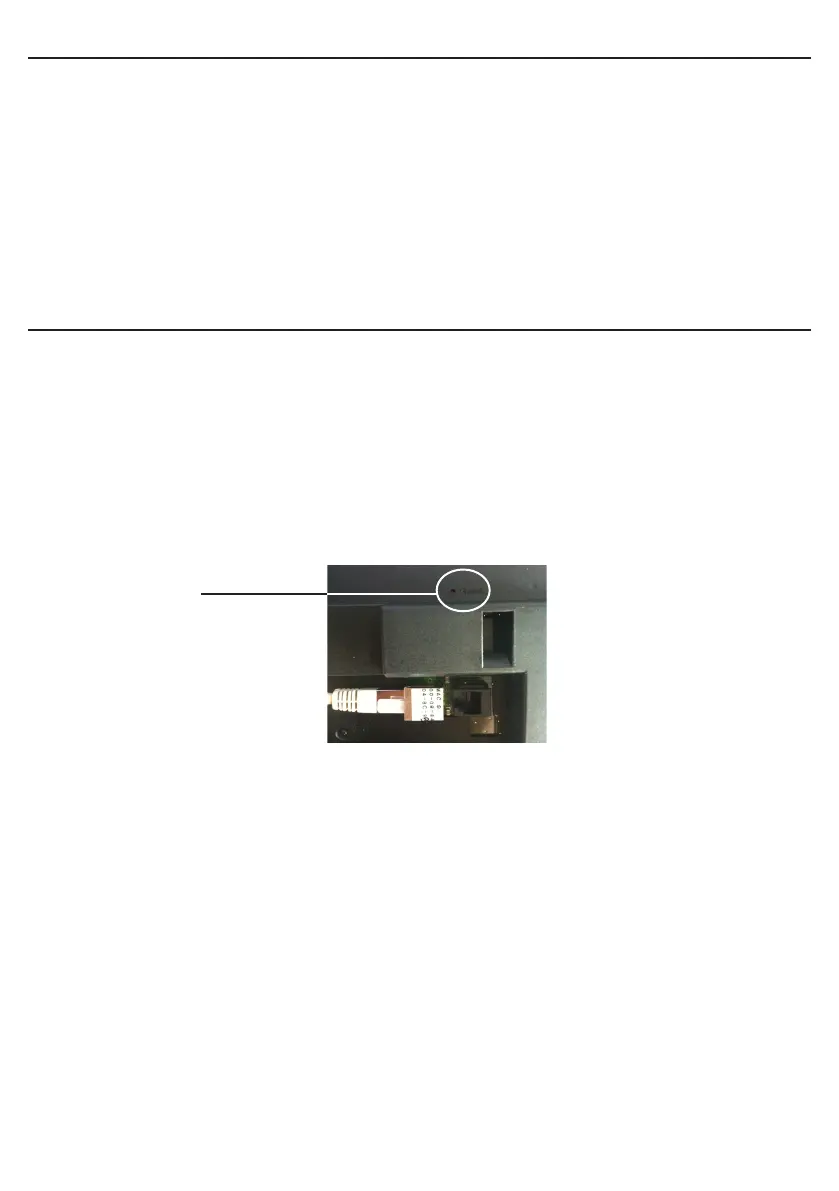
■ To reset the conguration to the factory setting press the Reset button (with a needle or
any other sharp object, see picture below) for at least 5 seconds.
The full factory conguration is as follows:
■ Clock name: «BODET-@MAC»
■ IP conguration by DHCP
■ Time zone : EUR.
■ Multicast synchronisation
■ Synchronisation address: 239.192.54.1
■ Pool period for unicast synchronisation: 15 mins.
■ SNMP disabled
■ Trap type: V2C
■ Temperature alarm threshold: –5°C to +55°C
■ Trap status sending interval: 24H.
■ No password
«Reset» Button


 To Next Page