13
2.3 Assembly
Before assembly, take a close look at the individual assembly steps shown and carry out the assembly
in the order given.
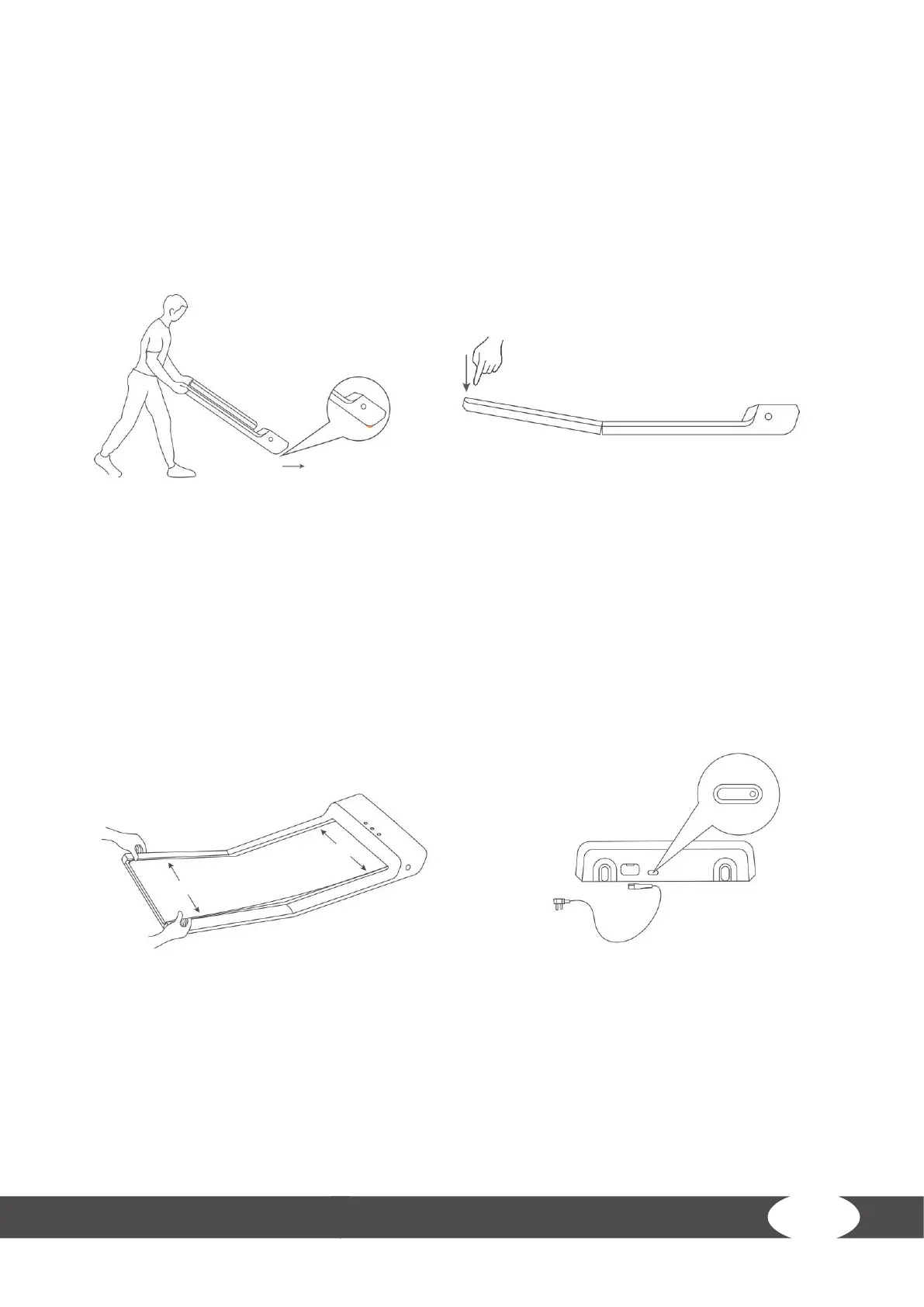
Step 1: Setting up the treadmill
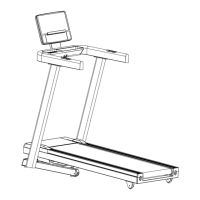
1. Place the treadmill in a location as described in chapter 1.4.
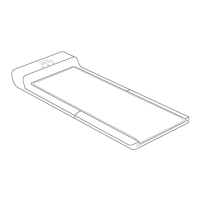
2. Slowly fold out the treadmill. For more information on folding out and up the Walking Pad,
please read the instructions in chapter 4.3.
Step 2: Aligning the walking mat and connecting the pad to the mains supply.
1. Check if the walking mat is centered and adjust if needed. To adjust the mat please use the
instructions and advisements in chapter 5.4.1.
࣑ WARNING
The Walking Pad should not be plugged into a power board, as it cannot be guaranteed that
the pad will be supplied with sucient power. This could also lead to technical errors occurring.
2. Connect the power cord into a wall socket, making sure the electrical prerequisites covered in
the chapter about electrical safety are met.
Step 3: Conguring the Walking Pad
L NOTICE
Use the following instructions to remove the speed restriction and increase the maximum
speed from 3km/h to 6km/h.
Walk for approximately 1km on the Walking Pad and restart it to unlock various functions of the
Walking Pad.


 To Next Page