16
WP60
3 OPERATING INSTRUCTIONS
L NOTICE
Familiarise yourself with all the functions and setting options of the device before starting
training. Have the proper use of this product explained to you by a specialist.
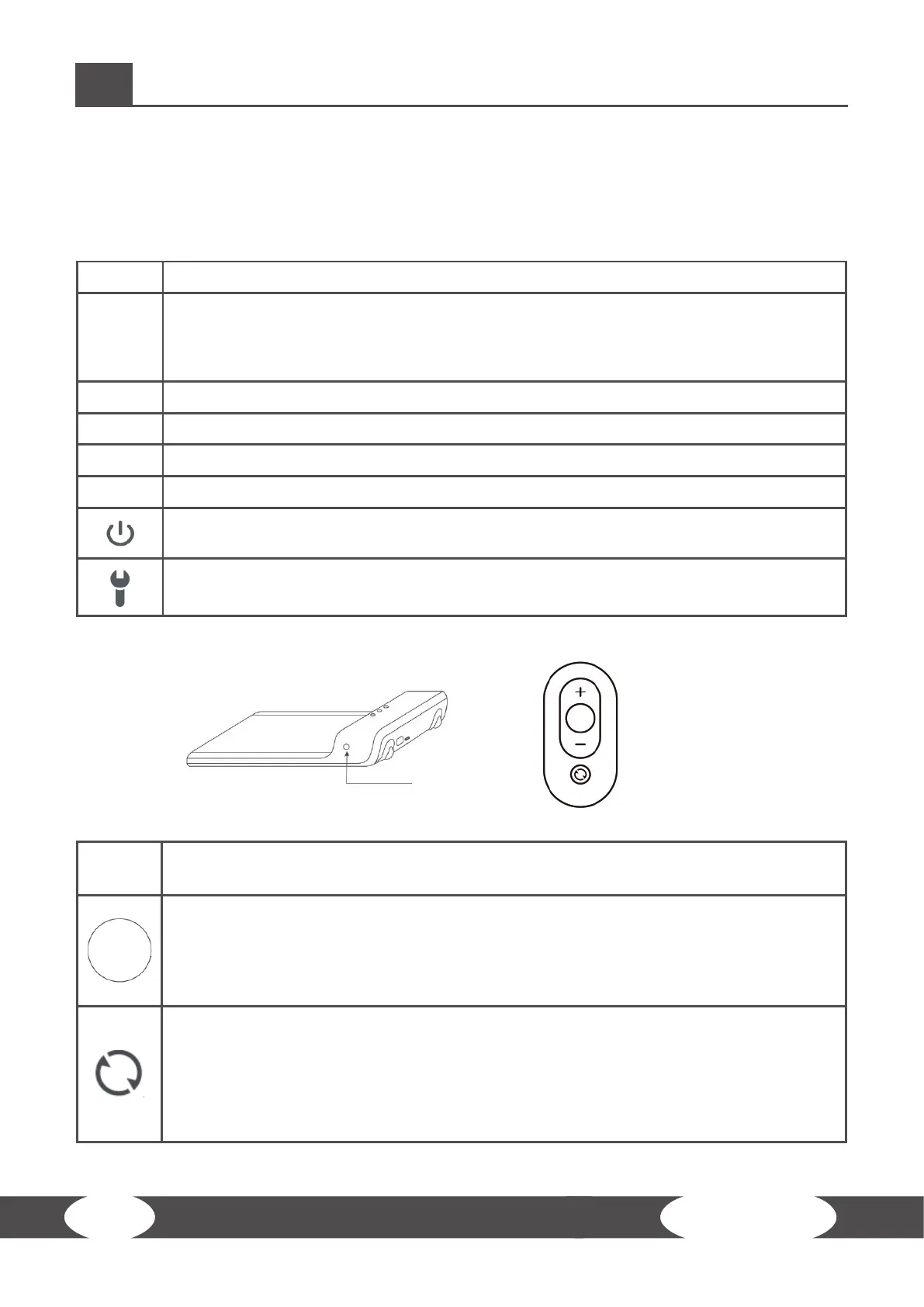
3.1 Console Display
TIME + Display of the elapsed training time
SPD
+ Display of the current speed
⚠ CAUTION
The default setting for speed is 2.0 km/h.
DIST + Display of the distance
STEP + Display of the amount of steps taken
M + Manual mode
A + Automatic mode
+ Standby mode
+ An error has occurred
3.2 Button Functions
+ / -
+ In manual mode these buttons increase or decrease the speed (in 0.5km/h
increments).
+ Press this button to start or stop the WalkingPad.
L NOTICE:
Alternatively you can just step on the front part of the walking area to automatically
start the WalkingPad.
+ Press this button to switch between the dierent modes.
+ Press and hold the button to switch the pad into standby mode.
L NOTICE:
On the left side of the WalkingPad is an identicle button in which the mode and
also be changed.


 To Next Page