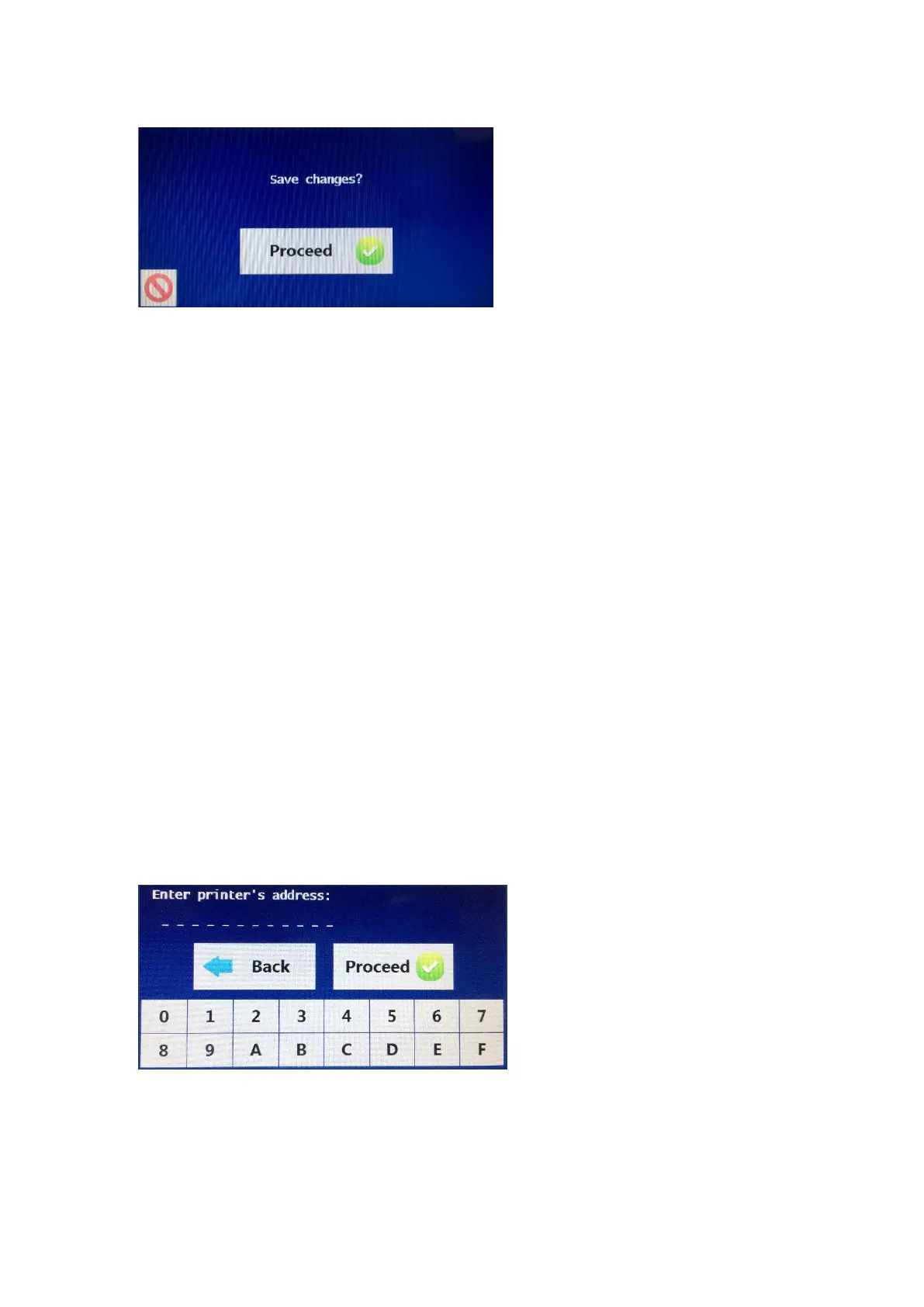
After the last output screen is
displayed, a save changes
screen is shown. To save
changes to the output options,
press the proceed button. To
abort changes, press the red
abort button to exit the screen
without saving.
Once the options have been saved or aborted, the selection reverts back to the
4 options for Units, Inputs, Outputs or Printer. Further selections can be made
or alternatively, press the home button to return to the main screen.
If the Waist Hip Ratio or EAR option is unselected from the output results, then
the corresponding Waist Hip and Activity Level input measurements will also not
be displayed when performing a test.
If all of the output display options have been removed except for the raw data
impedance measurements, then the input screens for age, gender, height and
weight, waist and hip will not be displayed. In this instance, the first screen that
will appear when performing a test, will be the connect electrodes screen.
PRINTER OPTIONS
The Bodystat
®
1500MDD device has the option of printing to a thermal printer.
When using the printer for the first time, it is important that the printer is first
paired with the Bodystat
®
1500MDD device.
To pair the printer, press the printer button and the screen will ask for printer’s
address. Ensure that the printer is switched on at this stage.
The printer’s address can be
found on the label on the
reverse of the printer. The
printer’s address is a 12-digit
code which must then be
typed into the Bodystat
device. Once the code has
been typed into the device,
press the proceed button.



 To Next Page