INSTALLATION MODE (OPTIONS)
The Installation Mode comprises the following:
• DISPLAY OPTIONS
• IMPERIAL / METRIC OPTIONS
• MID-RANGE OPTIONS
• LANGUAGES OPTIONS
This facility allows the operator to choose:
1. Information required to be entered, e.g., Gender, Age, Height & Weight
2. Information required for display, e.g., Fat %, etc.
3. Units of measure in metric or imperial.
4. The average expected input measurements (or mid-range) of subjects to
reduce the time of subject data entry.
5. Data for Input/Display, e.g., measure and display Impedance values only.
6. Select language option.
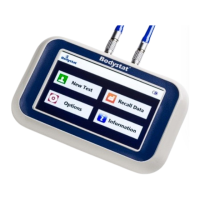
To access Options Mode, select the icon from the main screen.
LANGUAGES
Press the <> key to switch between the language options. Press PROCEED
to select.
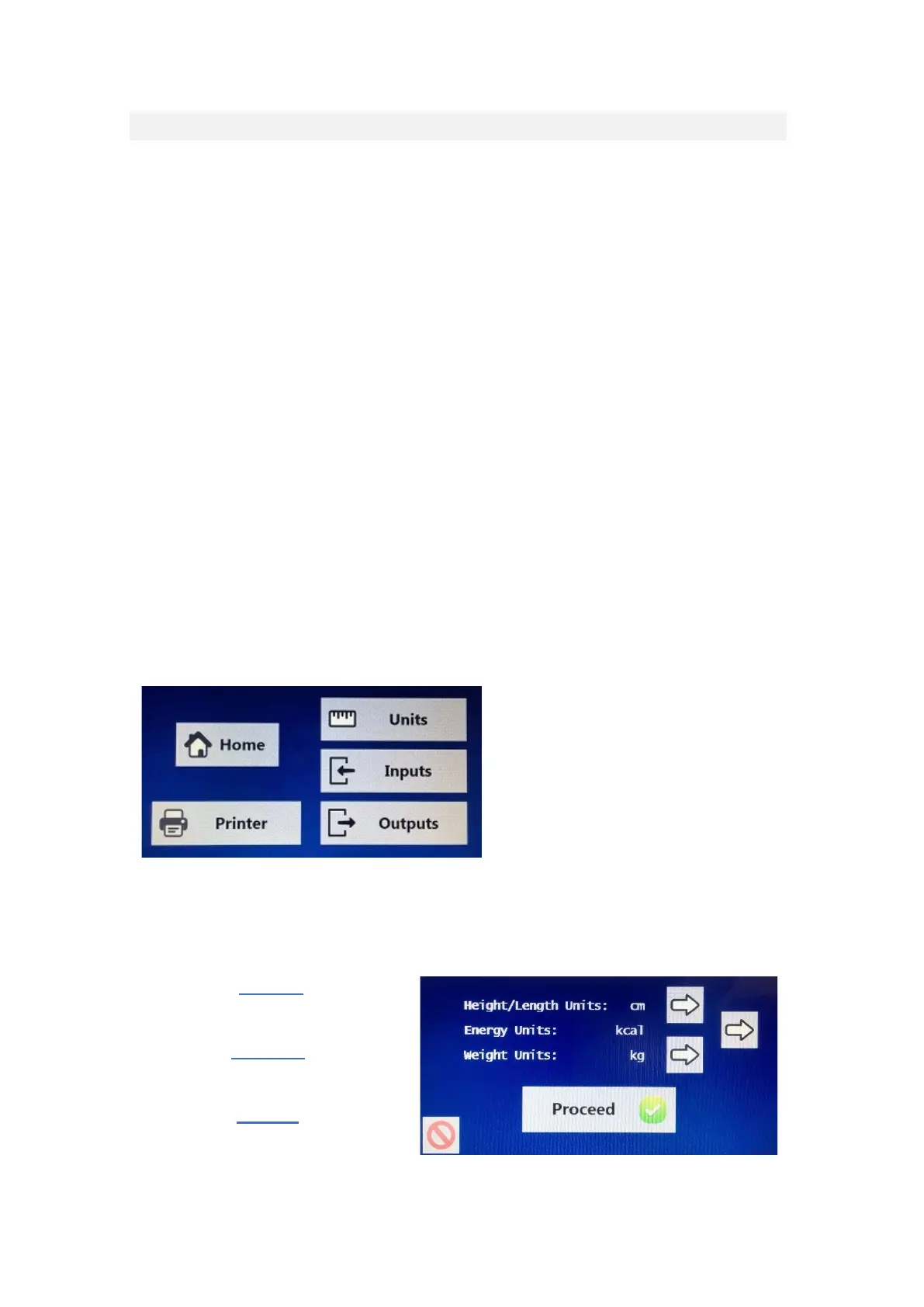
After pressing the proceed button
for language, the selection
reverts to 4 options for Units,
Inputs, Outputs or Printer. Further
selections can be made or
alternatively, press the home
button to return to the main
screen.



 To Next Page