EasyManua.ls Logo

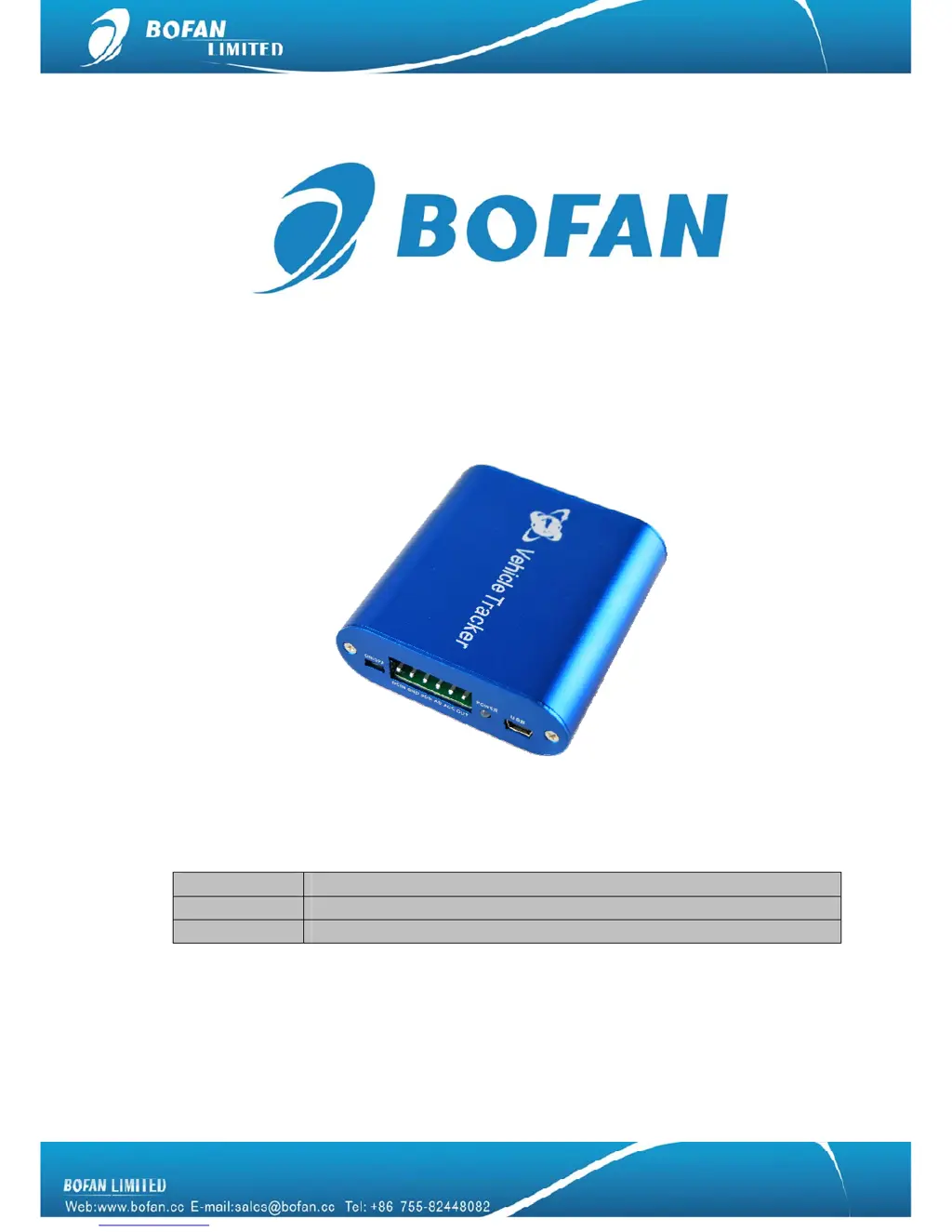
Bofan PT502 - User Manual

Bofan PT502
20 pages
Print Icon
To Next Page IconTo Next Page
Loading...
PT502 User Manual
Document Title
PT502 User Manual
Version
1.42.6
Date
2014-01-01

Questions and Answers

  • K
    Kyle HernandezAug 9, 2025
    How to fix Bofan PT502 GPS when real-time tracking doesn't work on the platform?
    • C
      Corey StewartAug 9, 2025
      If you're unable to perform real-time tracking on the platform with your Bofan GPS, here's what you can check: * The GPRS settings might not be correct. Ensure each step is set strictly according to the user manual. * The APN might be wrong. Contact your SIM card provider to get the correct APN, username, and password (if applicable), and then set them again. * The tracker ID set by SMS command might not match the one in the software. Verify that the tracker ID you set into the device is exactly the same as the one you entered in the software.
  • D
    Darrell CookAug 16, 2025
    What to do if reply SMS from Bofan PT502 starts with 'Last...'?
    • T
      Thomas LongAug 16, 2025
      If the reply SMS from your Bofan GPS device starts with ‘Last…’, it indicates that the device doesn't have a clear view of the sky or is indoors. To resolve this: * Move the antenna of the unit to a location where the sky is visible. * Operate the device in an open area outside. * Recharge the device, as the battery power may be low.
  • K
    Kenneth PerezAug 25, 2025
    Why Bofan GPS device can’t power on?
    • A
      Andrea McdonaldAug 25, 2025
      If your Bofan GPS device isn’t powering on, it could be due to: * Improper wiring connection. Check and ensure the wiring connection is correctly set up. * Low battery. Recharge the battery.
  • S
    Steven MorganNov 1, 2025
    Why my Bofan GPS device doesn't respond to SMS?
    • M
      Matthew JonesNov 1, 2025
      There are several reasons why your Bofan GPS device might not be responding to SMS commands: * The GSM antenna might not be installed properly, ensure the device has good GSM network coverage. * The device may have low power, connect it directly to the car battery or charge it with a 12V charger for at least 3 hours. * The GSM network might be slow, wait for the SMS to be delivered, as the network can slow down during peak times. * There might be a wrong password or SMS format. Make sure to write the correct password and SMS format. * The SIM card in the device might be out of credit, recharge the SIM card. * There might be no SIM card inserted, insert a working SIM card and check if it can send SMS messages from a phone. * The SIM card might have expired, check if the SIM ...

Summary

Introduction

Important Safety Precautions

Critical warnings and guidelines for safe use of the tracker, including handling and environmental risks.

Safe Operation Guidelines

Mandatory safety requirements and recommendations for operating the BOFAN tracker safely.

Key Terminology and Acronyms

Defines acronyms and terms used throughout the manual for clarity.

Basic Device Description

Standard Package Contents

Details the items included in the PT502 tracker's standard package.

Device Structure Overview

Illustrates the physical layout, ports, and connections of the PT502 tracker.

Technical Specifications

Lists the detailed technical specifications of the PT502 device, including dimensions and performance.

Key Features and Functionalities

Highlights the main features and capabilities of the PT502 tracker.

Device Applications

Outlines the various use cases and industries where the PT502 tracker is applicable.

Installation and Operation

Getting Started with Tracking

Mobile Tracking Methods

Instructions for tracking the vehicle using mobile calls or SMS commands.

FMS Platform Tracking Setup

Guides users through configuring the tracker for real-time tracking on the FMS platform.

Accessories and Connections

Optional Accessories Available

Lists additional accessories that can be purchased for the PT502 tracker.

Connecting Accessories

Provides guidance on how to connect various optional accessories to the tracker.

Operating Accessories

Explains how to use and control the tracker's accessories like relay and buzzer.

SMS Commands Reference

Troubleshooting Common Issues

Bofan PT502 Specifications

General IconGeneral
RAM128MB
Internal Storage4GB
BluetoothYes
FM TransmitterYes
Display5 inch
CPU500 MHz
Expandable StorageMicroSD
Operating SystemWindows CE 6.0

Related product manuals