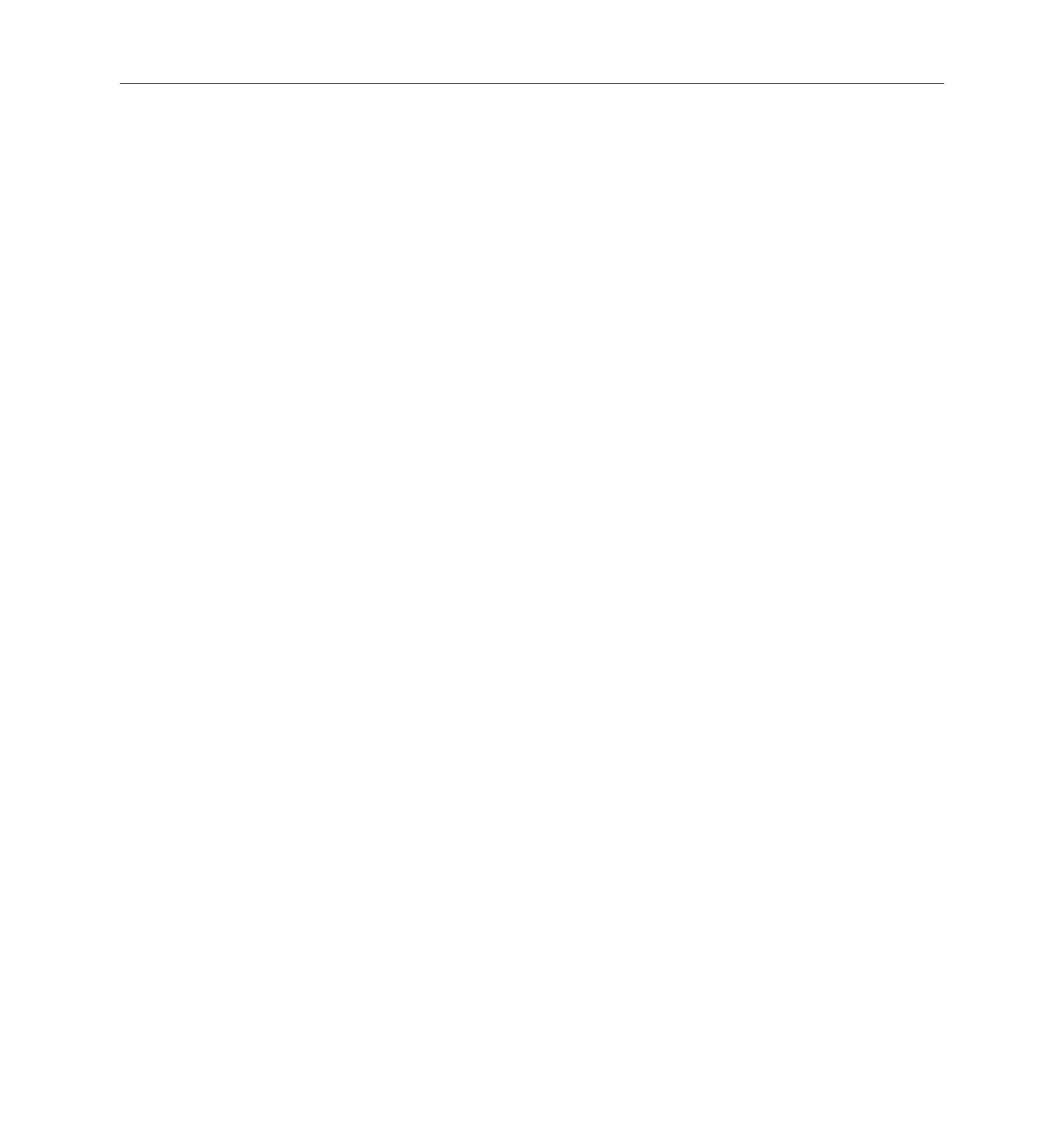
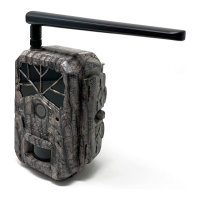
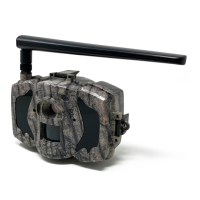
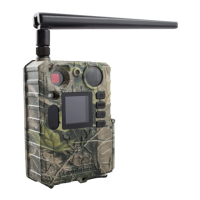
Boly Trail Camera-SG520
3.2 Manual Image / Video Capturing
Place the camera in ON mode and press ► to manually capture
photos or record video. Press ► once to take a picture, when the
CAMERA MODE option is Photo. When the CAMERA MODE
option is Video, press ► to start recording and press ► again to
3.3 Manage Images and/or Videos
Place the camera in ON mode and press the OK button to view
The latest image or video will be shown on the LCD screen.
When the display screen is active, press the OK button to cycle
through the pictures and videos taken.
NOTE: Videos cannot be viewed directly through the camera.
3.4 Camera Setup Options
To view the camera settings menu, press and hold the OK
button until the display screen activates, then press MENU
button. Press the OK button to scroll through the different
camera options and use the ► button to change the option
After changing EACH setting in the Setup menu, you must


 To Next Page