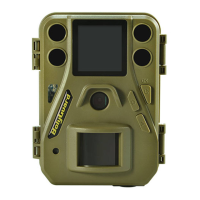
Boly Trail Camera-SG520
4 .Troubleshooting
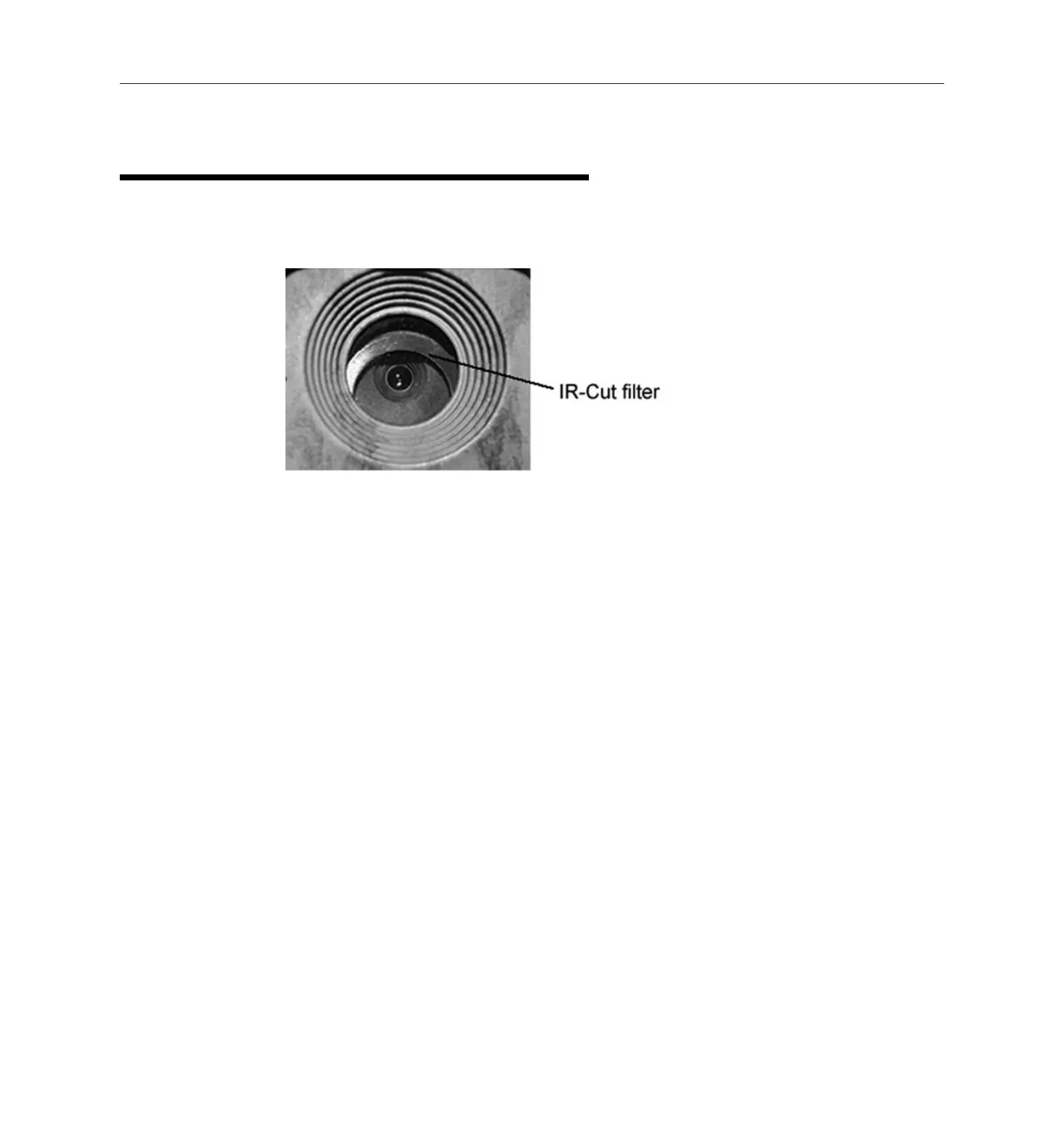
1. There is something in front of the camera lens. Is the
A: The camera is not broken. What’s in front of the lens is
called an IR-cut filter. When the camera is powered on,
the IR-cut will be reset and cover the lens. Only when the
camera is powered off, will the IR-cut be at a random
2. The camera is not working anymore.
A: Most likely, no SD card has been inserted in the camera
when it is turned on. Please make sure a working SD card
has been inserted in the camera before it is turned on.
3. The display screen suddenly turned black.
A: If the camera is left alone once turned on, after a brief
period of time, the camera will activate the On/Hunting
mode. Press and hold down the OK button until the screen
activates, if you wish to access the TEST/SETUP mode on


 To Next Page