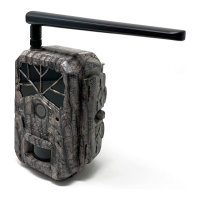
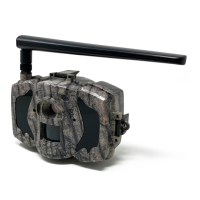
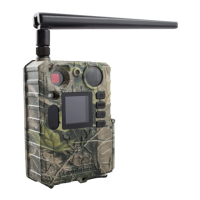
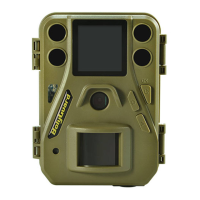
Boly Trail Camera-SG520
programmed settings. Hunting mode is automatically activated
if the camera is turned on and left alone for 20 seconds. Before
entering Hunting Mode, the front (red) LED light will
continuously blink for approximately 10 seconds, and then turn
off. This delay time allows you to adjust the camera’s position
before the camera becomes active if needed. To “wake” the
camera and access the camera menu functions, press and hold
the OK button, until the display becomes active.
To turn off the camera when the display screen is active, press
and hold the OK button until the screen powers off. The camera
will still consume a small amount of battery power while in OFF
mode, so it is recommended to remove the batteries if the
camera will not be used for a long period of time.
2.4 Trigger Mode
PIR Triggering: The default setting is on, which means the
camera is only active when motion is detected. If PIR sensitivity
is set to OFF, the camera stops responding to motion.
Timer Triggering: The default setting is OFF, which means
timer triggering is disabled. When the timer triggering interval
is set to a non-zero value, the camera starts to work at a preset


 To Next Page