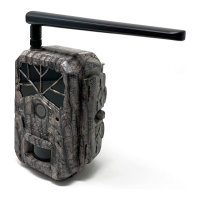
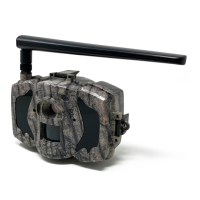
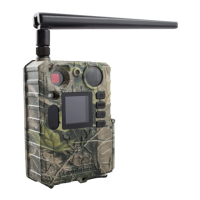
Boly Trail Camera-SG520
The camera will operate properly with a locked SD card
inserted, but the card will not be able to store captured images
or videos taken by the camera.
Do not remove the SD card while the camera is on
Removing the SD card, while the camera is on, risks damaging
the internal components of the camera.
If you experience any problems with an inserted SD
Try reformatting the SD card, using the camera’s main settings
2.3 Camera Modes
The different modes are accessed by pressing the OK button,
ON Mode
To turn on the camera, press and hold the OK button, until the
display screen activates. In this mode, you can customize the
camera settings or play back pictures and videos the camera has
taken on the LCD display. If the camera is left alone for more
than 10 seconds, the camera will automatically switch to
Hunting Mode, which is described below.
The camera will take pictures or videos when motion is
detected and/or at specific time intervals, according to the


 To Next Page