EasyManua.ls Logo

Bonsaii C204-C - User Manual

Bonsaii C204-C
8 pages
Print Icon
To Next Page IconTo Next Page
Loading...
Customer Service: customer-care@bonsaii.com
Call Service: 1-844-728-6917
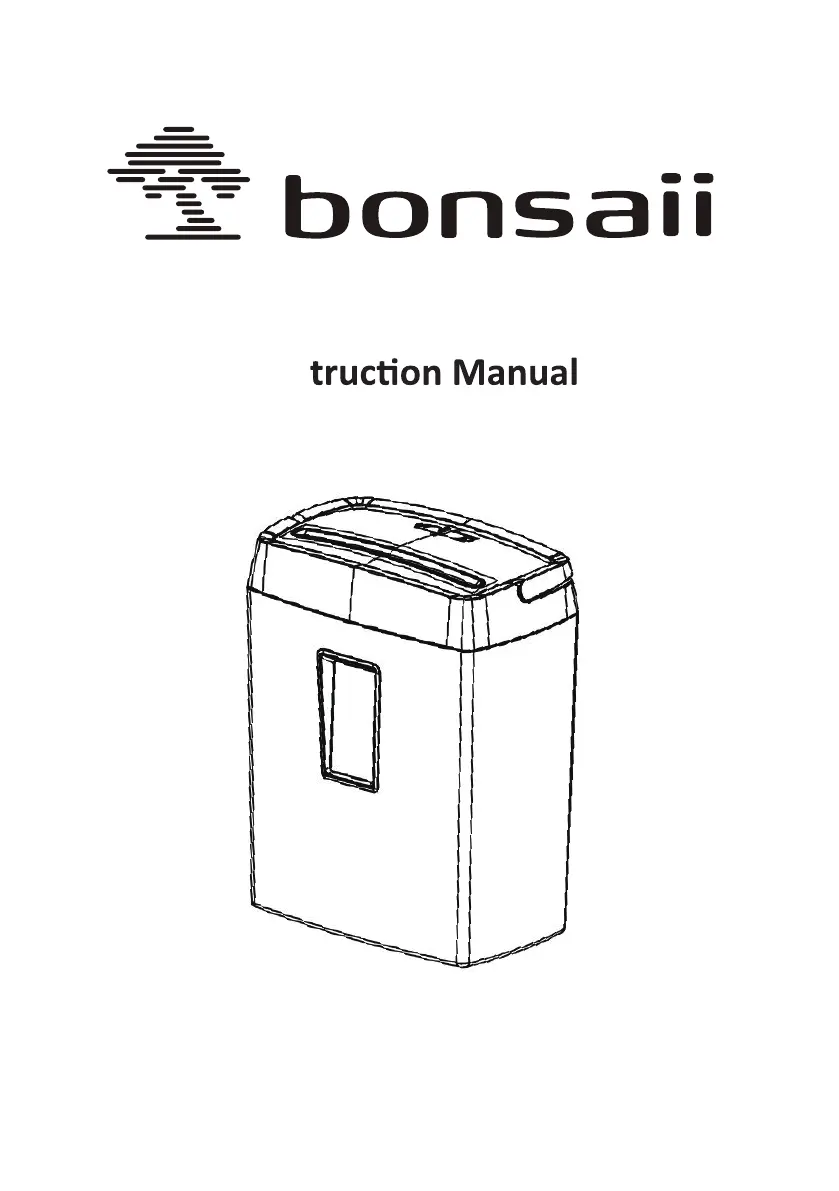
6 Sheets Cross Cut
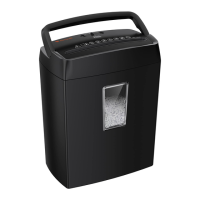
C204-C Paper Shredder
Ins

Questions and Answers

  • S
    Stephanie MillerJul 29, 2025
    Why my Bonsaii C204-C Paper Shredder stop working?
    • D
      Donna SheltonJul 29, 2025
      If your Bonsaii Paper Shredder stops working, several factors could be the cause. First, ensure the power plug is correctly connected to the power supply. If that's not the issue, check if the machine head is aligned with the paper waste bucket; if not, lift the head and align it properly. Also, the power supply voltage might be too low; in this case, turn off the power switch and wait for the voltage to return to normal. Overheating can also cause the shredder to stop; allow the machine to cool down naturally. If the paper is too thin, add an opaque sheet or fold the transparent paper multiple times. If overloading is the issue, reduce the paper quantity. Finally, if the basket is full, empty the confetti.
  • H
    Hayden MooreAug 8, 2025
    What to do if my Bonsaii C204-C keeps running?
    • H
      Heather GarciaAug 8, 2025
      If your Bonsaii Paper Shredder keeps running, paper dust or other foreign objects may be covering the sensor. Clean the dust or foreign objects from the sensor.
  • S
    Steven CalderonAug 17, 2025
    How to fix Bonsaii C204-C Paper Shredder jam?
    • E
      erikamillerAug 17, 2025
      If your Bonsaii Paper Shredder is jammed, it's likely due to feeding paper beyond the rated capacity. Toggle the switch to the "reverse" position to eject the excess paper.

Summary

Safety Precautions

General Warnings

Important safety warnings for operating the paper shredder, including avoiding injuries and proper handling.

Operation Instructions

Setup and Basic Operation

Guide to setting up the shredder, plugging it in, and understanding its components.

Shredder Modes

Explanation of the AUTO, REV, and OFF modes for shredding and jam removal.

Shredder Capacity and Performance

Shredder Capacity

Details on the maximum sheets and paper width the shredder can handle.

Overloading and Overheating

Information on how to handle overloading and overheating protection.

Paper Removal and Turning Off

Instructions for removing jammed paper and properly turning off the shredder.

Troubleshooting

Important Information and Specifications

Shredding Restrictions

List of materials that should not be shredded to prevent damage.

Technical Specifications

Detailed technical data including capacity, size, speed, and power supply.

Warranty Service

Information regarding the product warranty, claims, and customer service.

Bonsaii C204-C Specifications

General IconGeneral
BrandBonsaii
ModelC204-C
CategoryPaper Shredder
LanguageEnglish

Related product manuals