EasyManua.ls Logo

Bonsaii C221-A - User Manual

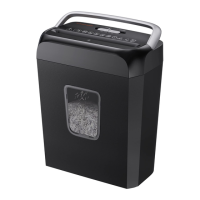
Bonsaii C221-A
6 pages
Print Icon
To Next Page IconTo Next Page
Loading...
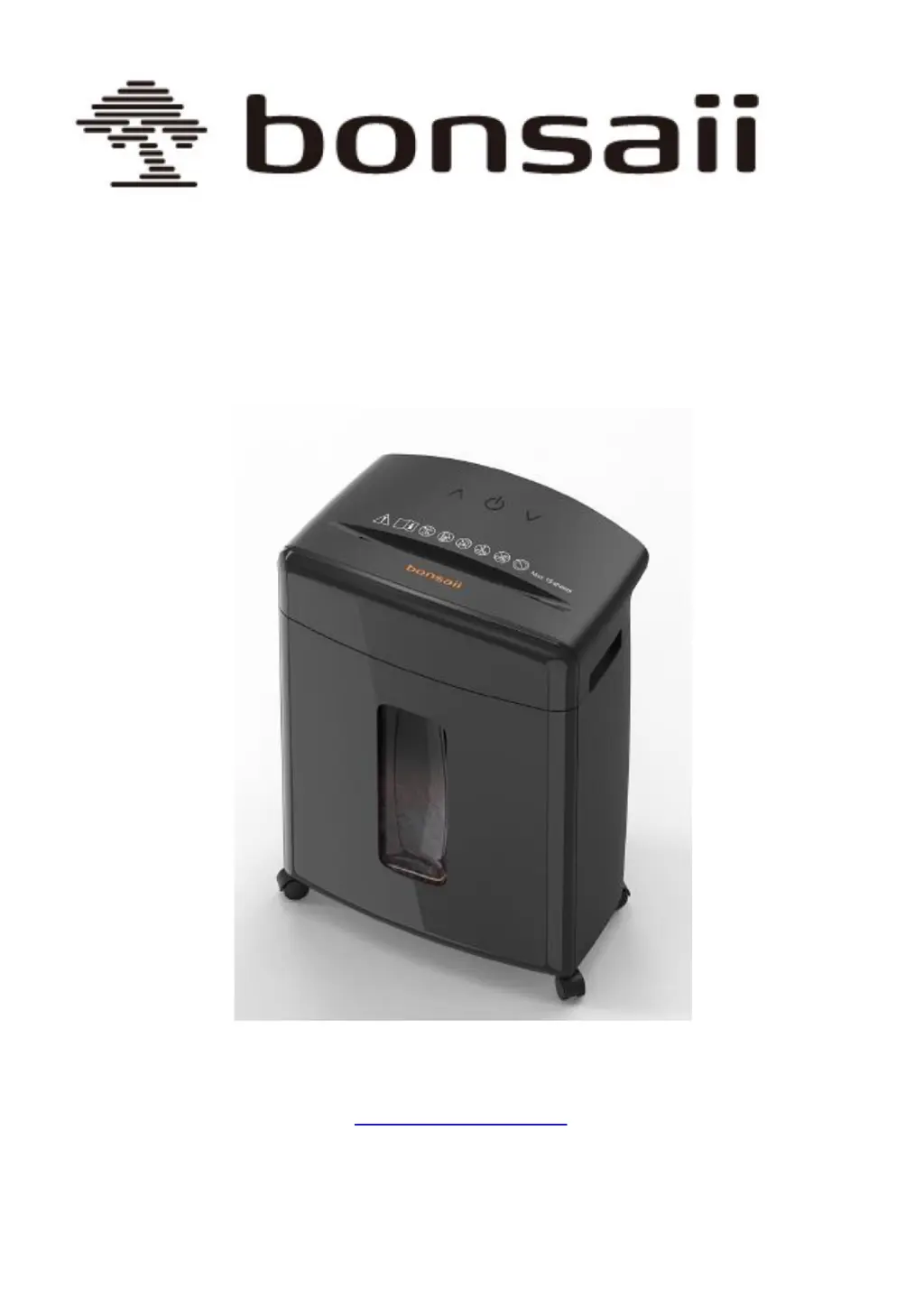
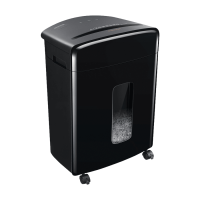
DocShred Pro Paper Shredder
Instruction Manual
C221-A 15 Sheets Cross Cut
C221-B 12 Sheets Micro Cut
Customer Service: 1-844-728-6917
support@bonsaii.com

Questions and Answers

  • R
    rodney32Aug 17, 2025
    Why does my Bonsaii C221-A Paper Shredder jam and make loud noise?
    • J
      Joseph RussoAug 17, 2025
      If your Bonsaii Paper Shredder is jamming and making loud noises, here's what might be happening and how to resolve it: * The paper jam may be exceeding the shredder's rated capacity. Toggle the switch to the "reverse" position to eject the excess paper. * Paper dust or foreign objects might be covering the sensor. Clean the sensor. * The shredder might be placed on an unsuitable surface. Try changing its location.
  • D
    Deborah RollinsNov 1, 2025
    What to do if my Bonsaii C221-A Paper Shredder stops working?
    • M
      Megan JohnsonNov 1, 2025
      If your Bonsaii Paper Shredder stops working, there are several potential causes and solutions: * Ensure the power plug is correctly connected to the power supply. * Check that the machine head is aligned with the paper waste bucket. If not, lift the head and align it properly. * If the power supply voltage is too low, turn off the power and wait for it to stabilize. * If the shredder has been running continuously, it may have entered protection mode due to overheating. Allow it to cool down. * If shredding thin paper, add an opaque sheet or fold the paper multiple times. * If overloading caused the issue, reduce the paper quantity. * Inspect the power cable for damage; replace it with one of the same parameters or contact customer service. * Make sure that the basket is n...

Summary

Safety Precautions

General Safety Guidelines

Key safety instructions and warnings for operating the shredder safely, covering handling and environment.

Operation Instructions

Parts and Functions Overview

Identifies and describes the main components, controls, and indicators of the shredder unit.

Installation Steps

Step-by-step guide for assembling and setting up the shredder unit for use.

Shredder Setup and Operation

Shredder Placement

Instructions for positioning the shredder on a flat surface away from heat sources.

Operating Modes and Procedures

Explanation of AUTO, REV, and FWD modes and general operating guidelines.

Shredder Capacity and Usage

Details on sheet capacity for different models and how to shred paper or credit cards.

Troubleshooting and Maintenance

Common Issues and Solutions

Guidance on resolving common problems like shredder not operating or paper jams.

Cutter Oiling Instructions

Procedure for periodic oiling to ensure optimal cutting unit performance and longevity.

Technical Specifications and Warranty

C221-A;B Technical Specifications

Detailed technical data including cutting capacity, speed, security level, and dimensions.

Warranty Information

Details on the warranty period, coverage, and conditions for the shredder.

Bonsaii C221-A Specifications

General IconGeneral
Cut TypeCross-Cut
Sheet Capacity12 Sheets
Bin Capacity4.8 Gallons
Security LevelP-4
Dimensions14.6 x 10.2 x 20.5 inches
Weight15.4 lbs
Auto Start/StopYes
Overheat ProtectionYes
Jam ProtectionYes
Can ShredPaper, Credit Cards, Staples, Paper Clips
Run Time10 Minutes
Cool Down Time30 Minutes
Speed6.6 ft/min

Related product manuals