9
9
Basic Setup
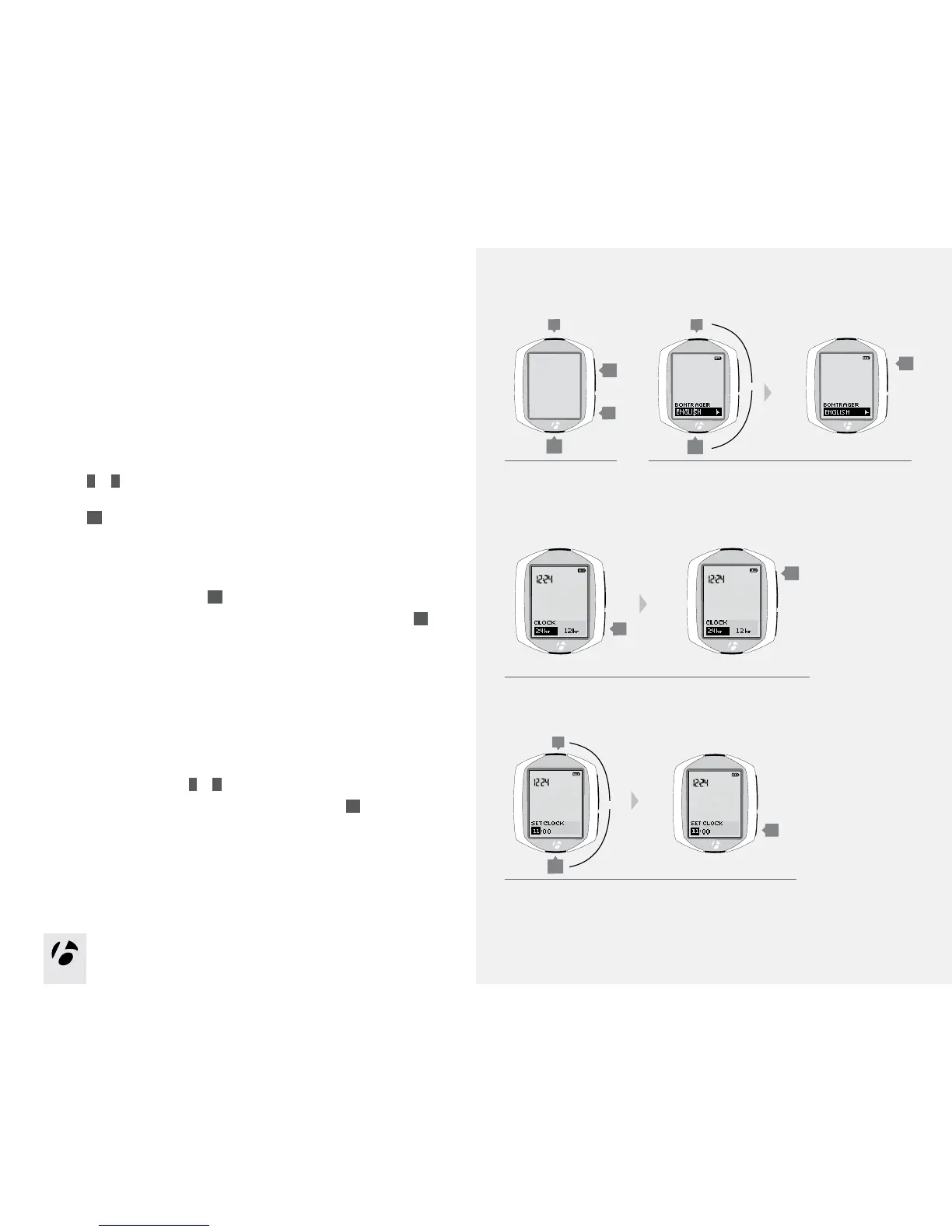
In this procedure, you will set your preference for a function, then save those
preferences. When you save one function, the setup program proceeds to the
next function.
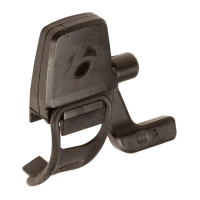
1. Wake the computer: install the battery, push any button, or make the speed
sensor send a signal.
2. To change the language (choose Deutsch, English, Espanol, or Francais),
press
T
or
B
.
To save the Language and proceed to the Clock (clock type) function,
press
s1
.
3. The clock shows the time of day. To change the type of clock
(choose 12HR or 24HR), press
s2
.
To save the Clock and proceed to the Set Clock (set time) function, press
s1
.
4. To change the hours, press
T
or
B
.
To set the hours and proceed to change the minutes, press
s2
.
4.
3.
1. 2.
s1
s2
T
B
s2
B
T
B
s1
T
s1
s2
or
or



 To Next Page