54
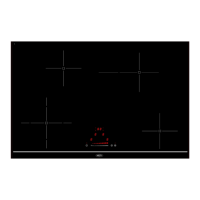
Control panel
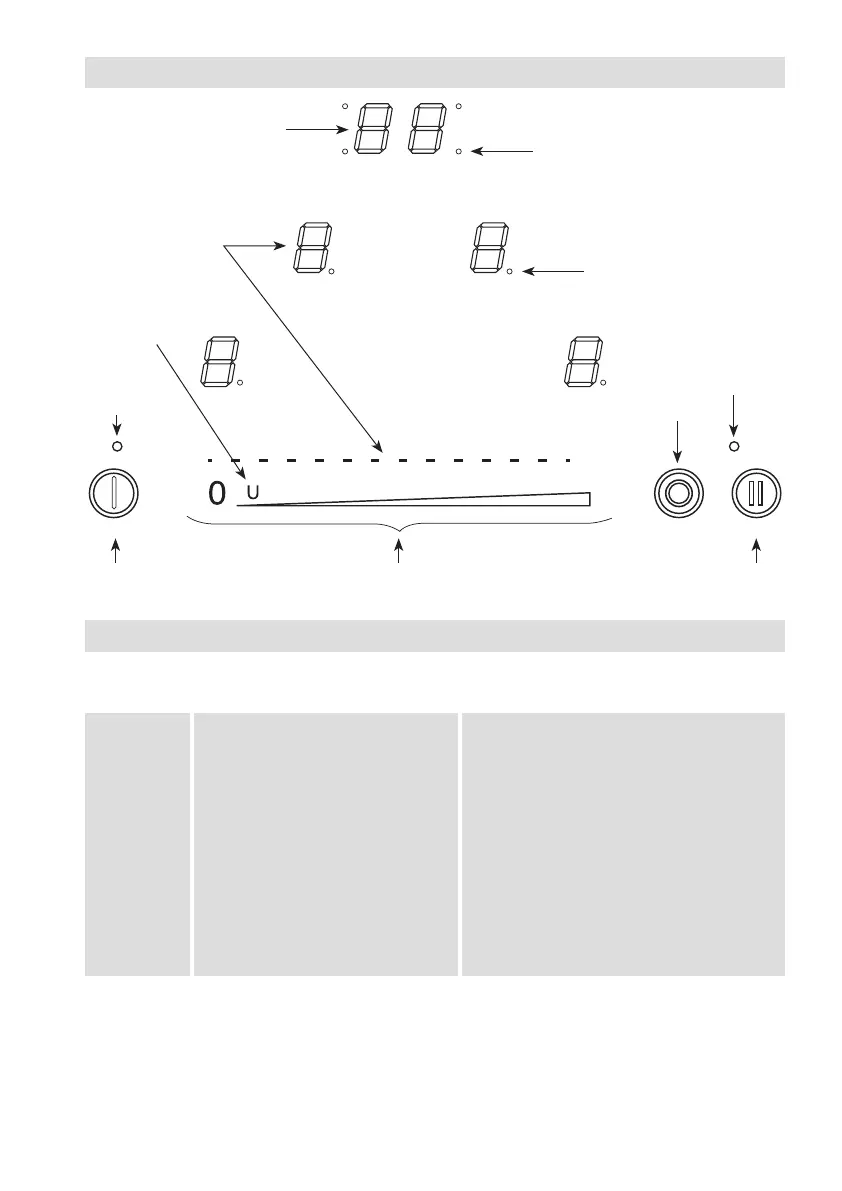
Touch keys
Yourappliancehastouch-sensitivekeysforsettingthevariousfunctions.Touchingthekeysstarts
thefunctioninquestion.Thisactivationisconrmedbyanindicatorlight,ascreenmessageand/
ora“beep”sound.
Normally,youdonotpressmorethanonekeyatatime.
Use of the appliance
Display
Display Indication Function
0. Zero Cookingzoneactivated
1…9 Powerlevel Cookingzoneselection
A Immediate heating Automatic cooking
E Errormessage Faultyelectroniccircuit
F Errormessage Cookingzonedefect
H Residualheat Thecookingzoneishot
L Lock Hobislocked
U Keepwarm Automaticallymaintain70°.
II Pause Pausingisactivated
Timer display
Zone selection indicator light
Power level display
Keep warm key
On/off light
Pause/Repeat
light
Indicator lights for timer zone selection
On/Off Pause/RepeatSlider power level and timer setting zone
Expansion zone


 To Next Page