en-US
|
4
|
Quick Start Guide|
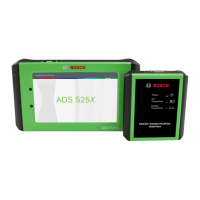
ADS 525X
1699502643 | REV. B | 05.2020
© Bosch Automotive Service Solutions Inc
Setup
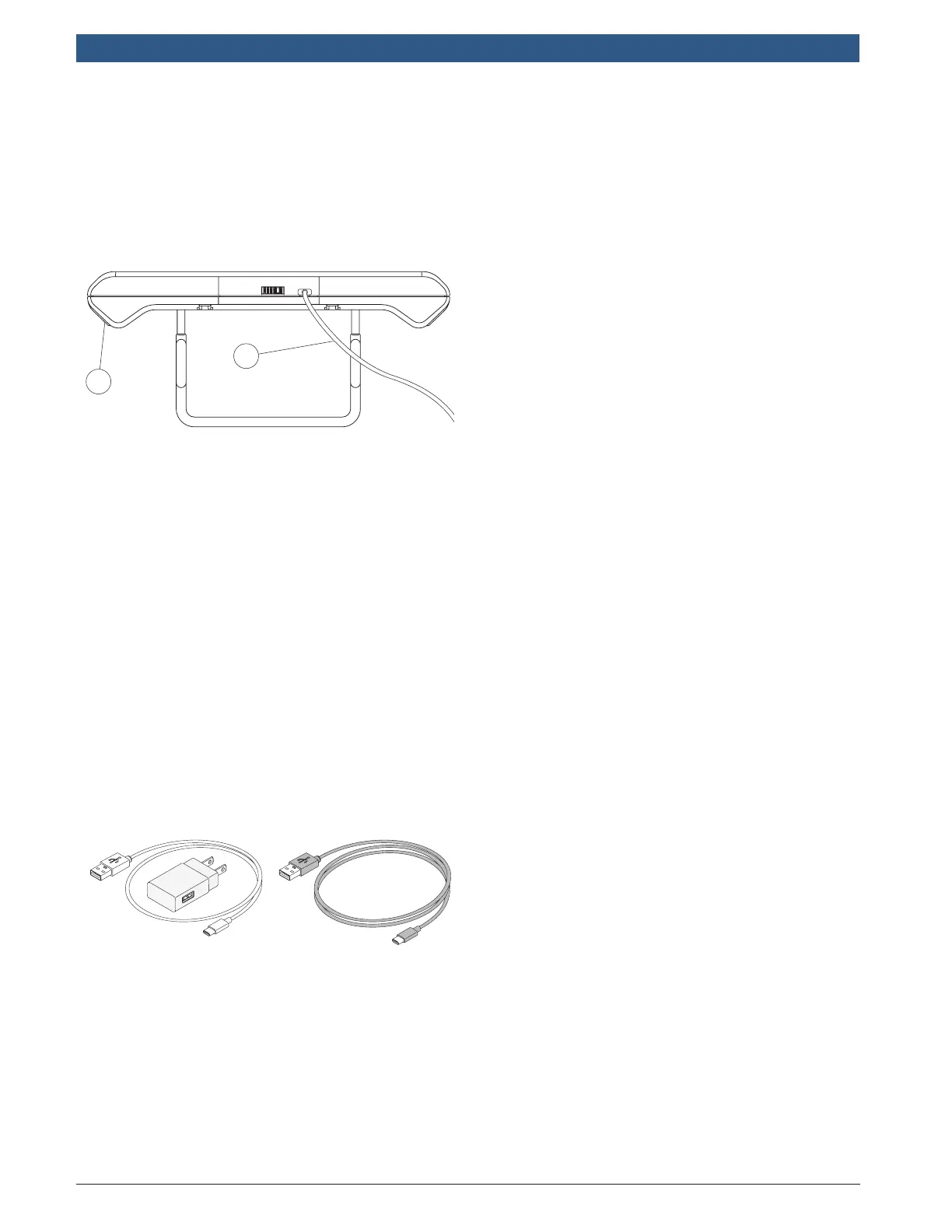
1. Battery Charging.
Connect the handset to AC power
and fully charge the battery.
1
2
1. Handset
2. USB Power Block and Charging Cord
When the handset is turned on, the
level of battery charge is indicated in
the upper right corner of the screen.
Note:
• It is recommended to keep the scan
tool plugged into power supply when
not being used.
• For maximum battery life, properly
power off scan tool when not in use
for extended periods.
• ADS 525X is supplied with 2 micro
USB power cables and 1 USB power
block.
2 ft. cable 6 ft. cable



 To Next Page