D1265 | Owner's Manual | Part II: System Commands
Bosch Security Systems, Inc. | 9/10 | F01U169130-02 29
Using Command 9
1. Ensure the display shows disarmed idle text.
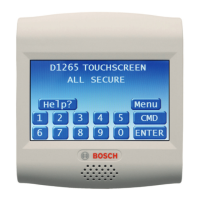
2. Press the CMD button. The display shows
*System Command*.
3. Press the 9 button.
If you prefer, you might use the function
list in place of Steps 2 and 3 to initiate
this function.
Press the Menu button to enter the
function list.
Press the Next button repeatedly.
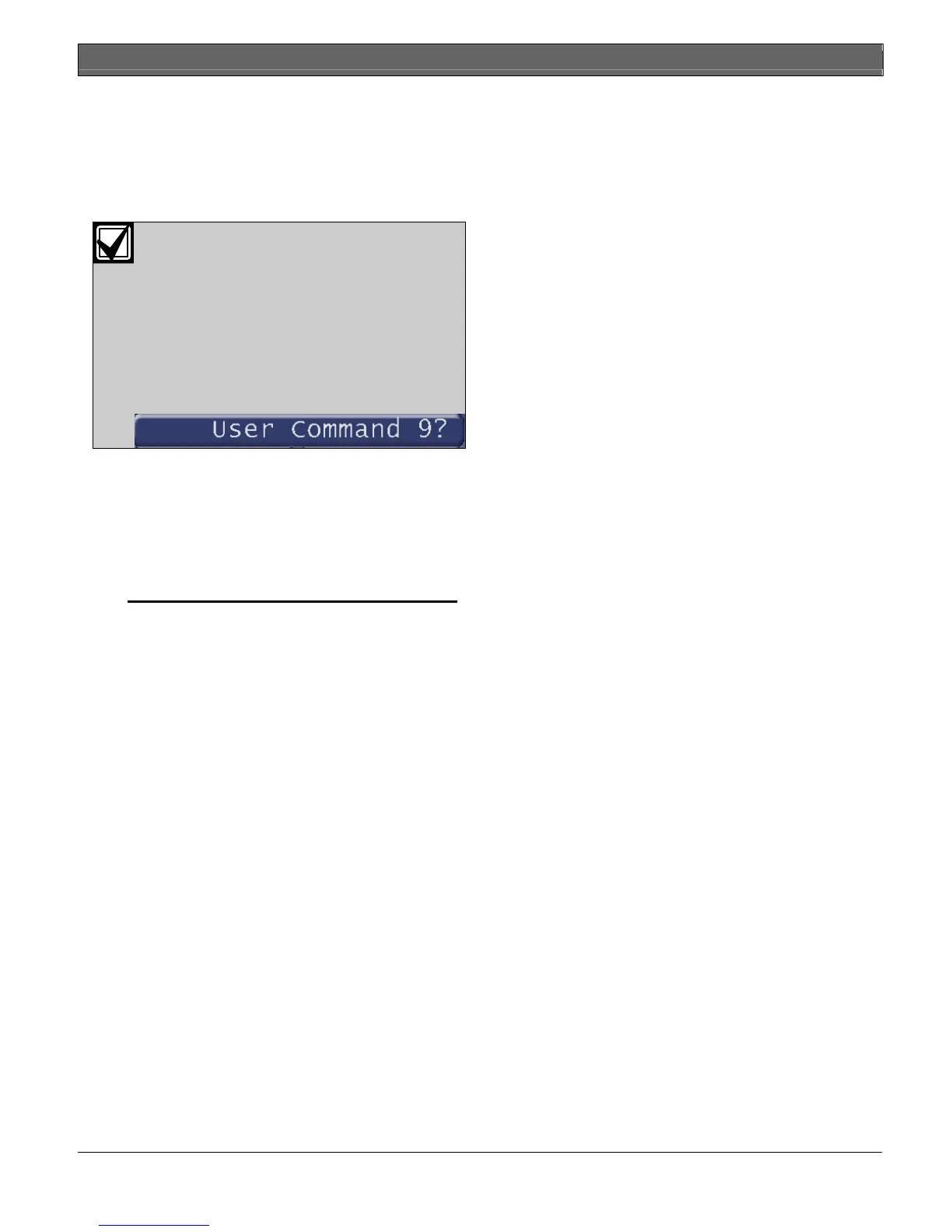
When you reach the User Command 9
button, press it.
4. Your Command 9 special alert has been
programmed to:
notify your alarm company
ring a bell on your premises
display at your keypad
Description:
_________________________________________
_________________________________________


 To Next Page