Intrusion | Getting Started | Home Control Gateway | 5
Bosch Security Systems, Inc. • 130 Perinton Parkway • Fairport, NY 14450 • us.boschsecurity.com | 2017.06 | v3
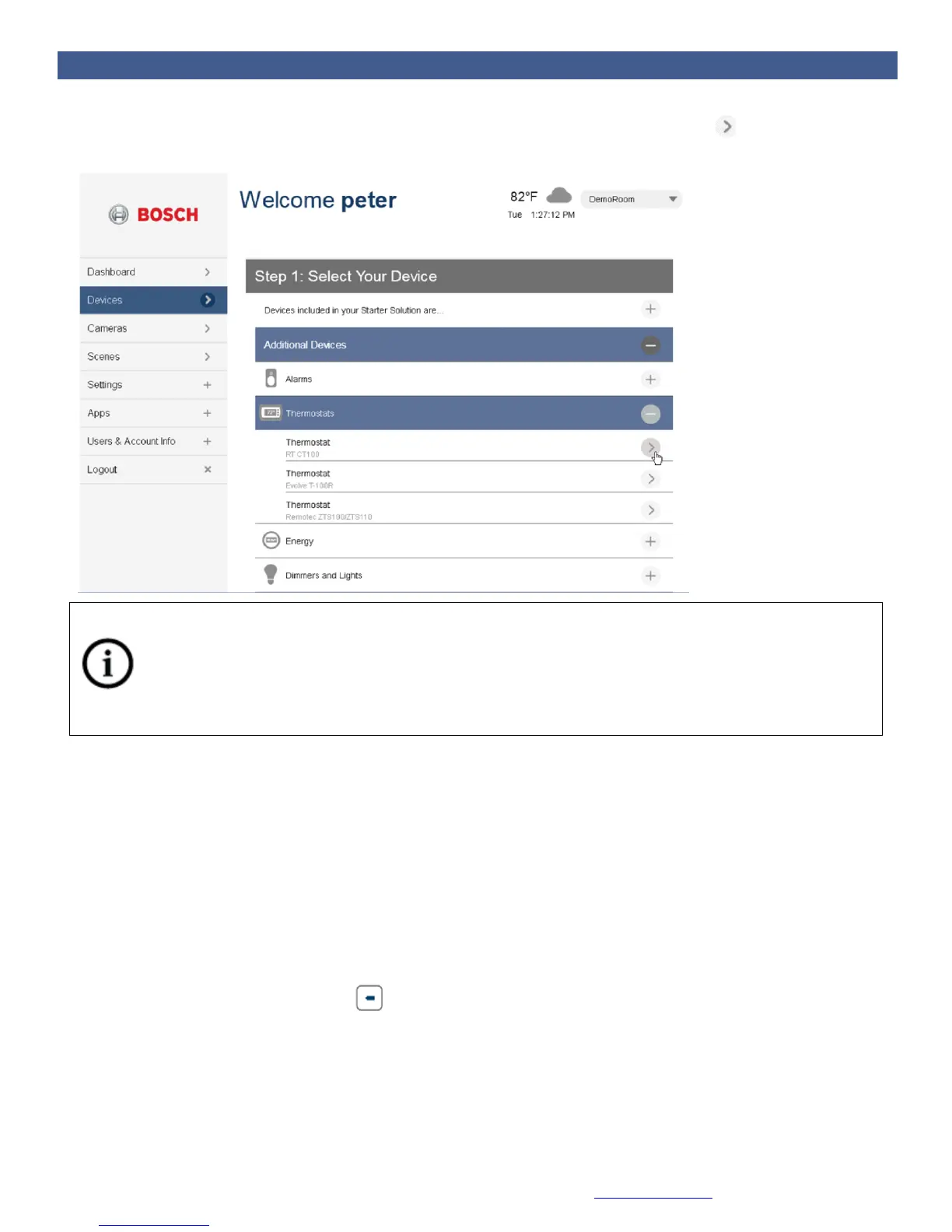
5. Select the device type and model number that you want to install and click the symbol next to it.
Follow the instructions on the screen.
Notice
Your Bosch Security Dealer has already installed your Bosch Security System. You will not find this
device within the Device installation wizard.
Pairing Installed Devices with a Battery Powered Home Control Gateway
Sometimes controllable devices in your home are not easily moved within pairing distance of the
Gateway. For example, a light switch that is already installed on a wall in another room, or a door lock.
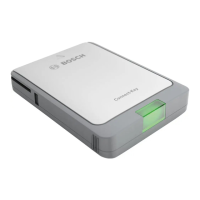
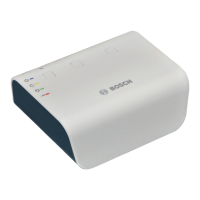
For these situations, the Gateway includes a battery pack (G100 only) that allows you to disconnect the
Gateway from the power cable and bring it to the installed device. This step is optional, but if you do
have pre-installed or otherwise non-movable controllable devices that you want to pair with the Gateway,
please perform the following:
1. Disconnect the Gateway’s network cable and power cable (the one that goes into the wall outlet)
and press and hold the battery button (G100 only) for 5 seconds. Doing so causes the
Gateway to power up in battery mode.


 To Next Page