Need help?
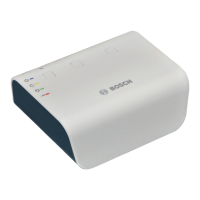
Do you have a question about the Bosch G100 and is the answer not in the manual?
Steps for activating the Home Control Gateway and its ownership.
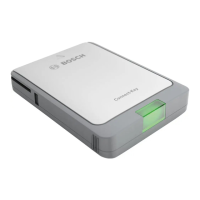
Description of the G450 gateway's buttons and LEDs for system overview.
Basic information and steps for logging into the Home Control account.
Steps to pair devices by placing them within 30 feet of the Home Control Gateway.
Procedure for pairing devices not easily moved by using the gateway's battery mode.
Overview of interactive features accessed via web browser or mobile apps.
How to download, install, and use the Remote Security Plus app.
Using the gateway for monitoring and security tasks like door locks and cameras.
Using the gateway for energy efficiency, automated settings, and appliance control.
Using the gateway to help monitor and assist elderly loved ones.
Simplifying daily routines like securing the house with one touch.
 General
| Manufacturer | Bosch |
|---|---|
| Model | G100 |
| Category | Gateway |
| Frequency Band | 2.4 GHz |
| Wireless Protocol | Zigbee |

 To Next Page