Intrusion | Getting Started | Home Control Gateway | 4
Bosch Security Systems, Inc. • 130 Perinton Parkway • Fairport, NY 14450 • us.boschsecurity.com | 2017.06 | v3
Refer to the next section for details about including new devices.
Include (Add) Devices
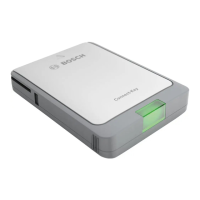
The Home Control Gateway wirelessly communicates with other controllable Home Control devices
through an initial process called "pairing". For many devices, the Gateway supports a guided installation
through a device installation wizard. This process walks you through all necessary steps to pair (include)
your device.
Pairing devices in close proximity
1. Locate the device you want to pair.
2. Place the device within 30 feet of the Home Control Gateway.
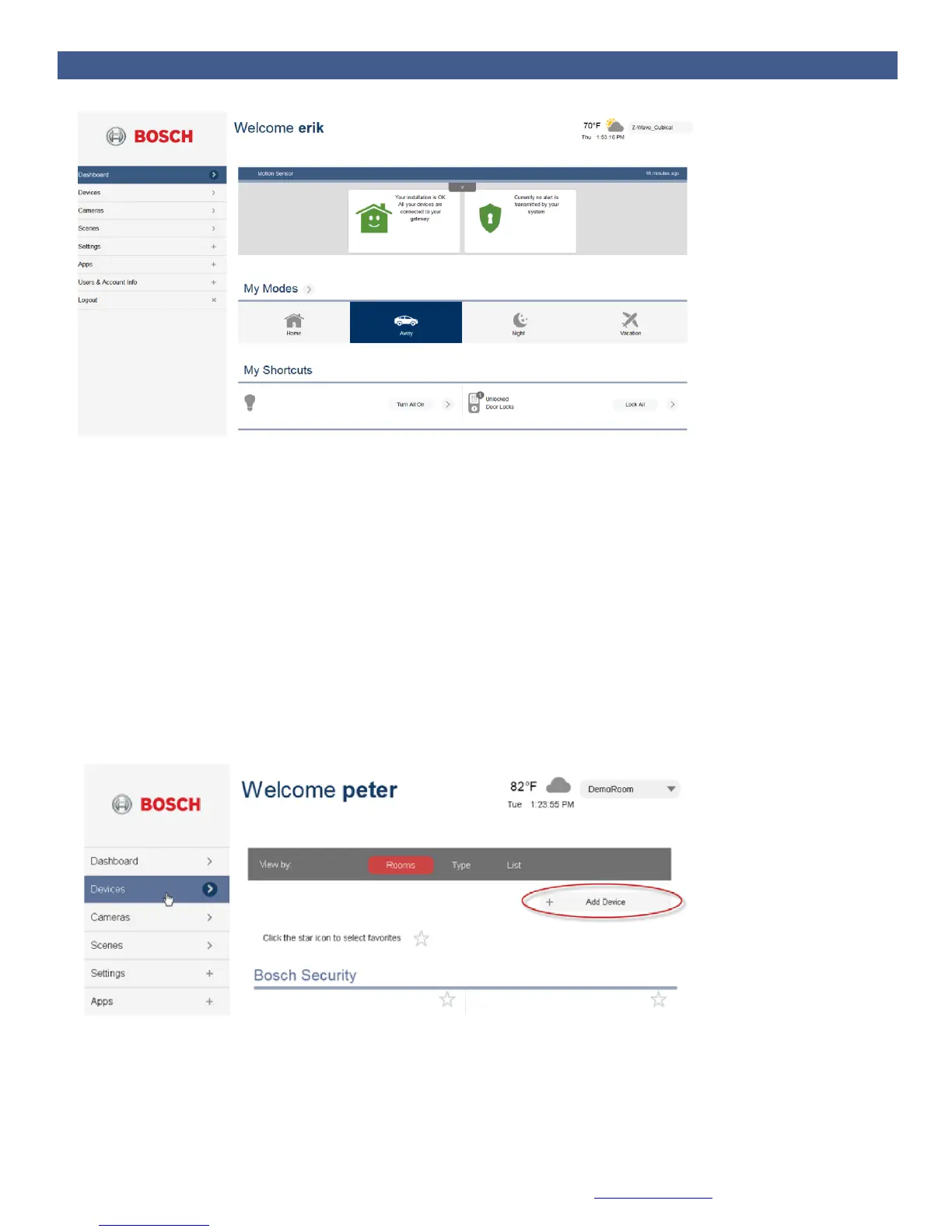
3. Go to “Devices” and click “Add Device” to start the wizard.
4. Click on the appropriate device category (plus symbol).


 To Next Page