Intrusion | Getting Started | Home Control Gateway | 9
Bosch Security Systems, Inc. • 130 Perinton Parkway • Fairport, NY 14450 • us.boschsecurity.com | 2017.06 | v3
Plan your Goals
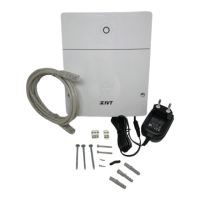
The Home Control Gateway and its components let you monitor, control, and automate many devices
around your home. You and your smartphone (or PC or tablet) communicate with these devices. Such
devices include cameras, door locks, lighting controls, and other supported devices. These devices can
work independently, or in groups that work together, like a thermostat that turns itself down when it sees
bright sunlight from a daylight sensor, and back up again when it gets dark.
Proper planning and coordination are essential when utilizing the capabilities of the gateway in
conjunction with your Bosch Security System. Understanding your current environment gives you a
clearer picture as to how you want to automate your living space, and how you might improve it through
the use of home control functionality.
Monitoring and Security Applications
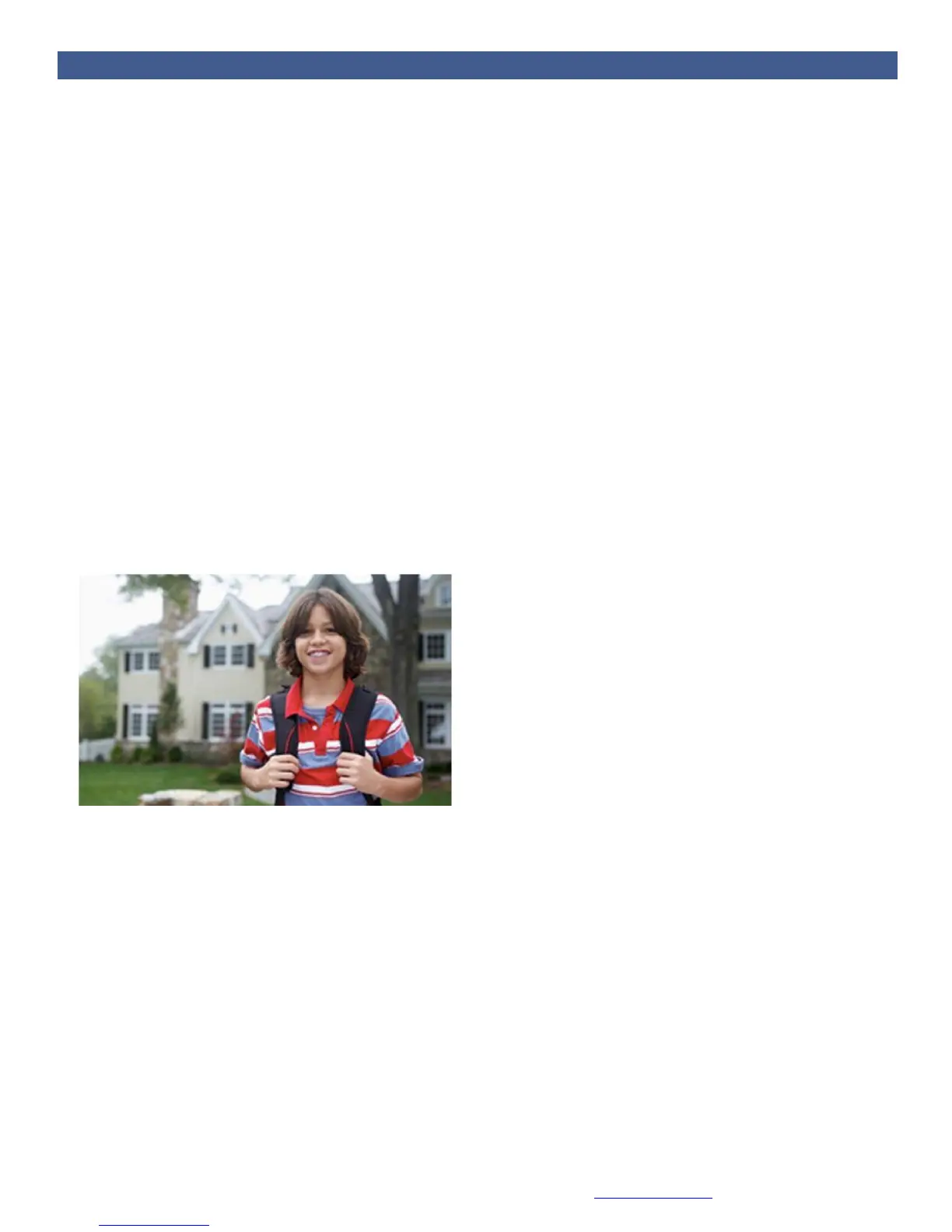
One popular application is monitoring and operating electronic door locks. When your child gets home
from school and unlocks the door, the Home Control Gateway can send you a text message or an email.
You can view a still image, live or recorded video, from your computer or smartphone to be certain that
your kids are home safe and didn't bring unwelcome guests. You can view live video from inside your
home to check in on the babysitter while you are out, and so on.
In the security and monitoring examples above, you use a powered door lock, a video camera and
perhaps a motion detector. Most of these devices talk to the gateway through Z-Wave, ZigBee or Wi-Fi,
interoperable standards in wireless control. How many of these devices will you need to connect? It all
depends on what you want to accomplish.


 To Next Page