Intrusion | Getting Started | Home Control Gateway | 8
Bosch Security Systems, Inc. • 130 Perinton Parkway • Fairport, NY 14450 • us.boschsecurity.com | 2017.06 | v3
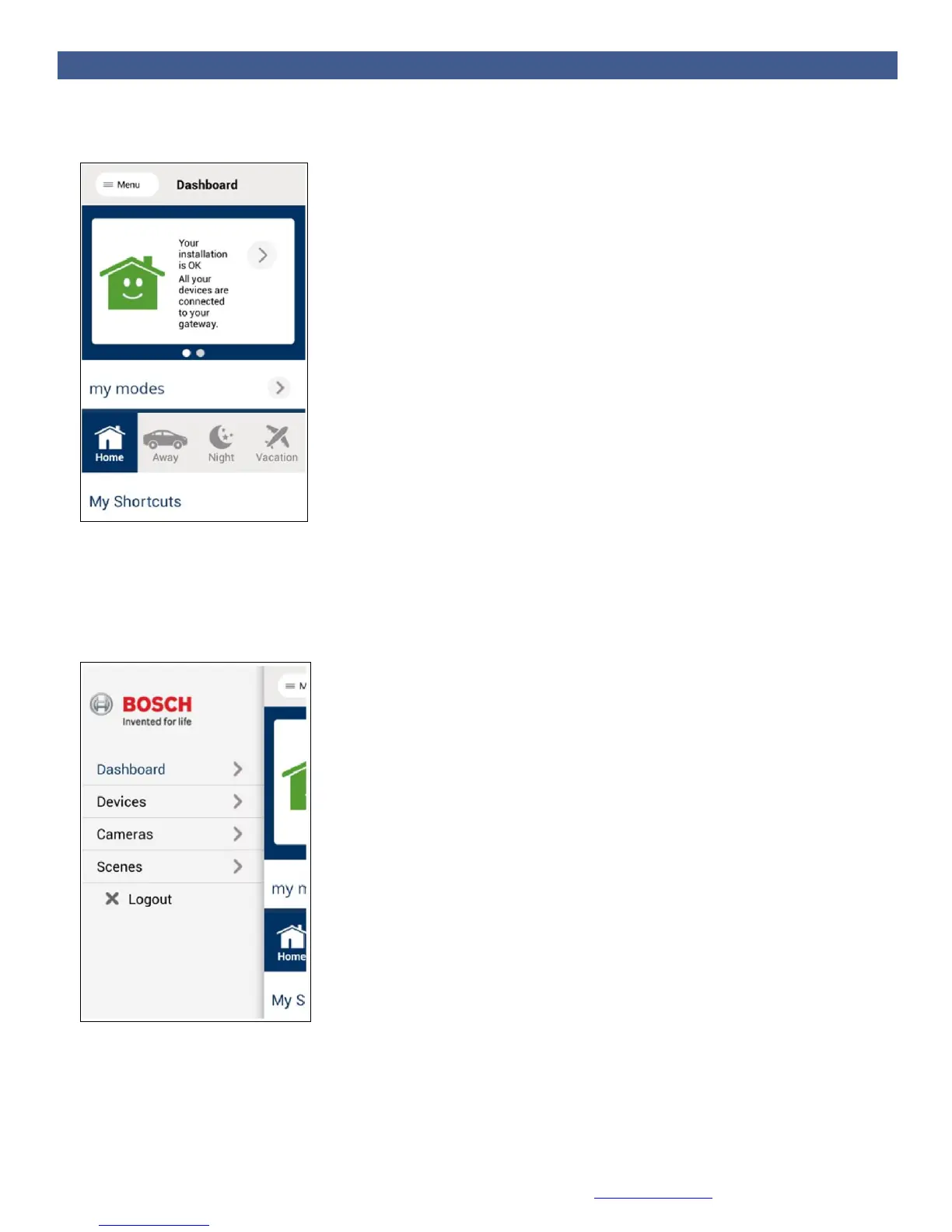
2. Your dashboard window appears with the following preset modes (My Modes) as well as Shortcuts
and your Favorite devices.
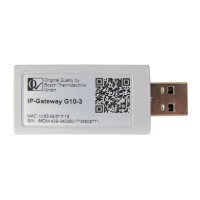
3. Open the menu by clicking on Menu, or by sliding over your screen from left to right, depending on
your device.
4. Select Devices to view and control your devices.
5. Select Scenes to create or modify scenes using your mobile app. Follow the instructions on the
screen.


 To Next Page