30
|
ENG
CONNECT BOSE PRODUCTS
CONNECT WITH A BOSE SMART SPEAKER OR
SOUNDBAR USING SIMPLESYNC™ TECHNOLOGY
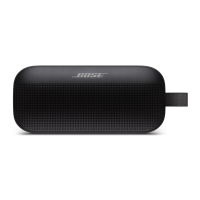
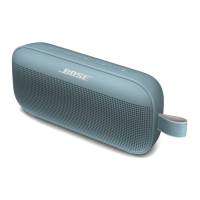
With Bose SimpleSync™ technology, you can pair your Bose SoundLink Flex SE
speaker with a Bose Smart Speaker or Bose Smart Soundbar to listen to the same
song in two dierent rooms at the same time.
NOTES:
• You must download the Bose Music app in order to use this feature.
• SimpleSync™ technology has a Bluetooth range of up to 30 ft (9 m).
Walls and construction materials can aect reception.
Compatible products
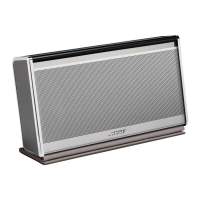
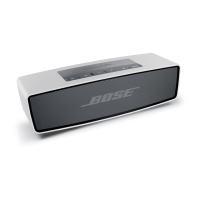
You can pair your Bose SoundLink Flex SE speaker with any Bose Smart Speaker or
Bose Smart Soundbar.
Popular compatible products include:
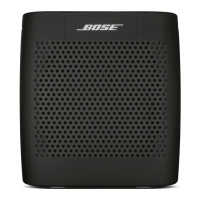
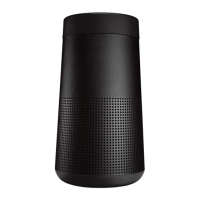
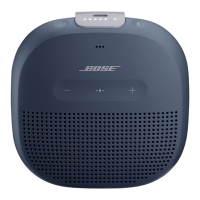
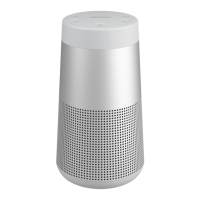
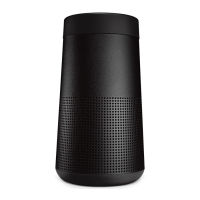
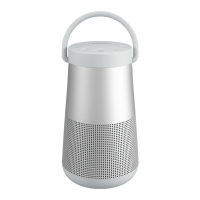
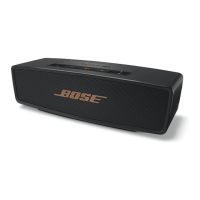
• Bose Smart Soundbar 700/Bose Soundbar 700
• Bose Smart Speaker 500/Bose Home Speaker 500
• Bose Smart Soundbar 300
• Bose Home Speaker 300
• Bose Portable Smart Speaker/Bose Portable Home Speaker
New products are added periodically. For a complete list and more information, visit:
worldwide.Bose.com/Support/Groupsworldwide.Bose.com/Support/Groups
Pair using the Bose Music app
1. On your Bose SoundLink Flex SE speaker, press and hold the Bluetooth button l
until the Bluetooth light blinks blue, and you hear “Ready to pair another device.”
2. Use the Bose Music app to connect your Bose SoundLink Flex SE speaker to a
compatible Bose product. For more information, visit:
worldwide.Bose.com/Support/Groupsworldwide.Bose.com/Support/Groups
NOTES:
• Make sure that your Bose SoundLink Flex SE speaker is within 30 ft (9 m) of your
Bose Smart Speaker or Bose Smart Soundbar.
• You can pair your Bose SoundLink Flex SE speaker with only one product at a time.


 To Next Page