7
Troubleshooting
Refer to the checklist below to solve the problems when using the product.
If problems persist, contact our technical support. Do not attempt to
disassemble or modify the product.
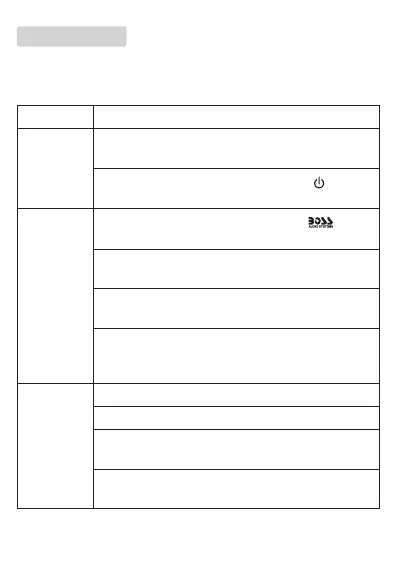
Problem Solution
No power The fuse is blown. Replace with a new one of the same
type and rating.
The unit is not powered on. Press and hold on the
unit’s control panel to turn it on.
No sound
Incorrect source input. Press and hold the button
to select Bluetooth or AUX source.
adfaVolume is minimum. Increase volume using the volume
control on the unit or the connected device.
Make sure the REMOTE OUT wire of the unit is
correctly or securely connected to your amplier.
Make sure the connected amplier has correct signal
input and output connection (refer to the user manual
of the amplier).
No/poor
Bluetooth
connection
Make sure Bluetooth is enabled on your device.
Make sure the device is within Bluetooth range.
To connect to another device, disconnect the current
Bluetooth connection.
Move the device closer to the unit. Or remove any
obstacle between the device and the unit.






 To Next Page