EasyManua.ls Logo

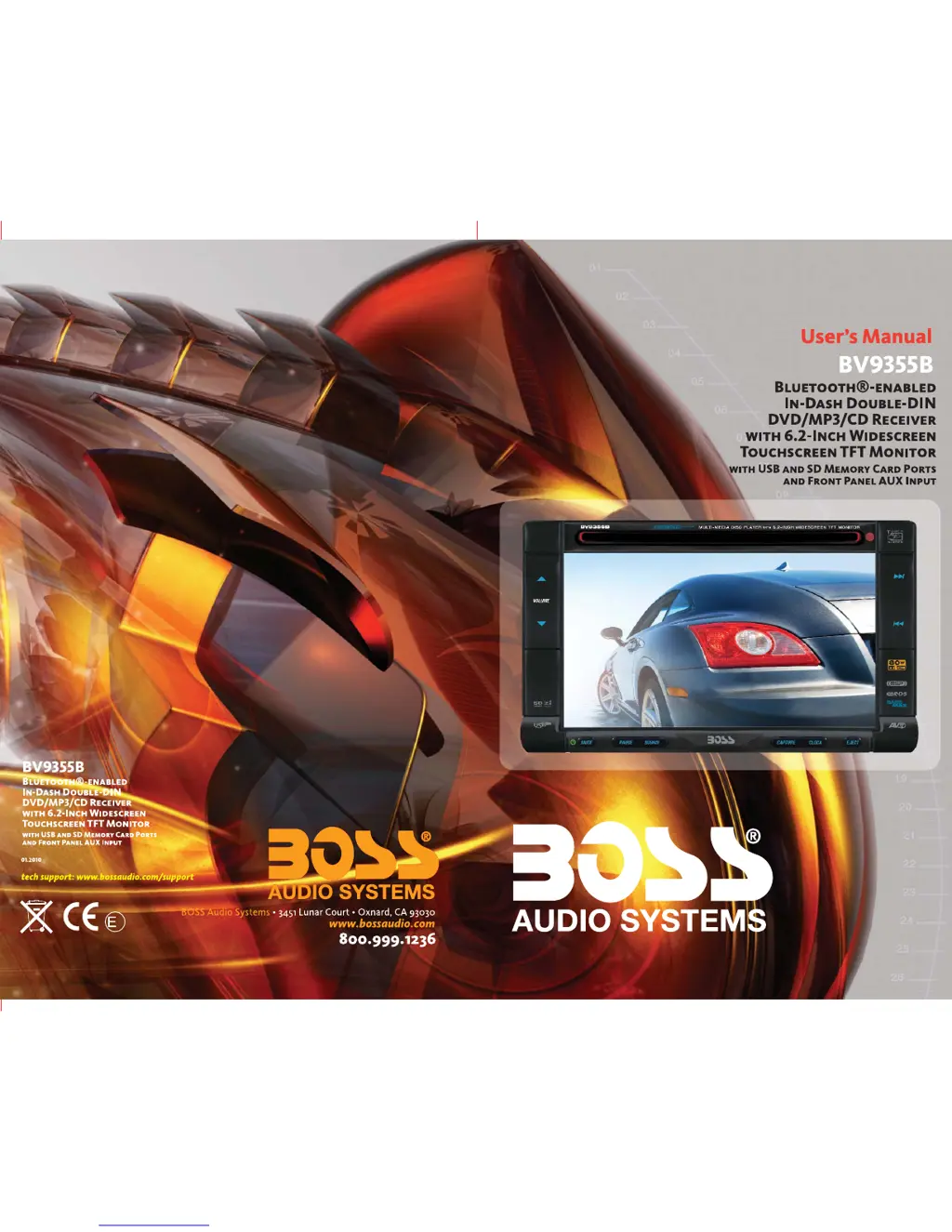
Boss Audio Systems BV9355B - User Manual

Boss Audio Systems BV9355B
32 pages
Print Icon
To Next Page IconTo Next Page
Loading...
4
10 R - 02 1011

Questions and Answers

  • S
    Spencer BennettJul 30, 2025
    How to troubleshoot no power on Boss Audio Systems BV9355B Car Receiver?
    • K
      Krista HallJul 30, 2025
      If your Boss Audio Systems Car Receiver has no power, first ensure the car ignition is switched to 'ACC' if the power supply is correctly connected to the car accessory terminal. If that doesn't work, check the fuse and replace it if it's blown.
  • A
    Anna MoralesAug 3, 2025
    Why is there no sound coming from my Boss Audio Systems BV9355B?
    • T
      Thomas JonesAug 3, 2025
      If you're experiencing no sound from your Boss Audio Systems Car Receiver, start by adjusting the volume to a desired level, as it might be set to minimum. If the issue persists, check the wiring connections to ensure they are properly connected.
  • J
    john83Aug 7, 2025
    What to do if the radio does not work on Boss Audio Systems BV9355B Car Receiver?
    • A
      Allison BondAug 7, 2025
      If the radio on your Boss Audio Systems Car Receiver isn't working, or the automatic station selection fails, first ensure the antenna cable is firmly inserted. If the signals are too weak, try selecting a station manually.
  • M
    mistymeyerAug 11, 2025
    Why does the sound skip on my Boss Audio Systems BV9355B?
    • A
      Aaron ObrienAug 12, 2025
      If the sound skips on your Boss Audio Systems Car Receiver, ensure that the installation angle is less than 30 degrees. Also, the disc might be dirty or defective, so try cleaning it or using a new one.
  • T
    Tamara Mcbride MDAug 16, 2025
    What to do if my Boss Audio Systems BV9355B Car Receiver won't load or eject a disc?
    • R
      Richard CastroAug 16, 2025
      If your Boss Audio Systems Car Receiver won't load or eject a disc: * Remove any disc currently in the player before inserting a new one. * Make sure you're inserting the compact disc with the label facing upward. * Clean the disc or try a new one if the current disc is dirty or defective. Also, if the temperature inside the car is too high, cool off the car. If condensation is the issue, leave the player off for about an hour before trying again.
  • T
    Thomas AtkinsonAug 20, 2025
    What to do if operation keys do not work on Boss Audio Systems Car Receiver?
    • T
      Teresa LeonardAug 20, 2025
      If the operation keys on your Boss Audio Systems Car Receiver aren't working, the built-in microcomputer may not be operating properly due to noise. Try pressing the RESET button.
  • C
    Christine BranchAug 25, 2025
    How to fix disc error on Boss Audio Systems BV9355B Car Receiver?
    • M
      mhaasAug 26, 2025
      If your Boss Audio Systems Car Receiver displays a 'Disc Error', the disc might be dirty, scratched, or inserted upside down. Replace the disc to resolve this issue.

Summary

Warnings and Safety Precautions

When Driving Safely

Safety guidelines for operating the unit while driving.

Car Washing Precautions

Advice on protecting the unit from water and moisture.

When Parked Advice

Recommendations for usage when the vehicle is parked.

Proper Power Supply Use

Requirements for connecting the correct power supply.

Protect the Disc Mechanism

Guidelines to prevent damage to the disc loading mechanism.

Installation Guide

Installation Caution and Methods

Important cautions and methods for installing the unit.

Resetting the Unit

Instructions on how to reset the unit to factory settings.

Connecting the System

Wiring Diagram and Pin Configurations

Visual guide for system connections and detailed pin assignments.

Name Of Buttons and Theirs Functions

General Operations

SetUp Menu Operations

Audio Menu Settings

Adjusting audio parameters like iX-Bass, Sub-W, Bass, and Treble.

Preset EQ Setting

Choosing from eight different types of preset equalizer settings.

System Menu Settings

Configuring system parameters like date, clock, and beep tone.

Bluetooth Setting Menu

Managing Bluetooth connections, pairing, and settings.

2-Zone Operation

Configuring independent audio zones for front and rear.

Media Player Operations (Disc;USB;SD Card)

Dual Zone Operation

Bluetooth Operations

User Guide for Bluetooth

General overview and best practices for Bluetooth connectivity.

Handsfree Operation and Pairing

Connecting and managing Bluetooth devices for handsfree calls.

Pairing Mobile Phone and Unit

Step-by-step guide for pairing a mobile phone with the unit.

Bluetooth Audio Streaming (A2 DP)

Playing music wirelessly from a device using Bluetooth audio streaming.

Troubleshooting

Power and Disc Loading Issues

Solutions for problems related to power and disc loading/ejection.

Sound and Operation Key Issues

Troubleshooting steps for sound problems and unresponsive buttons.

Radio and Error Issues

Addressing radio reception problems and error code displays.

Disc Errors

Specific solutions for various disc reading errors.

Boss Audio Systems BV9355B Specifications

General IconGeneral
Screen Size6.2 inches
TouchscreenYes
BluetoothYes
USB PortYes
SD Card SlotYes
Radio TunerAM/FM
DVD PlayerYes
Steering Wheel Control CompatibleYes
Rear Camera InputYes
Pre-Amp OutputsYes
LCD TouchscreenYes
Resolution800 x 480
AUX InputYes
Subwoofer OutputYes
Video OutputYes
EqualizerYes
Backup Camera InputYes
Preamp OutputsFront, Rear, Sub
Compatible FormatsMP3, WMA, WAV, AAC

Related product manuals