INSTRUCTIONS INSTRUCTIONS
14.DVD MODE
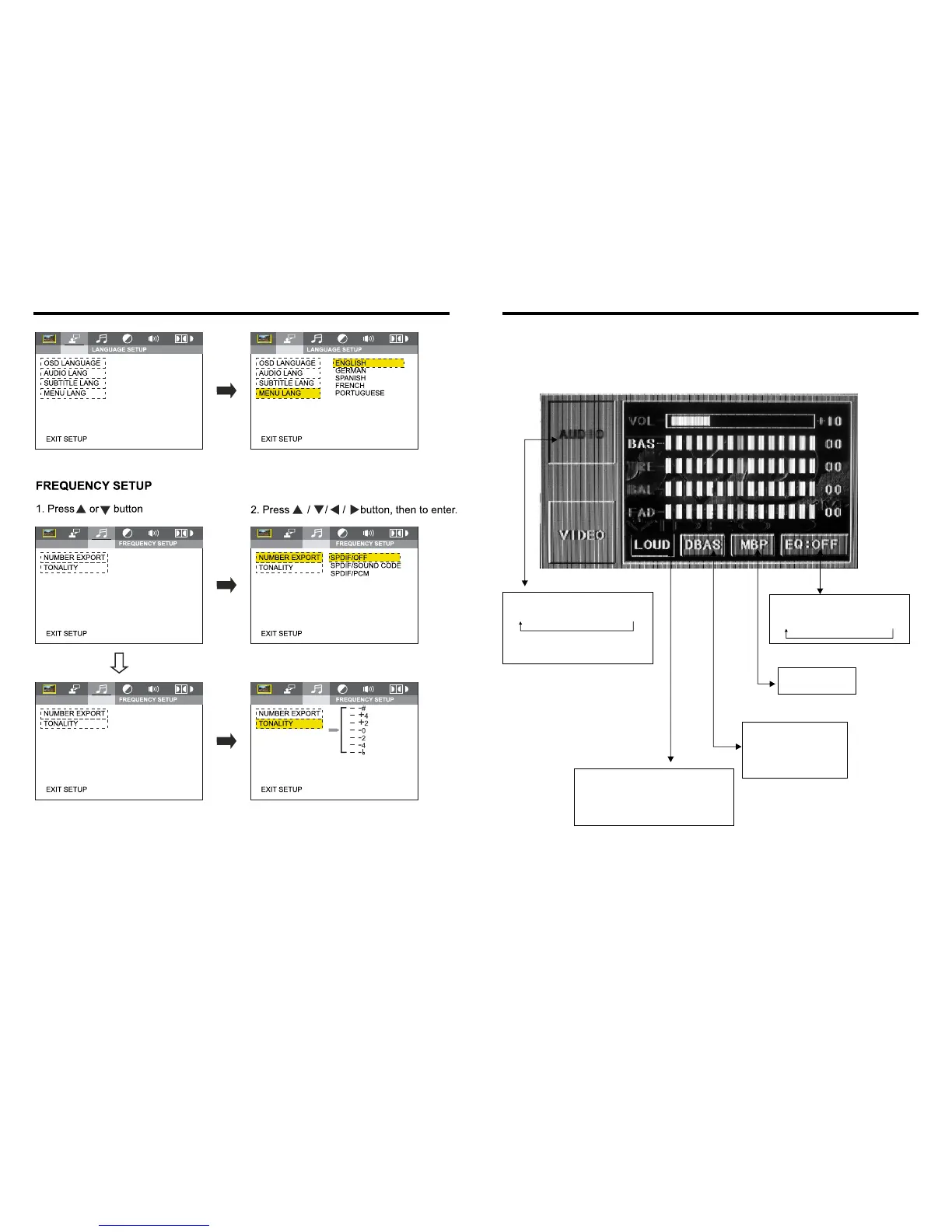
Bass choosing: when
touched the button will be
yellow, touch this button
to exit, touch it again to
resume.
Loud choosing: this function is defined
open, when it is touched at the first time,
the loud function will be closed, at the
same time, yellow light disappear.
Audio selection:
VOL → BAS → TRE → BAL → FAD
When using this function, the position
bar will be highlighted.
EQ mode: Touch the button
to change settings:
ROCK → POP → CLASSIC → OFF
Change the
listening position
LATIN
17
28


 To Next Page