INSTRUCTIONS INSTRUCTIONS
7.BASIC FUNCTION
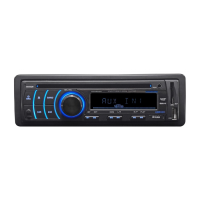
1. SOURCE Button
Press this button to power on. Press it shortly to switch audio source mode.
At AUX IN mode, press it longer to power off.
2. OPEN Button
Press this button can eject the disc.
3. VOLUME - Button
Press this button shortly increase volume level one step by one step. Press this button
longer increase volume level continuously.
4. VOLUME + Button
Press this button shortly decrease volume level one step by one step. Press this button
longer decrease volume level continuously.
5. UP Button
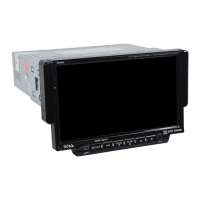
Press this button to make the LCD monitor up.
6. DN Button
Press this button to make the LCD monitor down.
7. AUX IN
External connected audio input.
8. SD Input
Connect the SD memory card to this socket, and the unit can play MP3 music.
9.
Press this button to release the panel.
RELEASE Button
10. MINI USB PORT
Connect the USB memory to this socket,and the unit can play music format files
supported by this unit in the USB memory.
4. Repeatedly play
In mode, press AMS/RPT button on remote control, to startup following, repeat
Single song repeat→ → Repeat play off.
CD
Mp3 disc: Directory repeat
20.MP3/USB/SD OPERATION
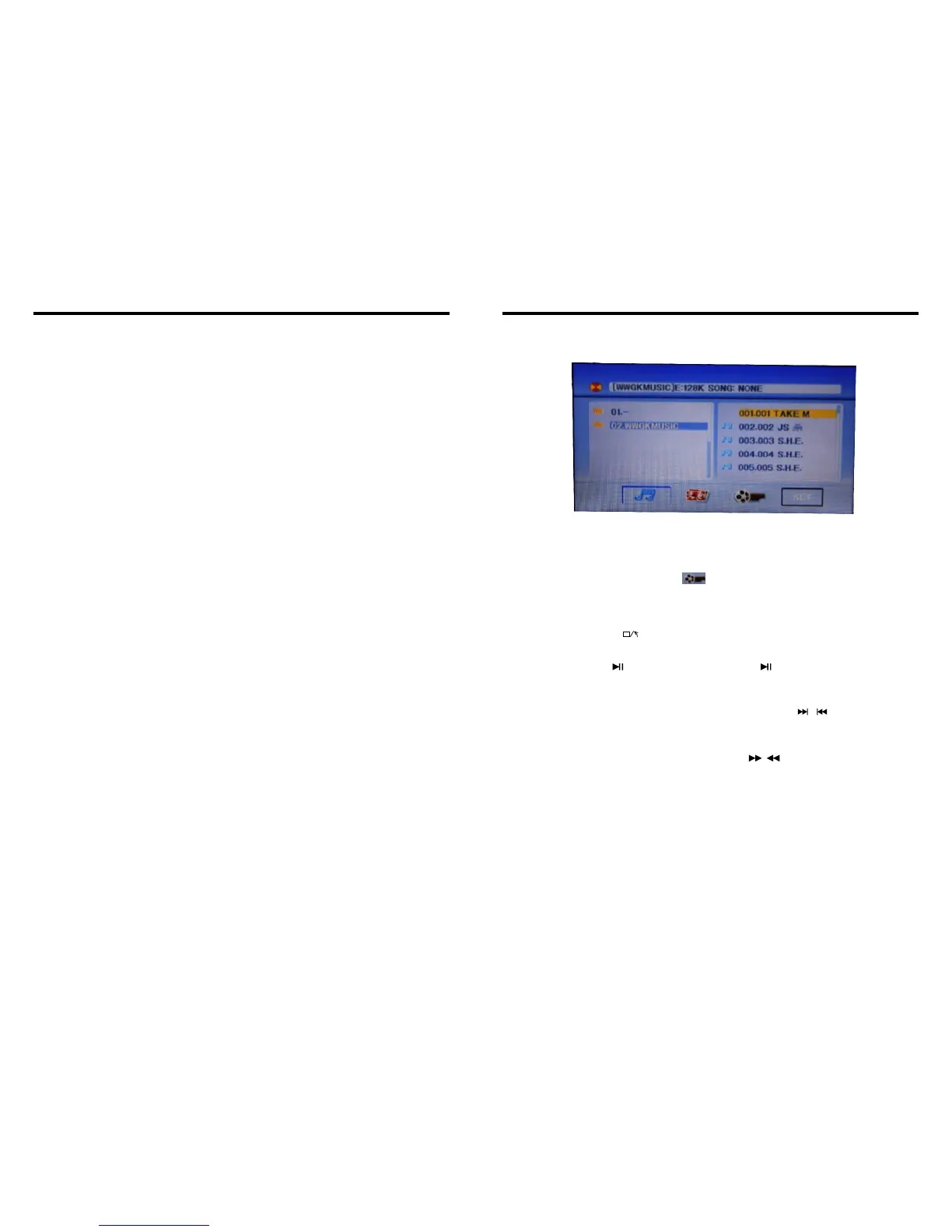
1.Insert SD card or USB, MP3 disc; click the name of the song directly to select the song
you want to broadcast. If there are pictures or video document in the disc or SD card,
you can select the relative icon to broadcast.
2.playback MP4 files,the touch screen into the MP4 format,you can click directly or
throngh remote control and touch button to choose the direction you need MP4 repertoire.
KEY
3.This interface of DVD touch function will display if you click on KEY.
(Please refer to the instruction of DVD touch function)
Note:By a remote control stop button to return to the playback screen.
1.Pause play
In playing mode, press button on remote control, or touch button on display to
pause. Press again to back to normal play.
2.Previous/next song play
In playing mode, press SEEK + / SEEK - on remote control, or / touch button on
display to choose previous/next song.
3.Speed forward / backward play
Press SEEK + / SEEK - button on remote control, or / touch button on display to
speed forward or backward playing.
08
37


 To Next Page