Touch Screen Operation
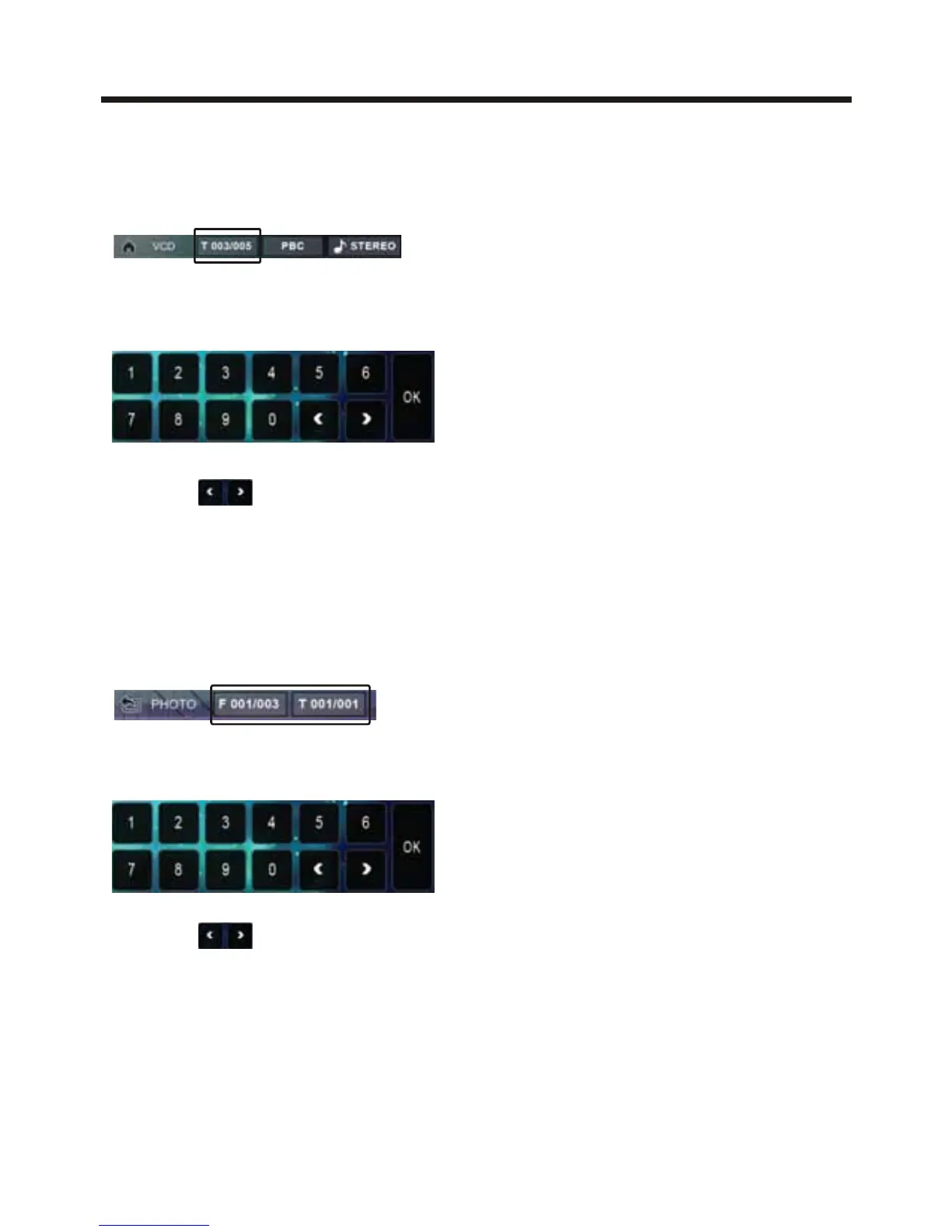
the screen will display the following
message :
Touch the to select the your
adjustment item, then select the item
your favour by touching the numberic
buttons , then touch the OK button
to confirm .
For Movie/Photo:
Touch the screen as show or press the
GOTO
button on remote control;
the screen will display the following
message :
Touch the to select the your
adjustment item, then select the item
your favour by touching the numberic
buttons , then touch the OK button
to confirm .
FOR VCD (With PBC OFF) :
Touch the screen as show or press the
GOTO button on remote control;



 To Next Page