Touch Screen Operation
Bluetooth Operation
1. Pairing and Connecting
Prior to using the bluetooth device named Boss Audio as a hands-free system for
a bluetooth-enabled mobile phone for the first time, you must
as follows:
* Prior to pairing and connecting, when displaying No Video interface of radio, CD,
AUX IN or bluetooth music, the logo BT flashes in the touch screen.
* system for a
bluetooth- enabled mobile phone, place the bluetooth-enabled mobile phone
no more than 3 meters from the head unit;
Switch on the bluetooth
mode of your mobile phone; then s
bluetooth device and enter it; device car
Boss Audio , select it and enter it; then it will
show an interface that asks you to input a password, input 8888 and enter it; then
i with the
bluetooth device Boss Audio of the car A/V system,
Confirm it, then the frame of the BT logo will light all the time.
* finishing pairing and ing
or the mobile phone
plays music
2. BLUETOOTH PHONE
1) Make a call
(1) Dial with mobile phone directly;
(2)
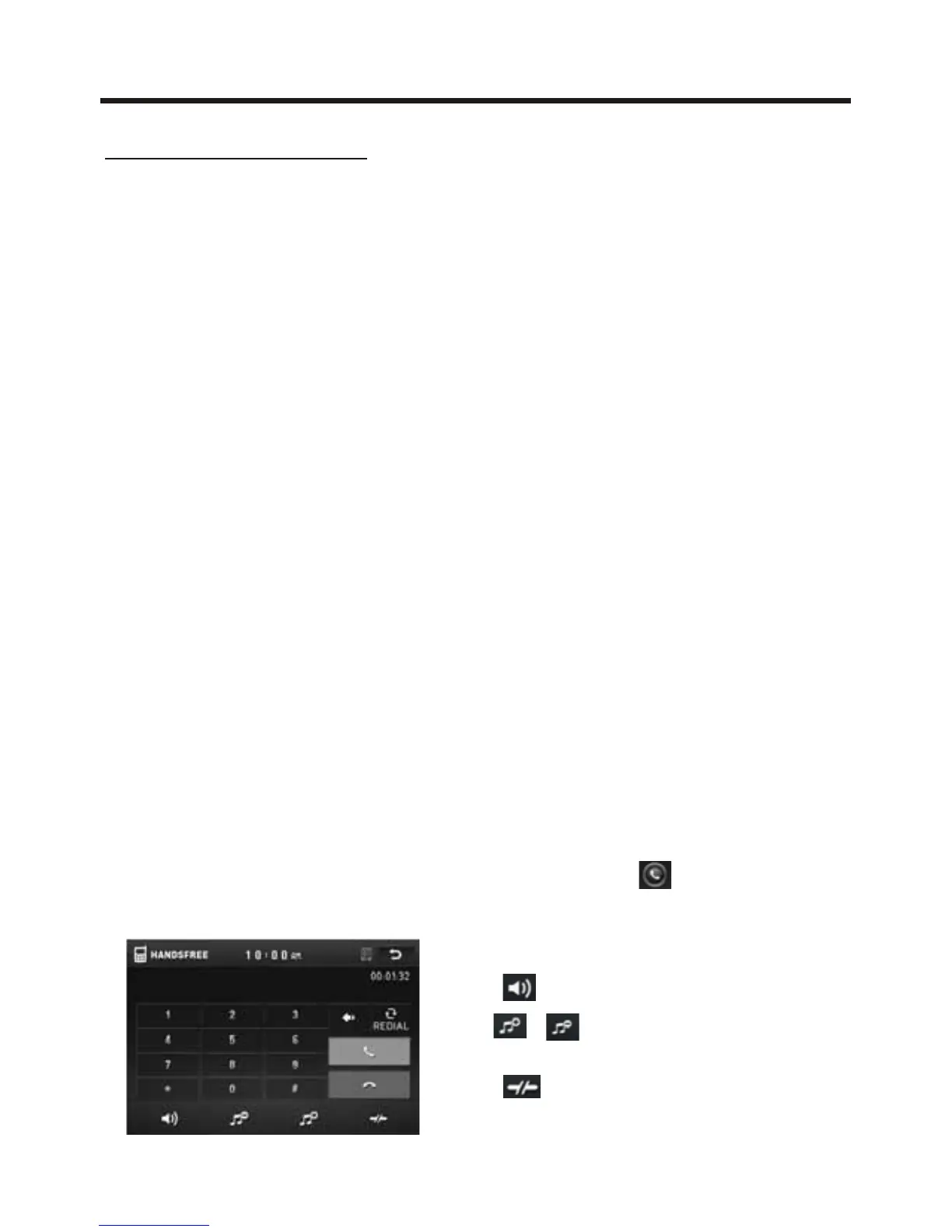
a. Touch the HAMDS-FREE icon in home menu or touch the icon during playing
to turn to BT PHONE interface as follows:
pair and connect
them
During operation of the device named Boss Audio as a hands-free
elect the item to find a
When it finds the bluetooth of the A/V
system, the name will be displayed
t will pair and connect
When connect , the audio of the mobile phone transfers
to the car audio system whenever a call is made or received
.
Dial with BT Phone, remote control, or on touch screen;
: Same as MUTE button.
& : Same as VOL+ and VOL- or
VOL knob.
: Tap to do disconnection.



 To Next Page