9
Navigate to a Postcode
From the main menu select Go To and then Places . Select Postcode and after
selecting the country, use the keyboard to filter your search. After completing your selection,
click .
Use coordinates to navigate to a location
From the main menu select Go To and then Places . Then click Coordinates , use the
keyboard to input the location's coordinates and click . After completing your selection, click
.
Navigate to a recent location
From the main menu select Go To and then Recent Location . After selecting the desired
location from the list, click on
Save my favourite locations
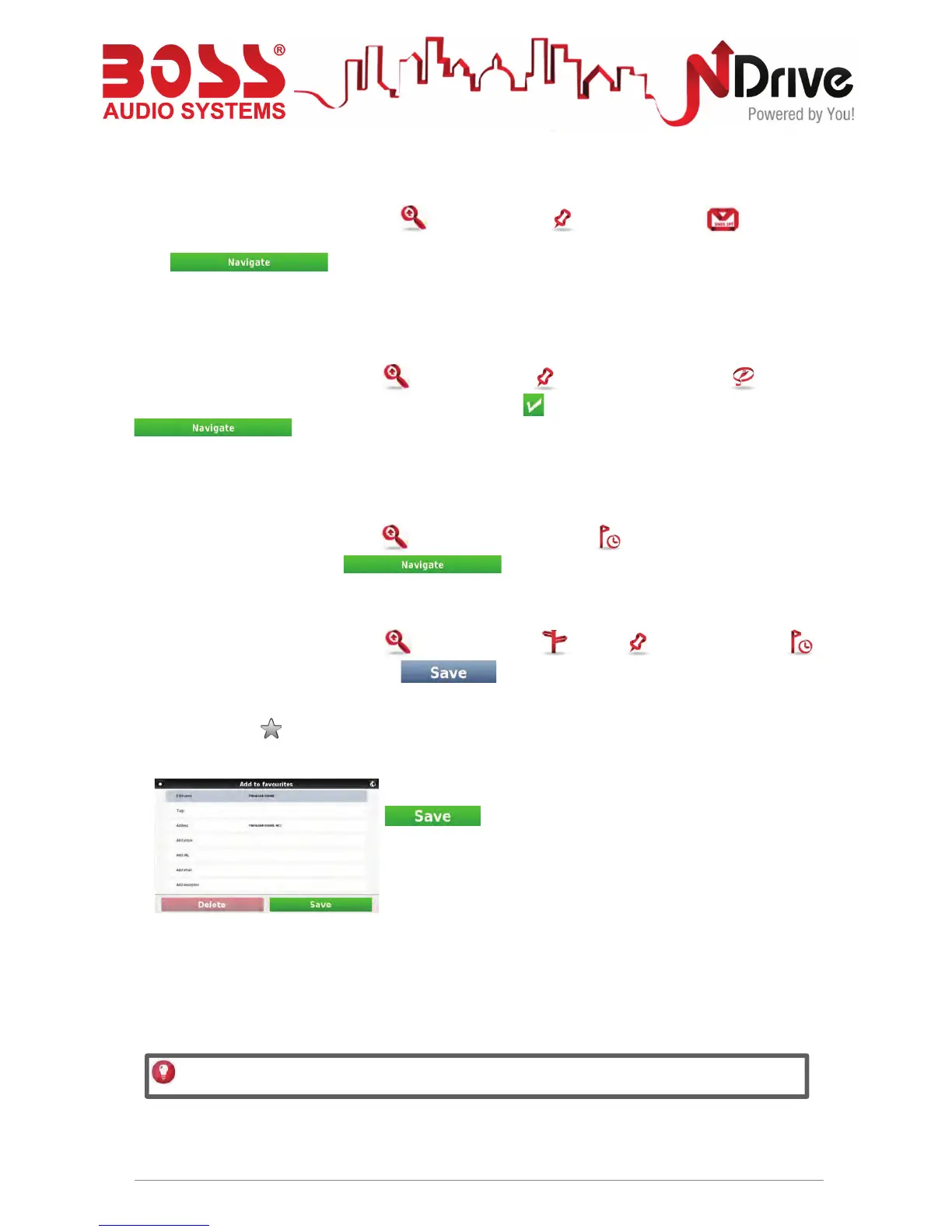
From the main menu select Go To and then Address , Places or Recent Location .
After completing your selection, click .
Alternatively, simply click on a POI or any other point on the map, and then click on the Add to
Favourites button on the bottom bar.
Complete the fields you wish to detail, and then click
to add to Favourites.
USERGUIDE_V11.3_ENG
See Basic Interaction section for keyboard input options.



 To Next Page